The system allows the user to configure, load and view slab information. The software can be used to:
Load individual new slabs
Bulk-load new slabs with the same configuration
Manage loaded slabs
Configure additional features
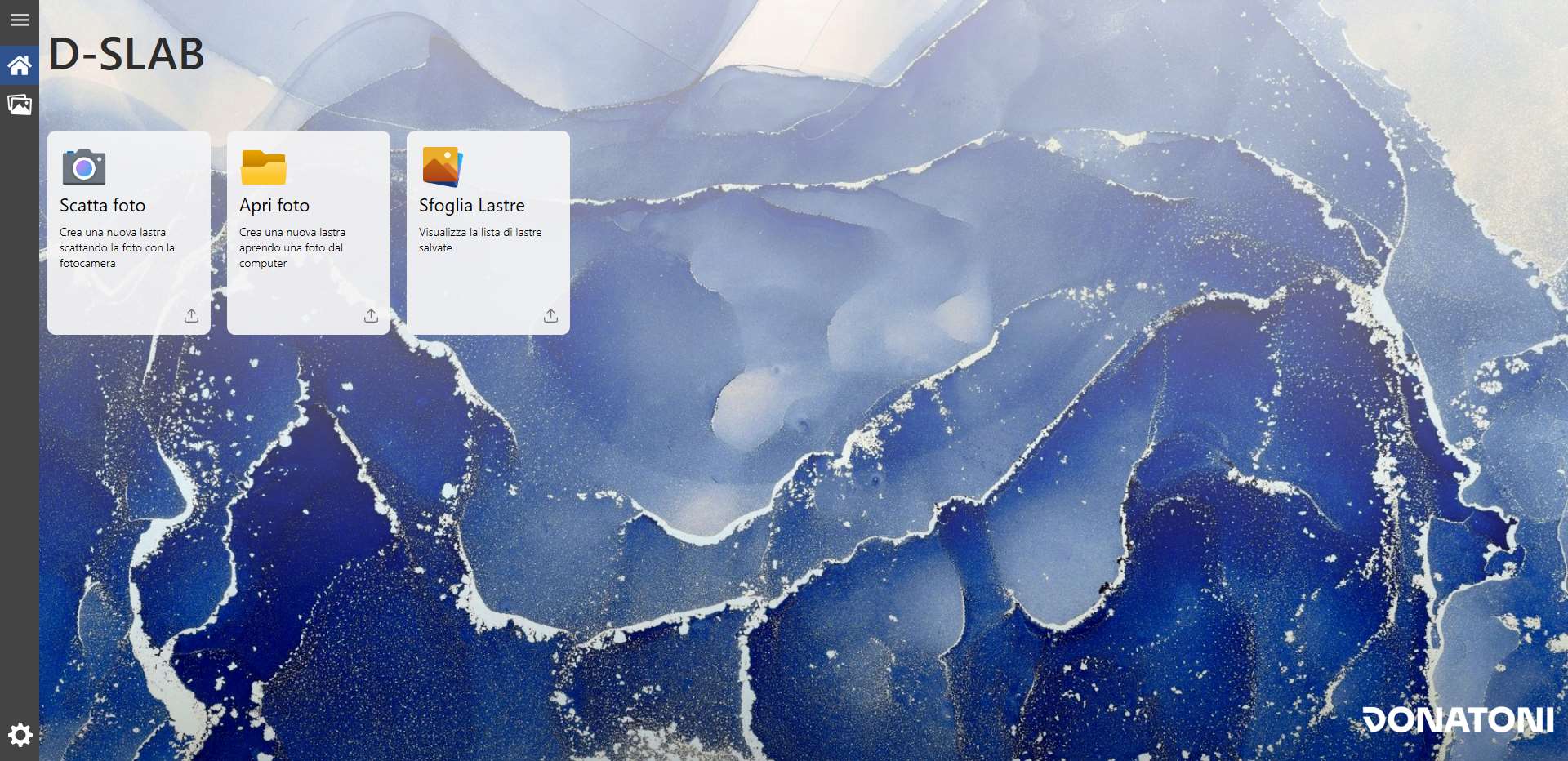
Sidebar
This bar appears on all the main pages available from it: “Home”, “Browse Slabs” and “Machine settings”.

 | Menu |
 | Home |
 | Browse Slabs |
 | Machine settings |
Home Screen
When the application starts, the following initial screen is displayed:
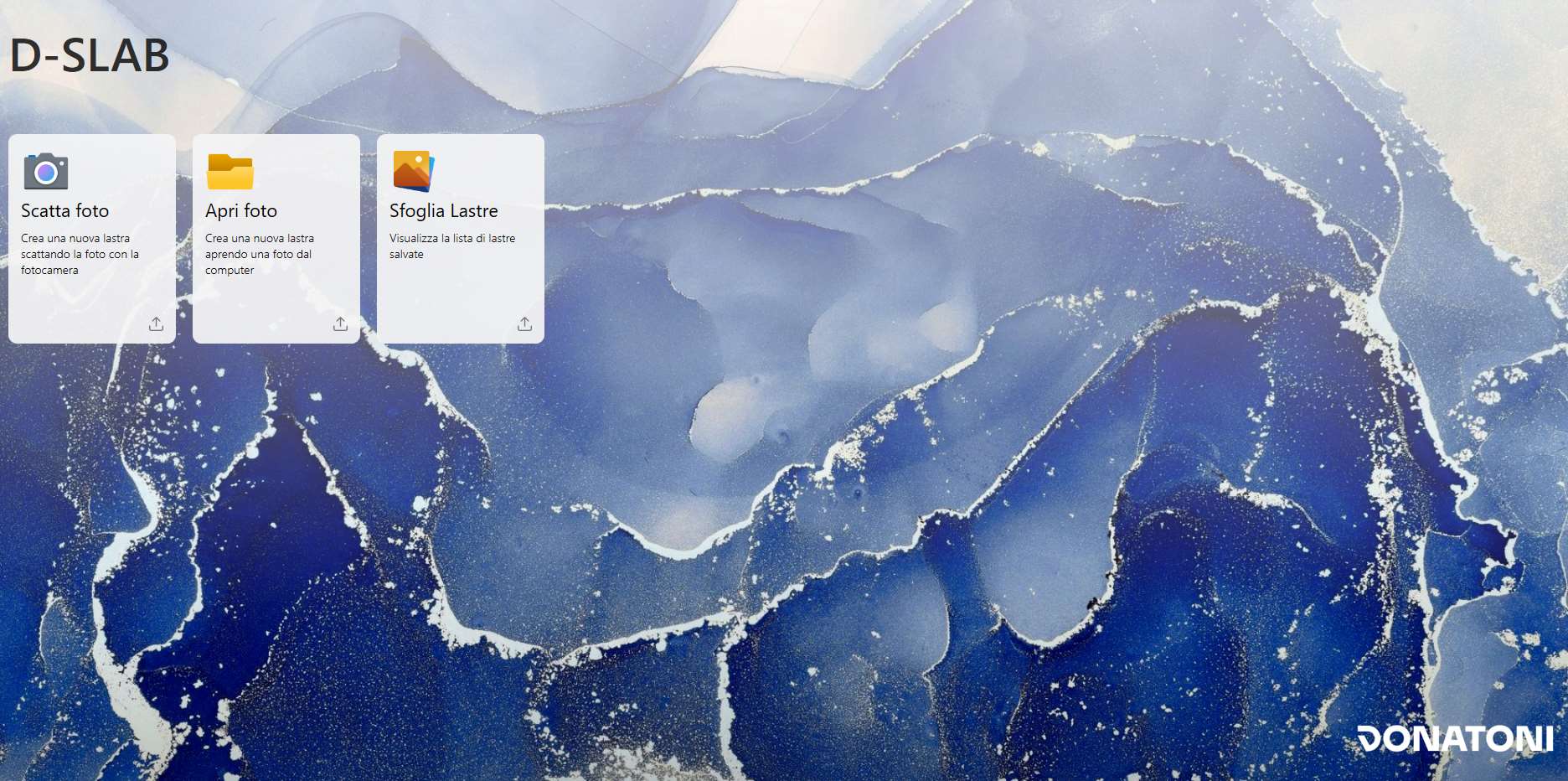
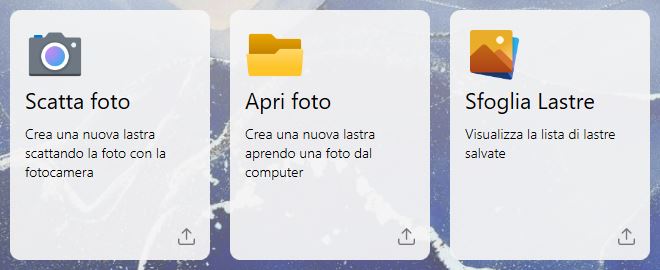
The cards shown below allow different actions to be performed by clicking each one.
Each card is described individually in the following chapters.
 | Take Photo |
 | Open Photo |
 | Browse Slabs |
Open Photo
This function allows the user to import an image of a slab by selecting it directly from the device storage.
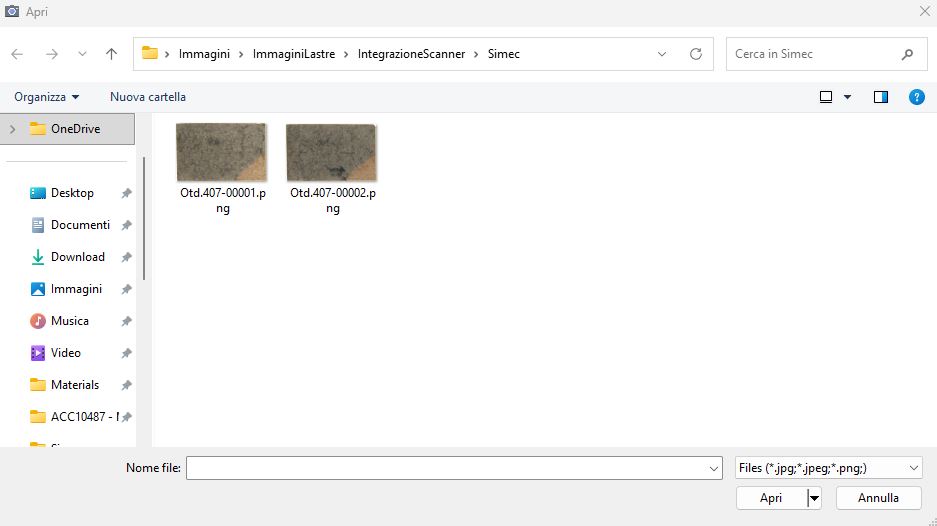
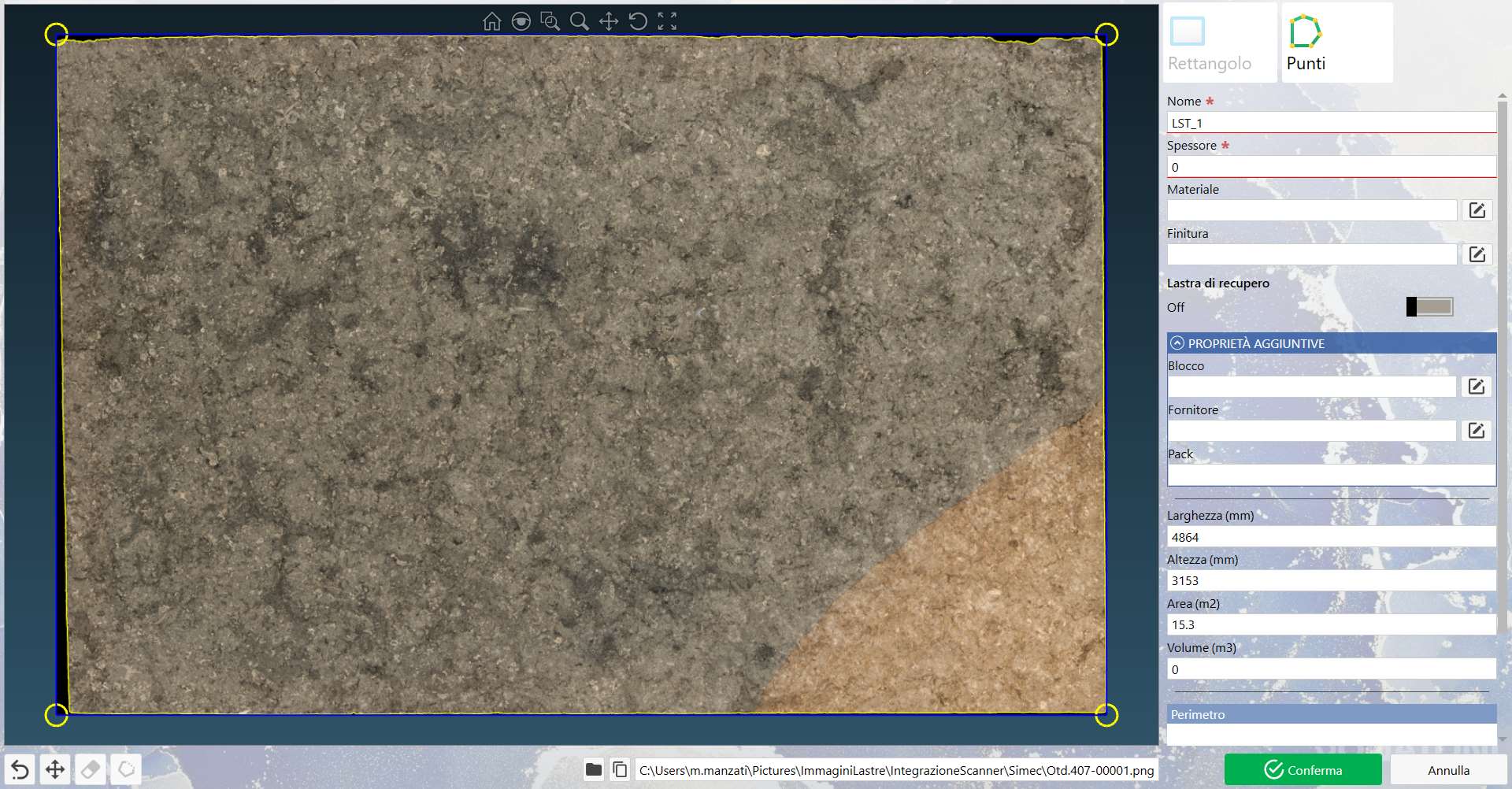
After selecting an image, the user can set its parameters, as shown in the following example screen: