

Before proceeding, carefully read the | |
DescriptionCollision limit switch sensor active | SeverityLow01 / 05 |
Authorized personnelMachine operator | Required PPE:  |
Description
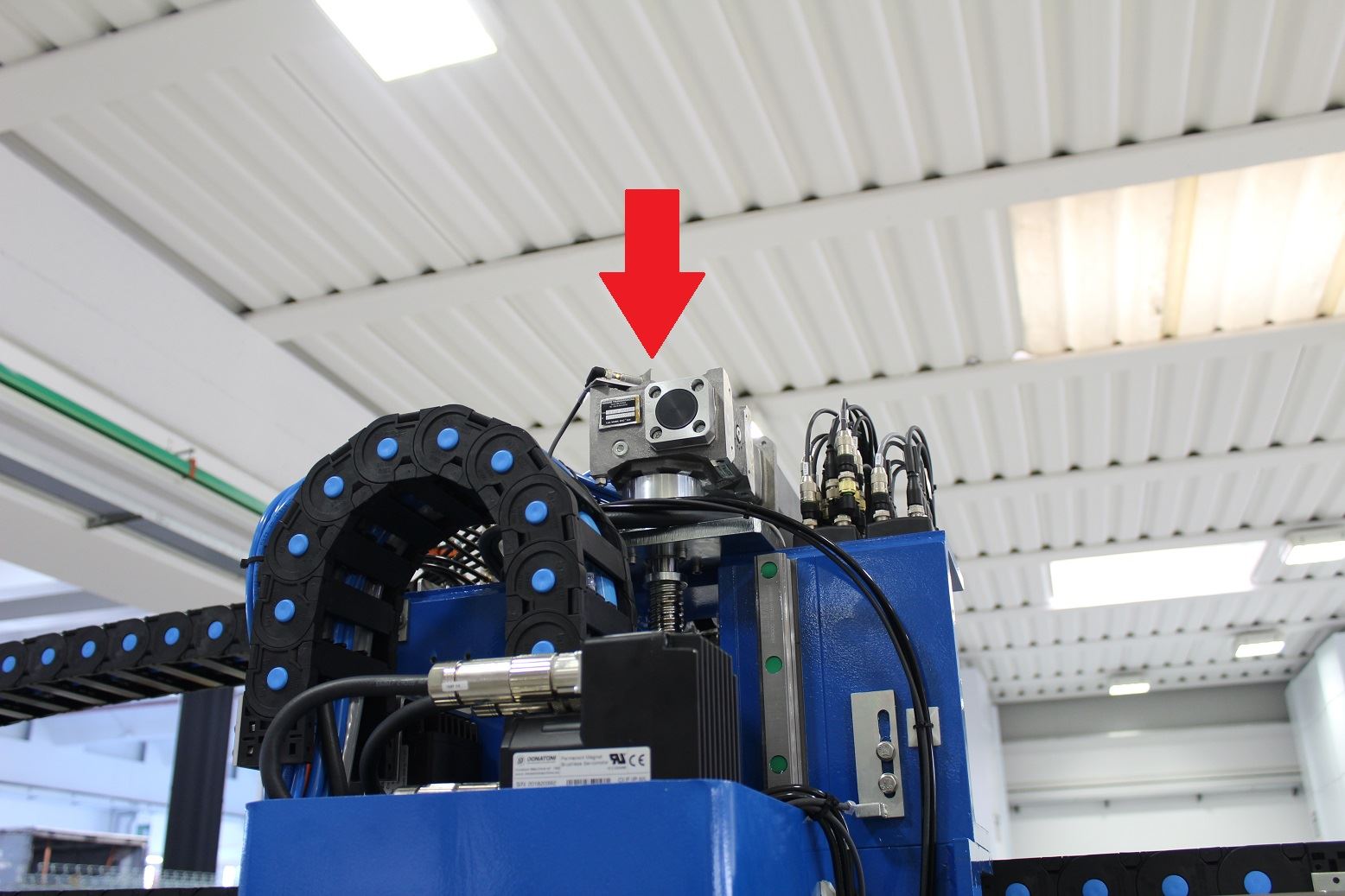
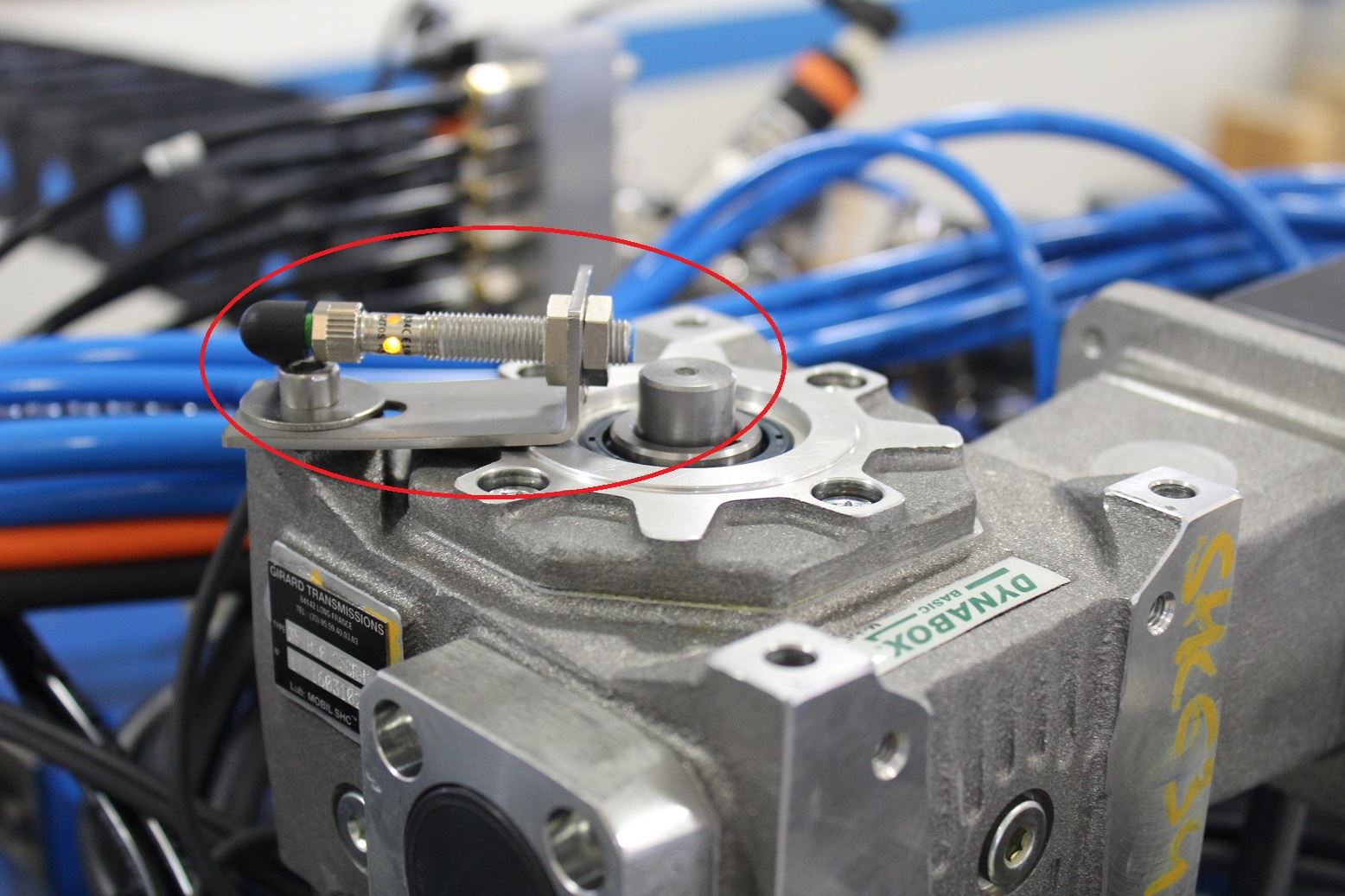
The state of the collision limit switch sensor located above the Z-axis ball nut has changed.
Symptoms
…..
Possible causes
There are several possible causes for this error:
The machine is stuck in the material or in the worktable, so the sensor above the Z-axis ball nut is covered;
The sensor is faulty
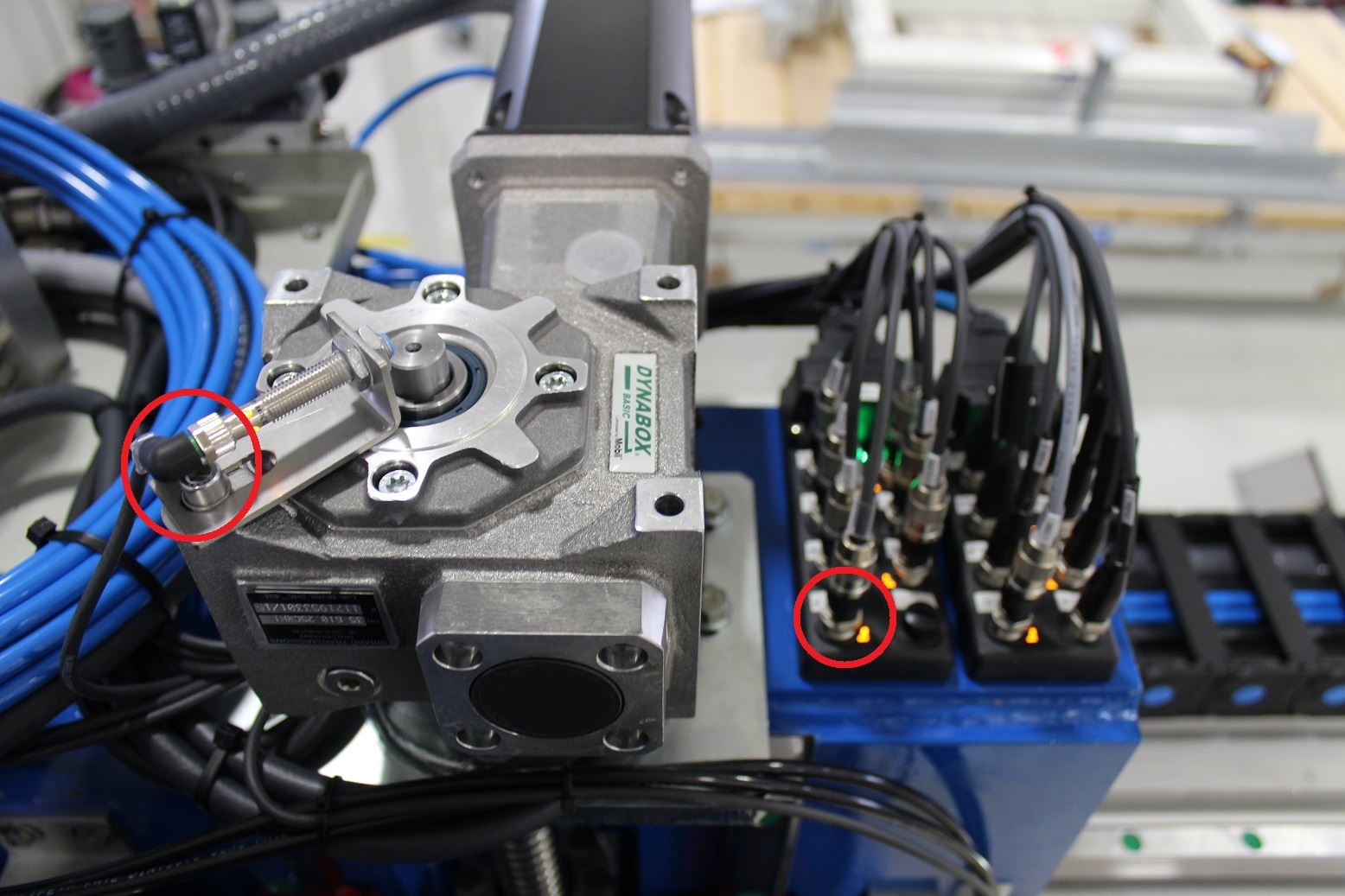
The cable from the sensor to the passive distributor on the carriage is faulty;
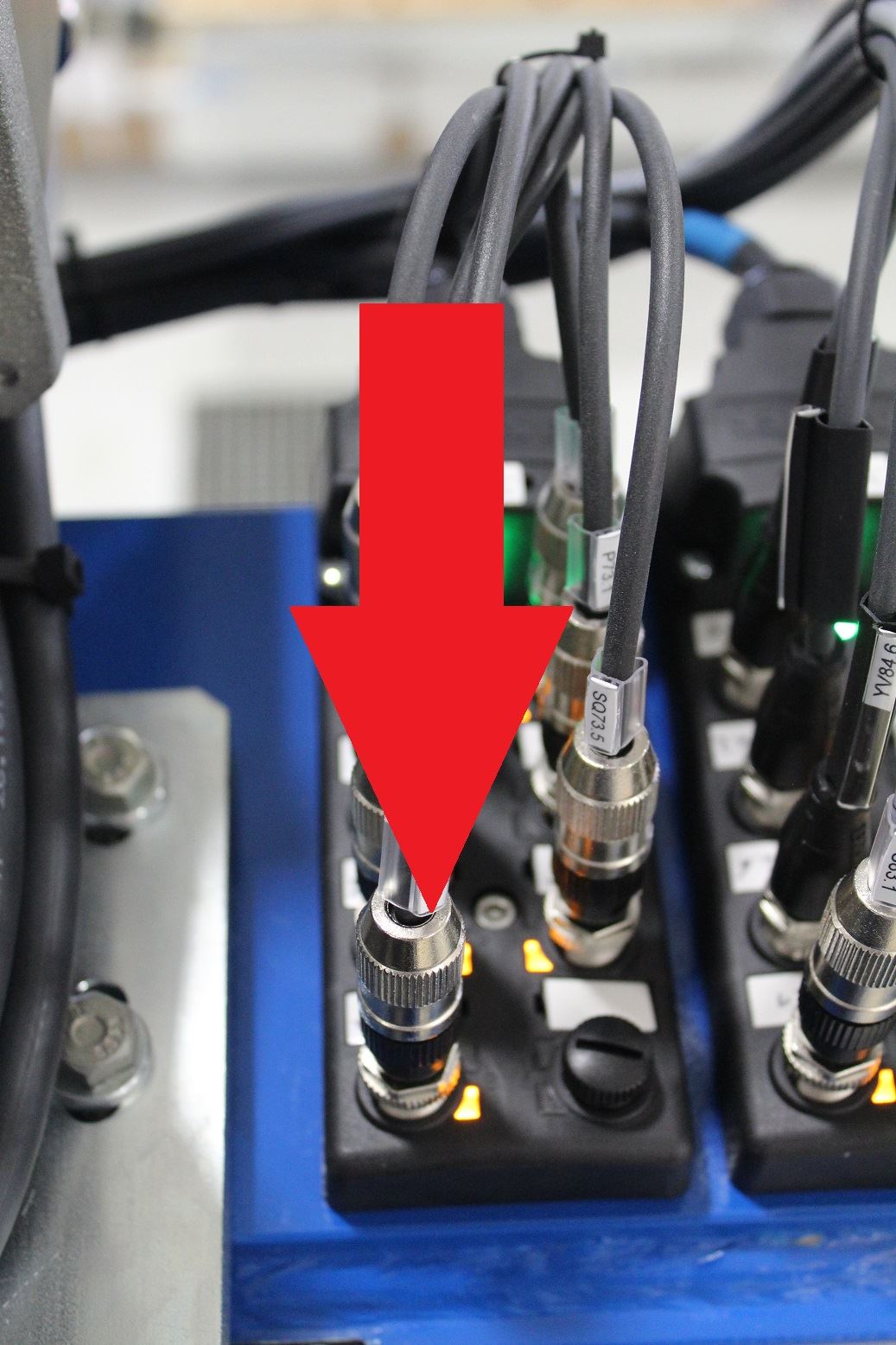
Possible faults in the cables from the passive distributor to the electrical cabinet
Possible solutions
Press the reset button on the console to clear the collision error message, then slowly raise the Z axis until the machine is clear of the worktable/material
Check the operation of the sensor: verify that the LED on the sensor is on, and that the LED switches off when a metal object is placed in front of the sensor. Replace the sensor if it is malfunctioning;
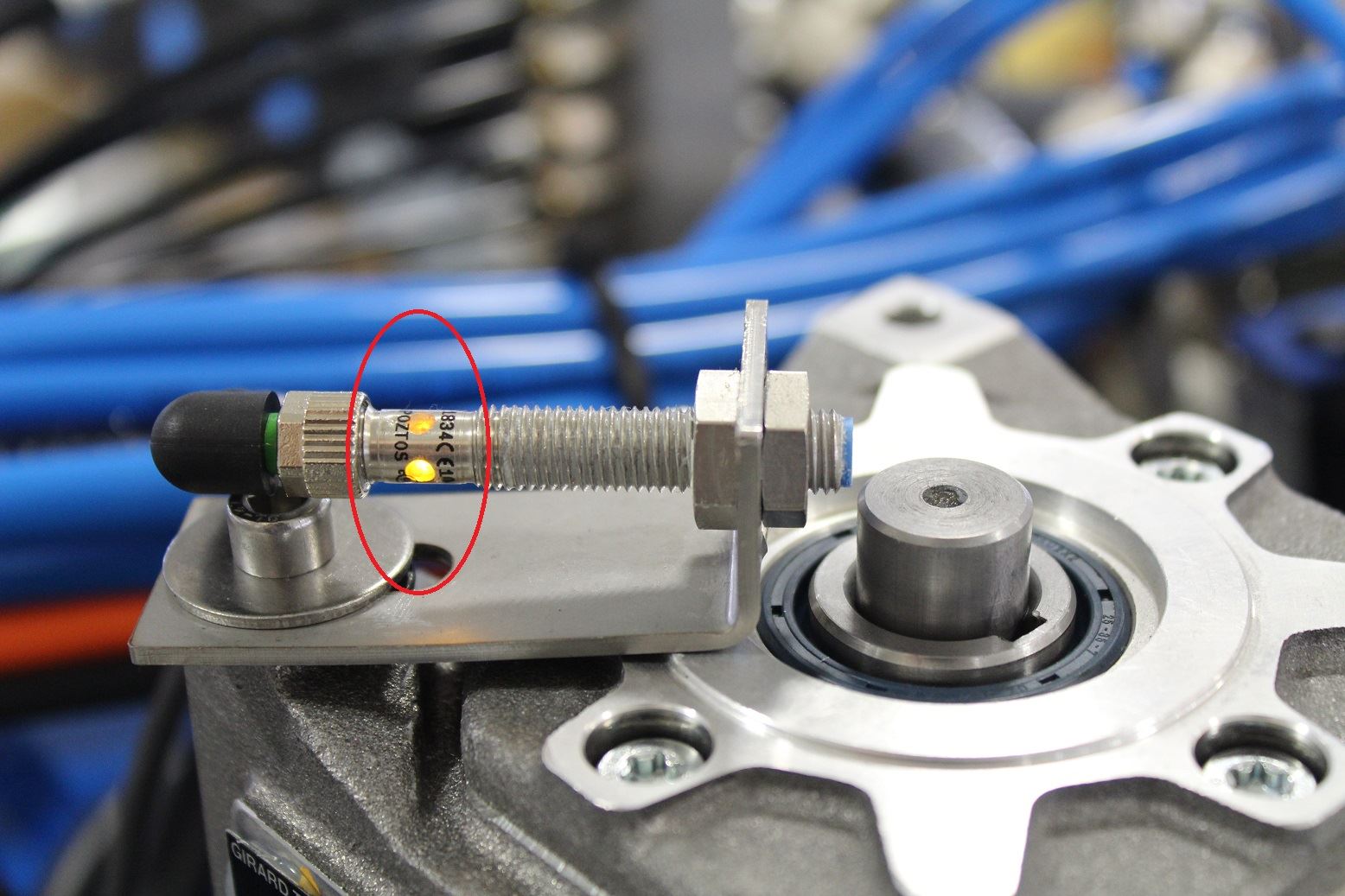
If the sensor is off, try changing the input on the passive distributor and check whether the sensor switches on (for example, connect it in place of the X-axis sensor). If there is no difference, the problem may be the cable or the connections up to the electrical cabinet.
