

Before proceeding, carefully read the | |
DescriptionTilting table out of position | SeverityModerate02 / 05 |
Authorized personnelMachine operator | Required PPE:  |
Description
The tilting table is not in the parking position.
Symptoms
…..
Possible causes
There are several possible causes for this alarm, both mechanical and electrical:
For the machine, the table is not in the parking position. The possible reasons may be:
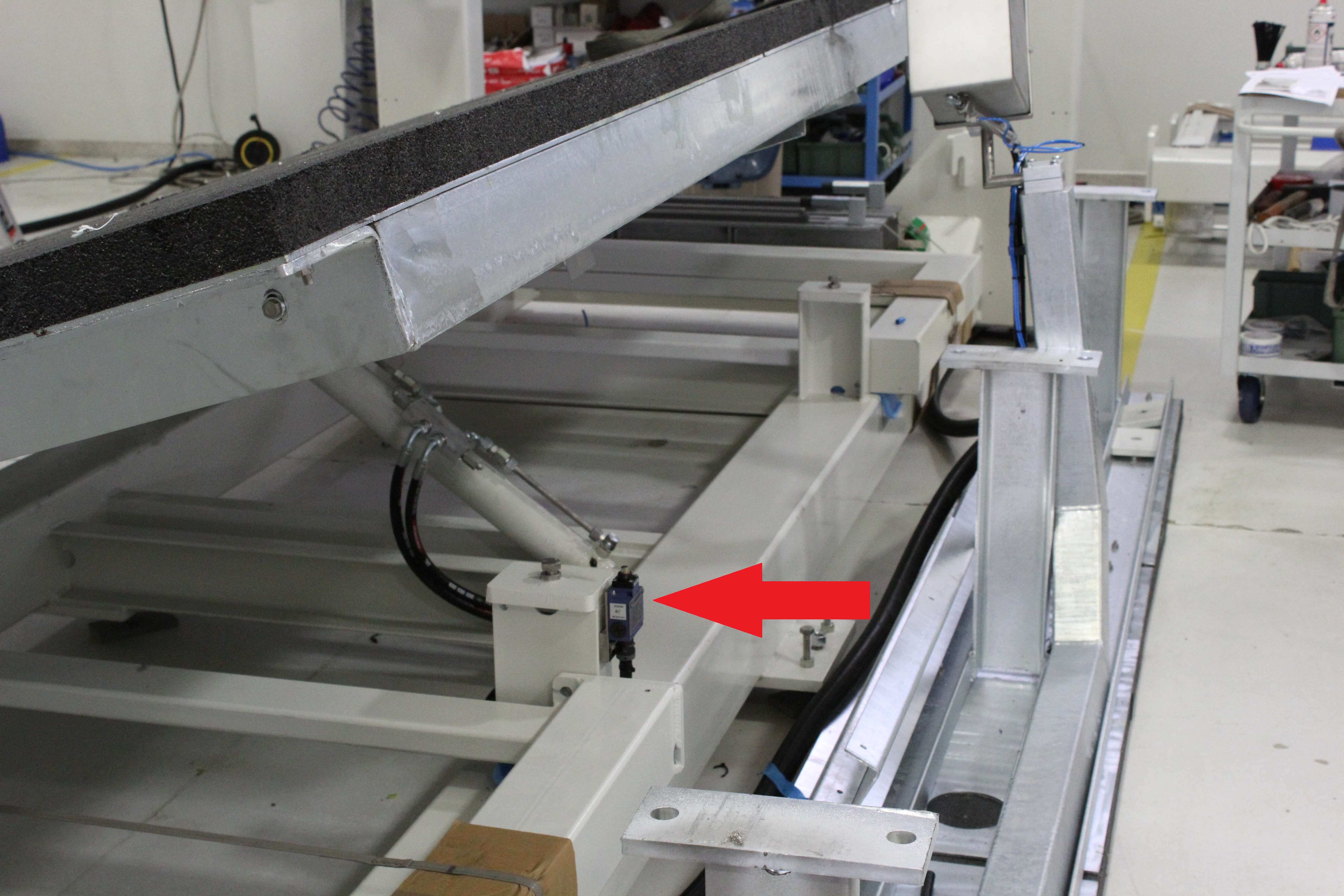
The table is tilted and does not touch the limit switch;
The table is in the parking position but does not touch the limit switch;
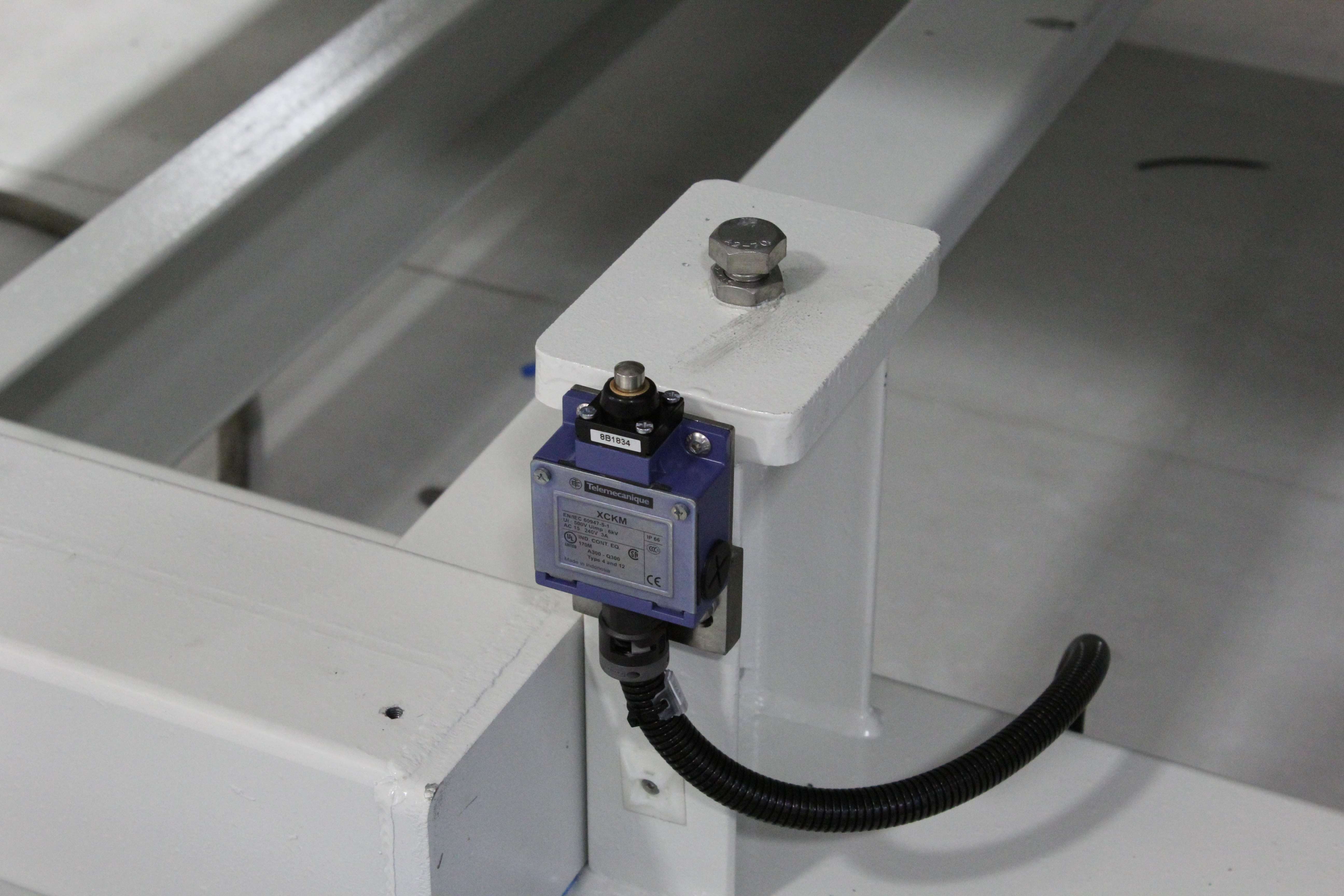
Faulty table limit switch;
Fault in the connection between the table limit switch and the electrical cabinet.
For a mechanical reason, such as broken hoses, insufficient oil or a faulty pump, the table cannot be returned to the parking position
Possible solutions
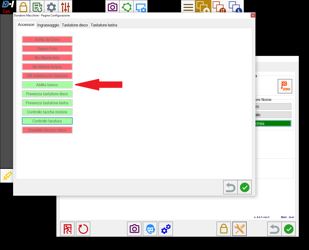
With the alarm active, the machine cannot be moved. Therefore, if the machine is not in the parking position, it will be locked. In Parametrix, open the first "Padlock", press the "Wrench_Screwdriver" button and disable the table. (For older Parametrix versions, open KvIsoGui.exe, enter the restricted area using the password: "esagv", and disable the "Table" optional.).
After making sure that the machine is in the parking position, carry out the following procedures:
Use the appropriate selector on the console to move the table to the parking position;
Physically check whether the table in the parking position touches the sensor. If it does not, check whether the table stops against the bolts; if so, adjust the sensor so that it is actuated by the table;
Open KvIsoGui.exe, press the "Menu" button, open "I/O Monitor" and, by pressing the limit switch, verify that the corresponding input operates correctly. (FC_SUPP_LOW AT %IW4.13; * IW4.13 lower table limit switch)
If the input does not change state, use a tester to check whether the limit switch operates correctly (for example, if the probes are placed on the NO terminals, pressing the limit switch must close the contact)
If the limit switch operates correctly, check the connections; follow the
Check that the pump operates correctly and verify that the system is not actually faulty;
NOTE: Remember to re-enable the table
