Machine technical documentation Operational document
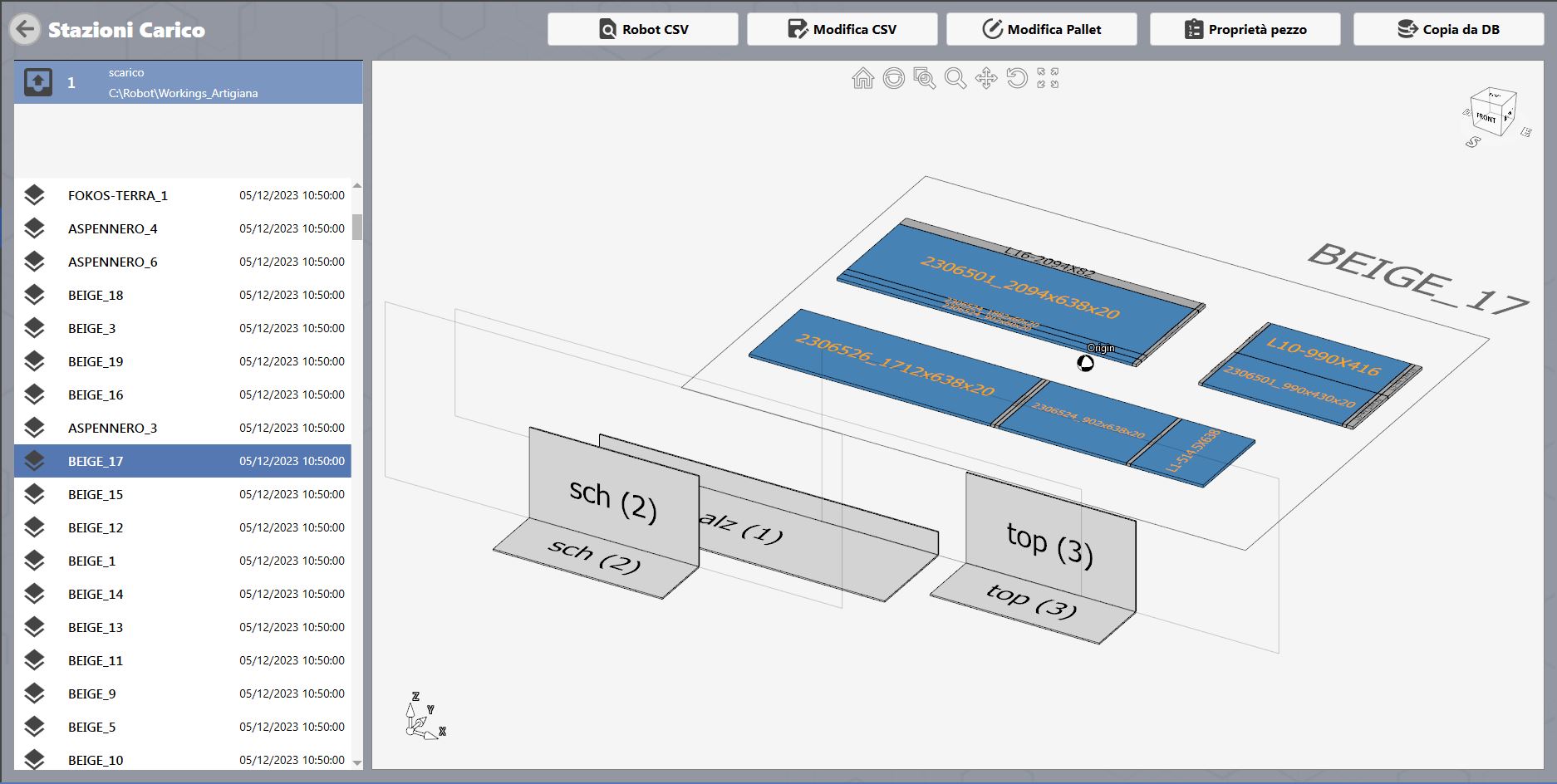
This menu is used to view and edit the working files generated by PARAMETRIX
Left-hand bar
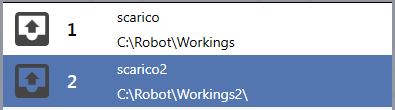
| Unloading list
Defines the machine whose cutting layouts are being viewed. |
Top bar
The top bar contains the following buttons, which are described below:
Robot CSV
Edit CSV
Edit Pallet
Piece properties
Copy from DB
Robot CSV
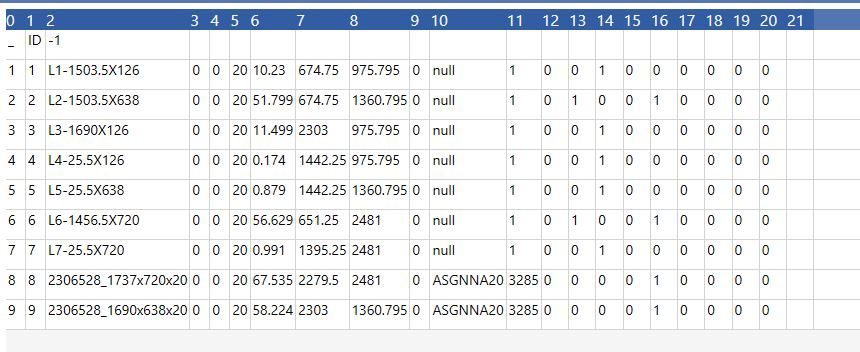
| Robot CSV
Displays the CSV file for the selected working. |
Edit CSV
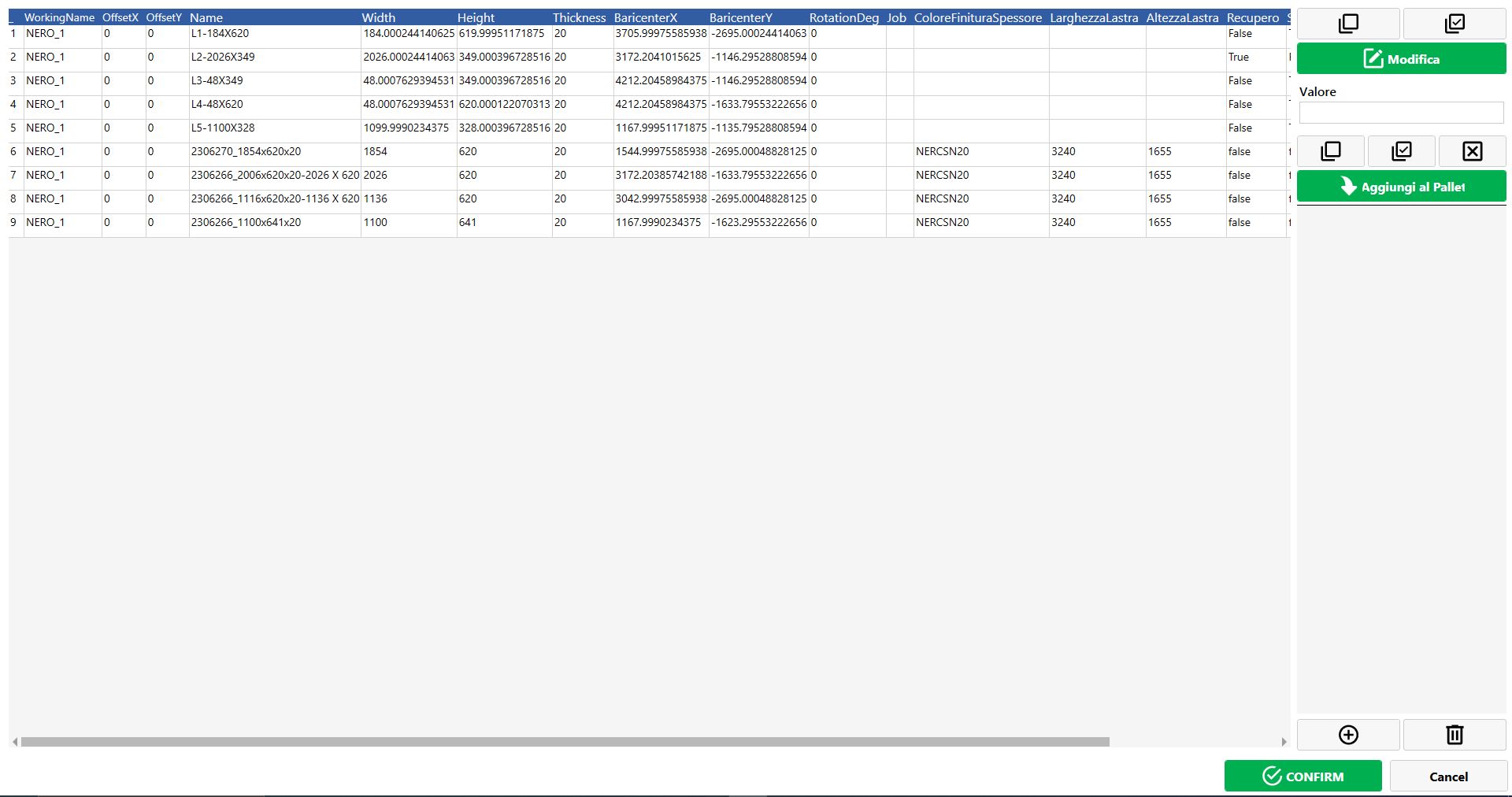
| Edit CSV
Edits the CSV file for the selected working. |
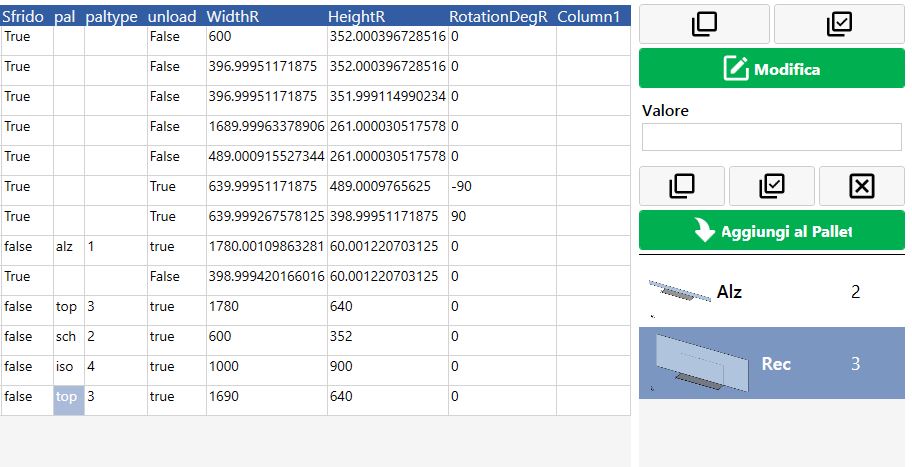
Side menu in Edit CSV
Value | Enter the new parameter value. |
| Edit
Changes the selected parameter to the new value. |
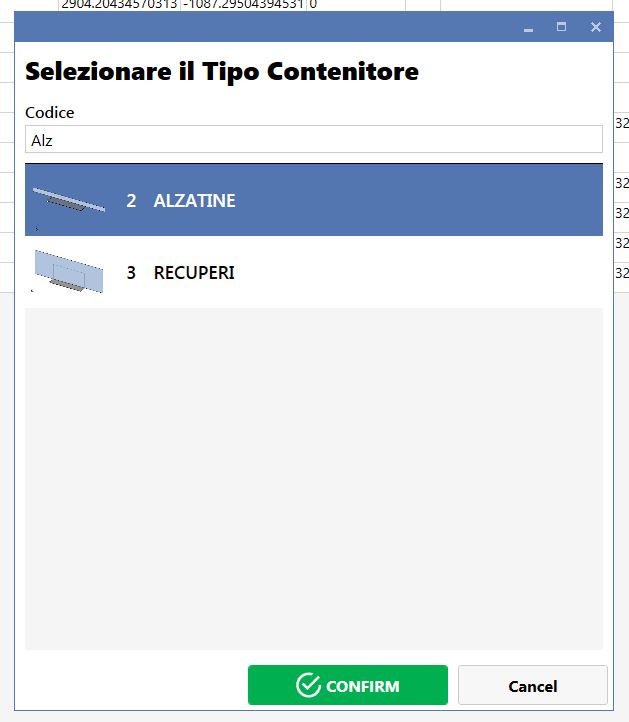
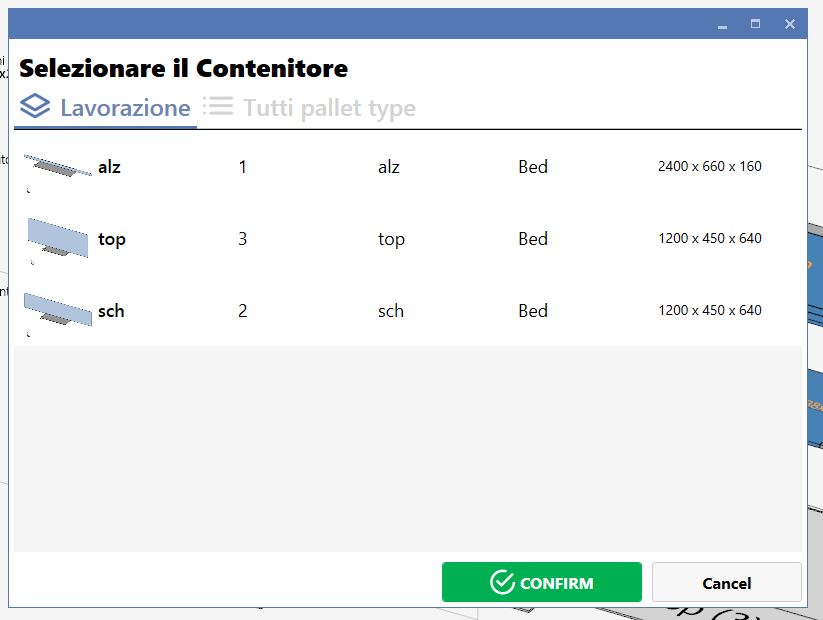
| Add container
Allows a new container to be selected. |
| Delete container
Deletes the selected container. |
| Add to pallet
Replaces/adds the container selected on the right as the destination of the piece selected on the left. |
Edit Pallet
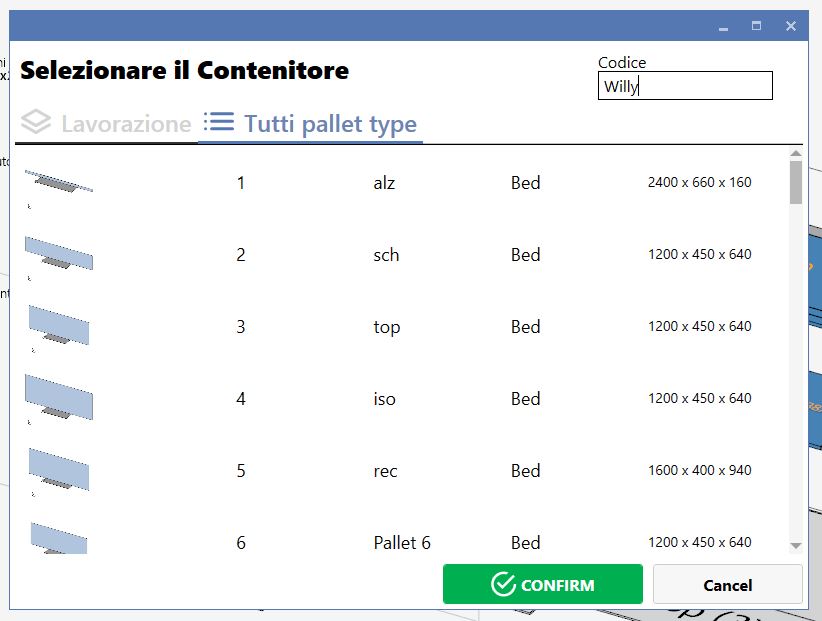
| Edit Pallet
Allows a new destination container to be assigned to the selected piece. |
Piece properties
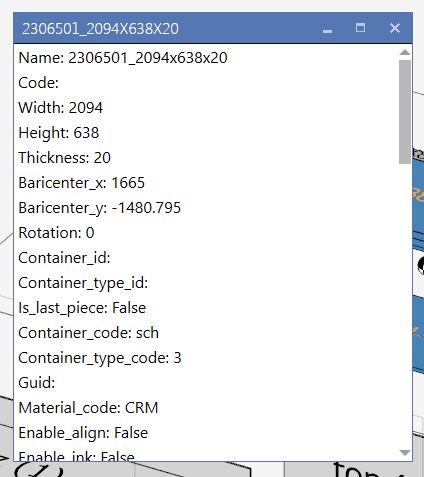
| Piece properties
Displays the characteristics of the selected piece. |
Copy from DB
| Copy from DB
Deletes the current CSV/working files and loads the workings processed by the robot up to that point. |