

Pressing the machine's three-dimensional model opens windows related to the pressed element and its belonging working group.
In these windows there are two sections with the real-time data visualization and the group and element configuration.
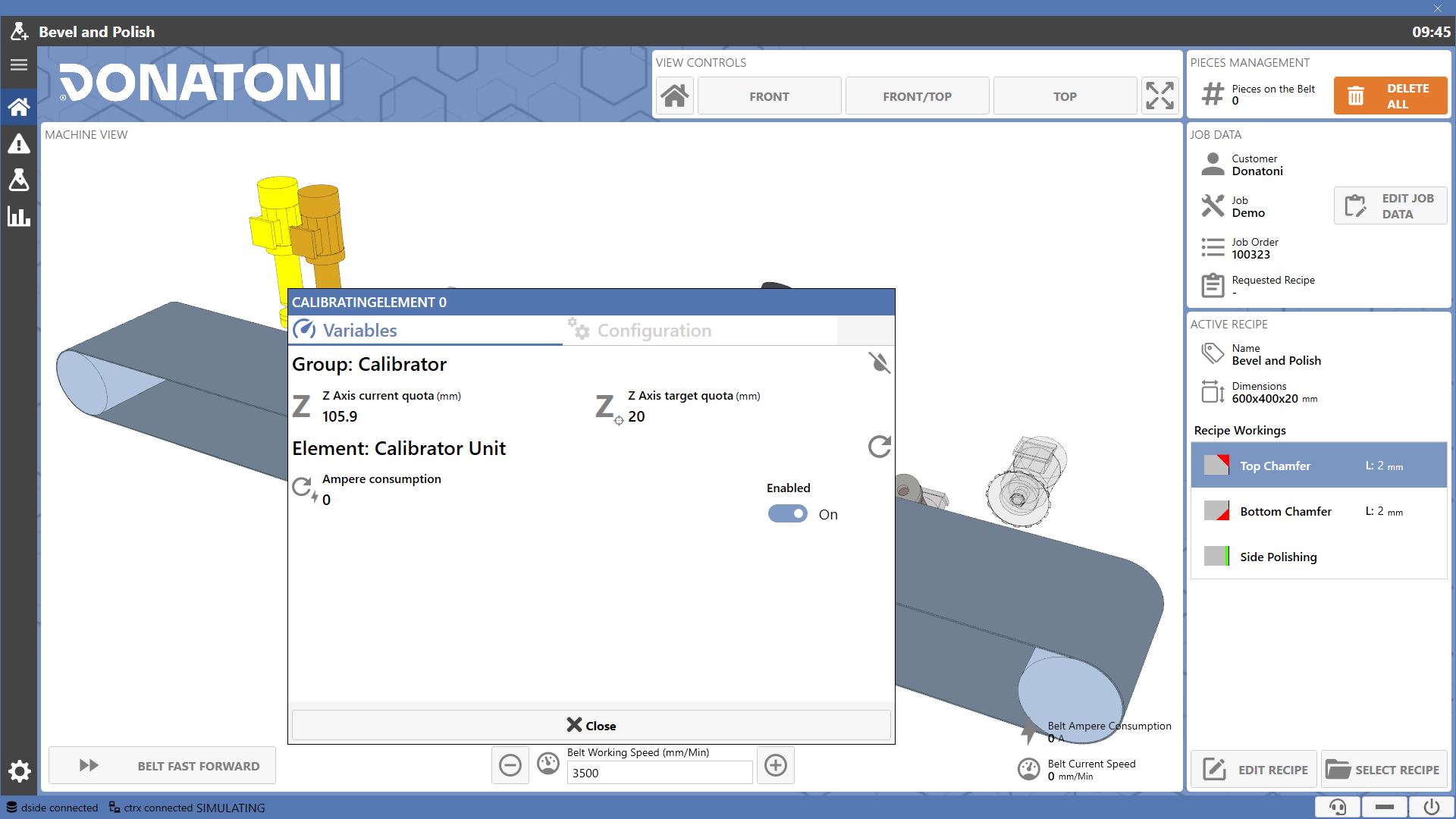
Sections
The informations provided by each window are divided into two sections.

 | Variables |
 | Configuration |
Variables
This section allows real-time monitoring of the selected element's variables and its belonging group.
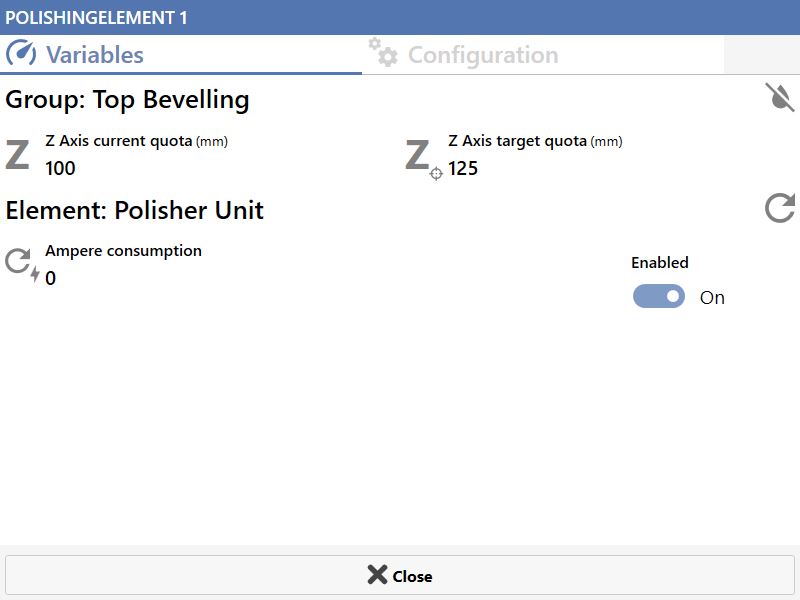
Group
The upper section displays the specific axis quotes of the group. On one side the current quote where it is located, on the other the target quote for recipe working.
Additionally, it is always indicated whether the water for the group is running or not.

 | Water Operation |
Item
The lower part concerns instead the specific variables of the selected element. Those related to spindle start and ampere consumption are always available.
The operator can decide whether to force the disabling of the element regardless of the presence or absence of the related working in the recipe loaded on the machine.

 | Working status |
 | Ampere consumption |
 | Element Enabled |
Configuration
Section where the operator must enter the data related to the tool mounted on the element.
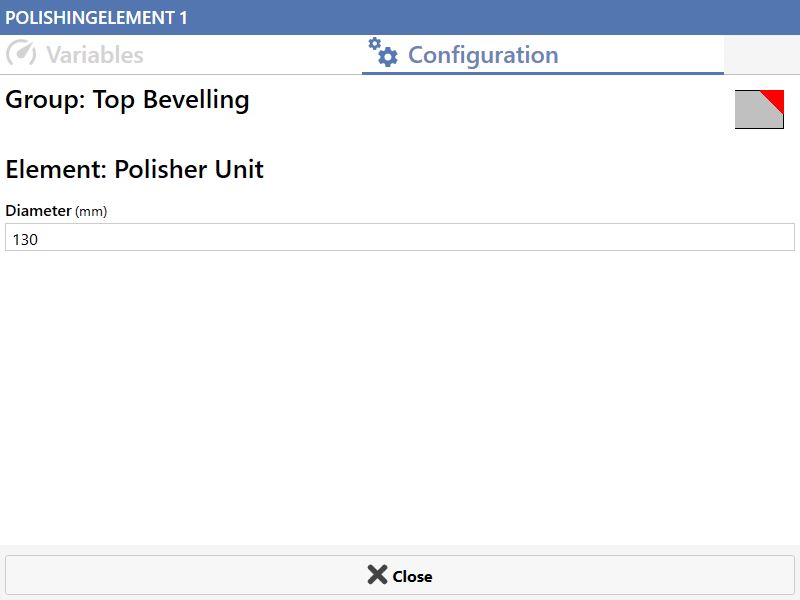
Group
Icons of the workings that the group can perform are shown in the upper part. In some cases, buttons are present that allow managing the group positioning.
In case a group may have multiple configurations, the operator can decide which to use.

Item
In the lower section the operator must enter the data related to the tool mounted on the element. It is necessary to correctly enter these data to achieve maximum precision in the workings.
Always necessary to insert the measurement of the tool diameter.

Calibrator Cleaner Group
Variables
In the section dedicated to the group the Z axis variables are shown. On one side the current quota, on the other the target quota for recipe working.

For both the calibrator and cleaner elements, no additional variables are shown beyond those common to all elements.
Configuration
In the section dedicated to group configuration, the icon for top polishing and calibrate working is displayed.
Below it the button to send the group to the safe position.

 | Safety Position |
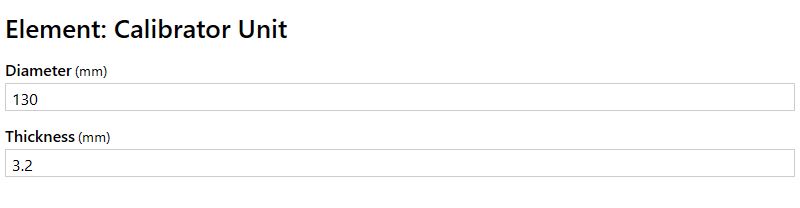
Define the dimensions of diameter and thickness for the tool mounted on the calibrator unit group element.
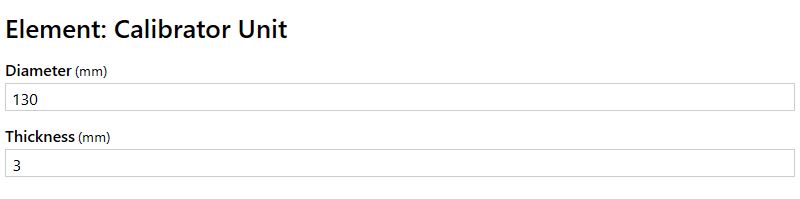
For the calibrator group element, the diameter dimension of the mounted tool must be entered.
Side Edge Polisher Group
Variables
The upper section displays the spindle consumption enabling the oscillation of the group. Above it is possible to see whether oscillation is enabled or not.

 | Oscillation Status |
Below, for each calibrator item, only common variables across all items are shown.
Configuration
In the dedicated group configuration section, the icon of the side polishing working is displayed.
For each cleaner element in the group, the diameter size of the mounted tool must be inserted.
Top Chamfer Group
Variables
In the section dedicated to the group the Z axis variables are shown. On one side the current quota, on the other the target quota for recipe working.

For the calibrator element, the guide positioning dimensions are also displayed.
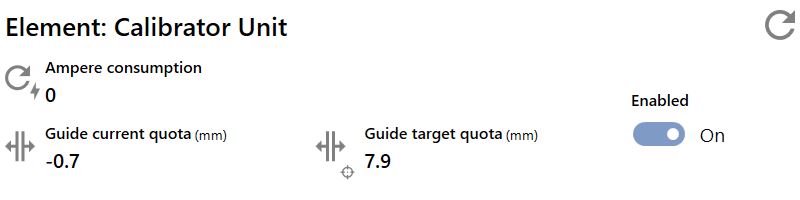
For the calibrator element, no additional variables are shown beyond those common to all elements.
Configuration
In the dedicated group configuration section, the icon for the top chamfer working is displayed.
Define the dimensions of diameter and thickness for the tool mounted on the calibrator unit group element.
For the calibrator group element, only the diameter size of the mounted tool must be entered.
Bottom chamfer group
Variables
In the section dedicated to the group no axis variables are displayed.
For the calibrator element, the guide positioning dimensions are also displayed.
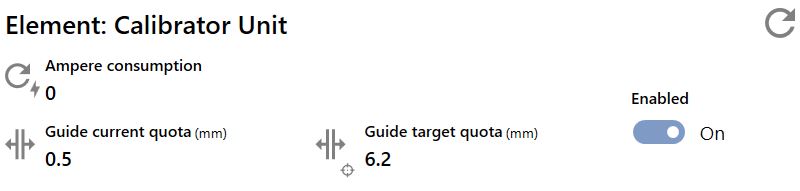
For the calibrator element, no additional variables are shown beyond those common to all elements.
Configuration
In the section dedicated to group configuration, the icon for the bottom chamfer working is displayed.
Define the dimensions of diameter and thickness for the tool mounted on the calibrator unit group element.
For the calibrator group element, only the diameter size of the mounted tool must be entered.
Blade Cutting Group
Variables
In the section dedicated to the group, the dimensions of the Y-axis and the Z-axis are displayed. On one side, the current dimensions, on the other, the dimensions to be reached for recipe processing.
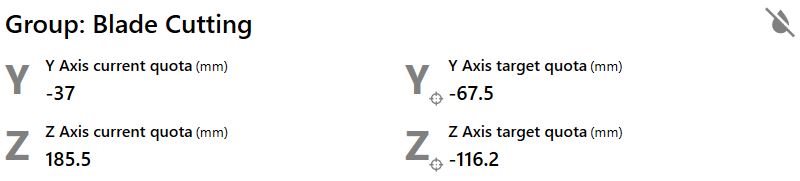
In the section dedicated to the element, only the variables common to all elements are displayed.

Configuration
In the section dedicated to group configuration, the icons of the available workings are displayed.
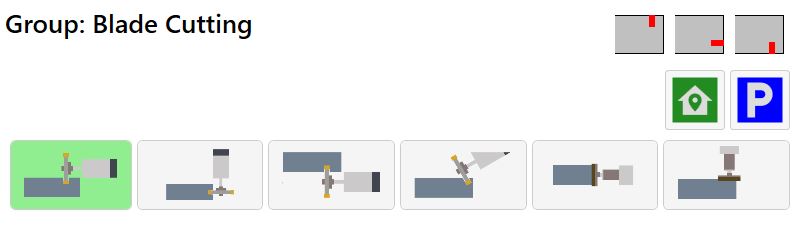
The buttons located below allow the operator to change the blade cutting group configuration based on the intended use.
Depending on the type and Blade Cutting group positioning, some modes may not be available; in such cases, they will not be displayed.
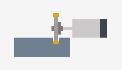 | Top Cut | 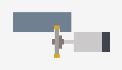 | Lower Cut |
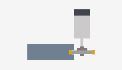 | Side Cut | 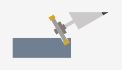 | Manual positioning cut |
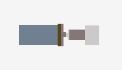 | Side Rectify | 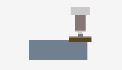 | Top Calibration |
Depending on the type and Blade Cutting group positioning, some modes may not be available; in such cases, they will not be displayed.
Use the buttons below to change configuration or move the group to specific positions.
 | Initial position |
 | Park Disk |
When the group is configured for blade cutting, in the section dedicated to the element the user must enter the data related to the disk mounted on the element.
There is an explanatory figure showing how to measure the data.
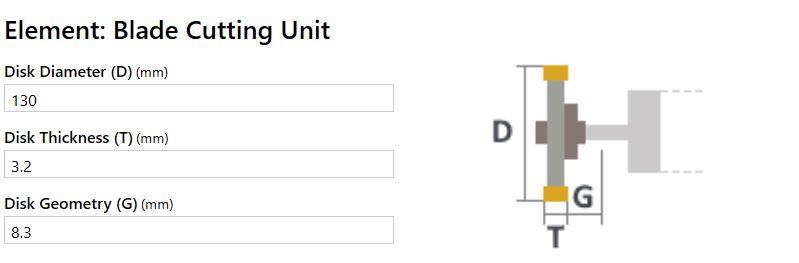
When instead the group is intended for calibrating workings, it is necessary to insert the diameter and thickness measurements of the mounted tool.
Bush-Hammer Polisher Group
In the window of the bush-hammer polisher group there is an additional section.

 | Belt management |
Variables
In the section dedicated to the group, the dimensions of the Y-axis is displayed. On one side, the current dimension, on the other, the dimension to be reached for recipe processing.

In the section dedicated to the element, only the variables common to all elements are displayed.
Configuration
In the section dedicated to group configuration, the icons of the available workings are displayed.
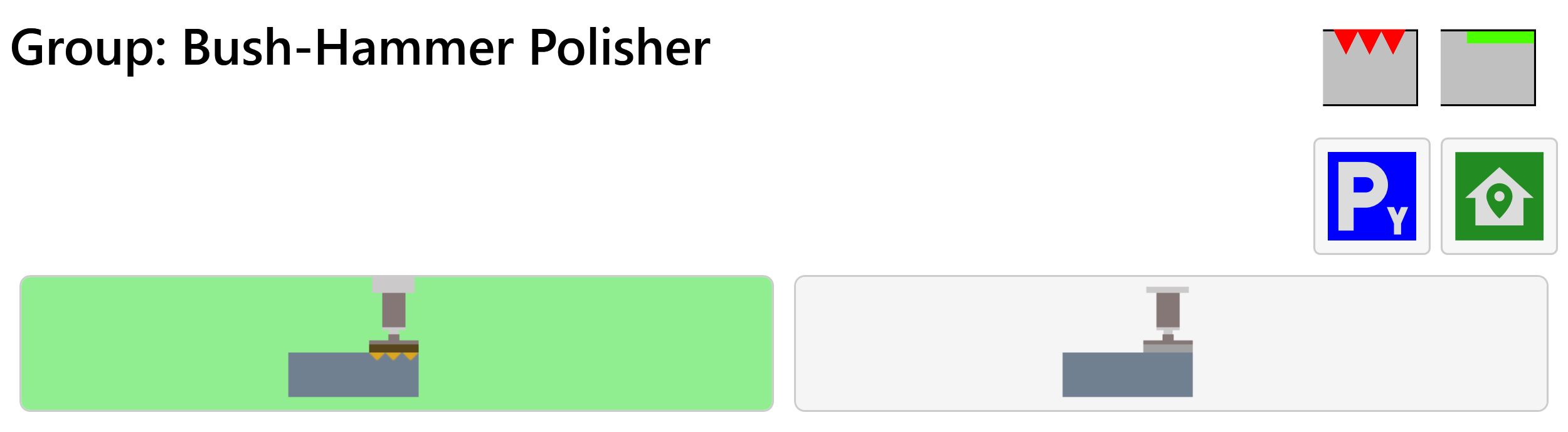
The buttons located below allow the operator to change the bush-hammer polisher group configuration based on the intended use.
 | Bush-hammer |
 | Polisher |
Use the buttons below to change configuration or move the group to specific positions.
 | Park |
 | Initial position |
For the bush-hammering element it is necessary to define the dimension of the diameter of the mounted tool.
It is necessary to define the diameter for both the configurations allowed by the group, since the mounted tool is different.
For each polishing element in the group, the diameter size of the mounted tool must be inserted.
Belt management
This section allows to manage the speed of the belt when a bush-hammering working is executed.
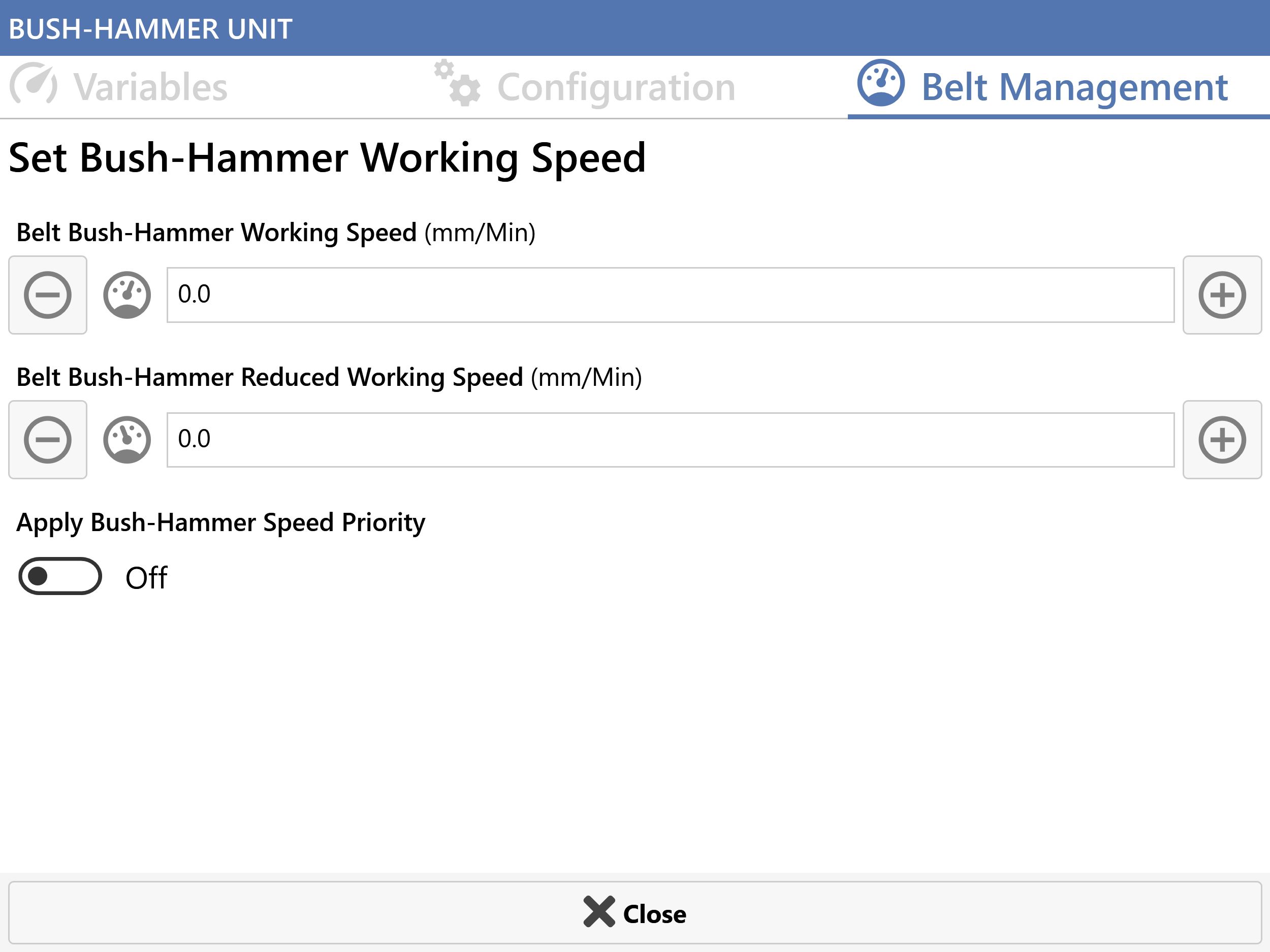
 | Belt bush-hammer working speed |
 | Belt bush-hammer reduced working speed |
 | Appply bush-hammer speed priority |
