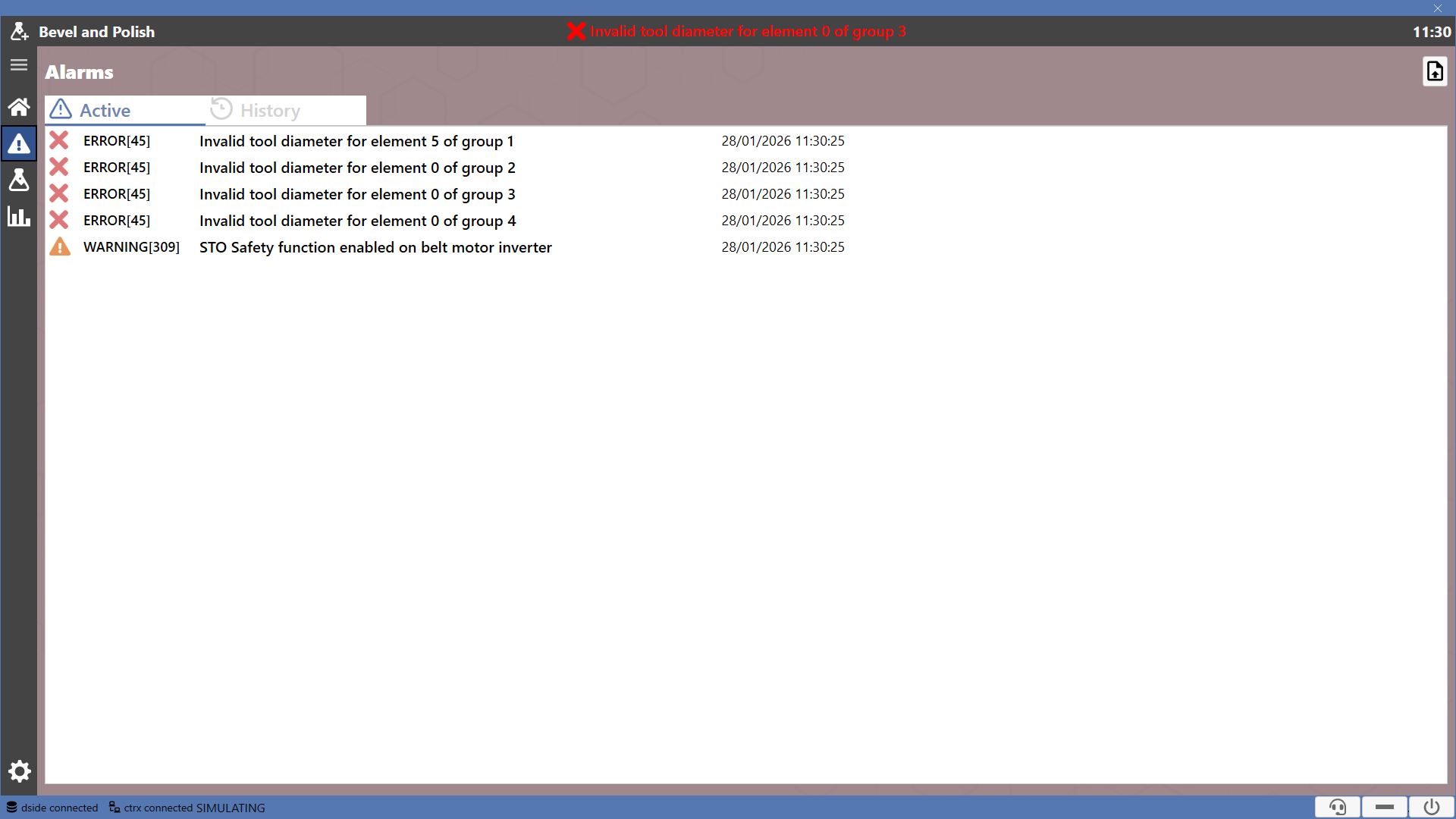
Active error messages in the machine and their history are accessible on this page.
Alarm Categories
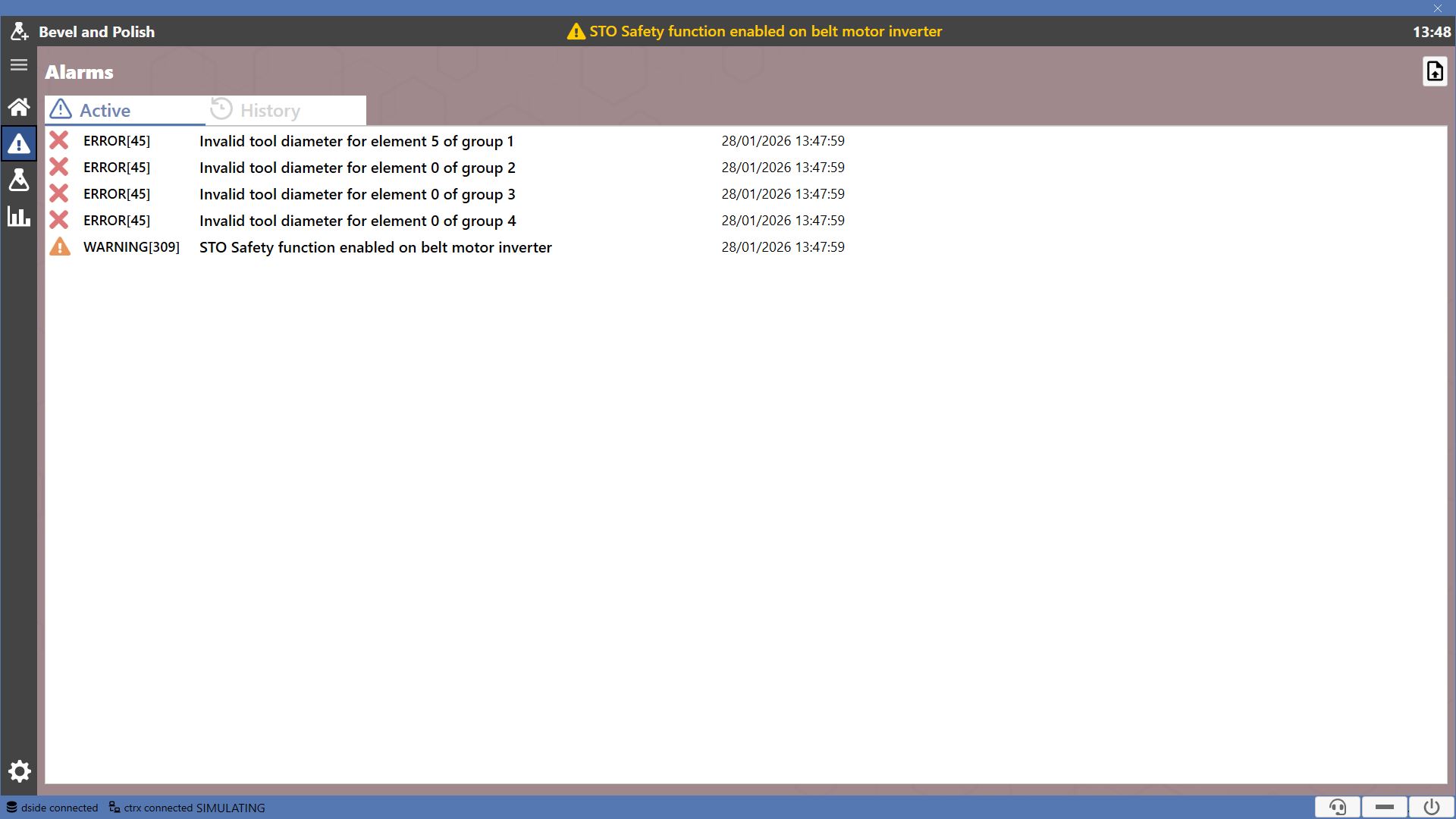
Two alarm categories are distinguished on this page.

 | Active |
 | History |
Using the button at the top right, it is possible to customize the machine alarms.
 | Load message files |
Active
List of messages related to currently active errors and warnings in the machine, along with their respective codes.
History
This list shows the history of all errors detected by the machine.
For each element it is possible to view its identifying code, the enabled status, a description, date and time when it was detected.
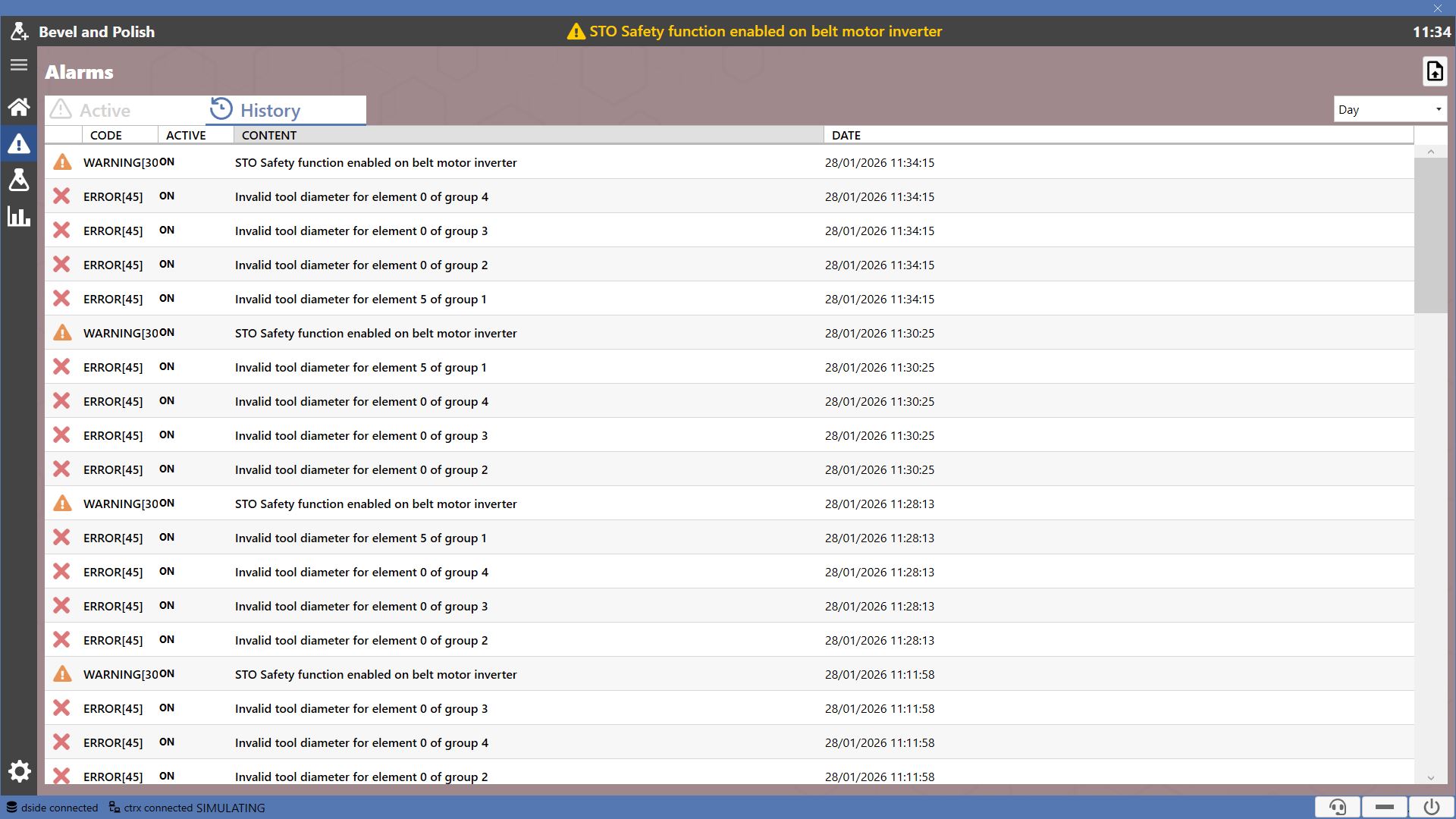
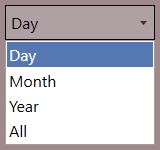
The dropdown menu located at the top right allows selecting the time interval for displaying messages.