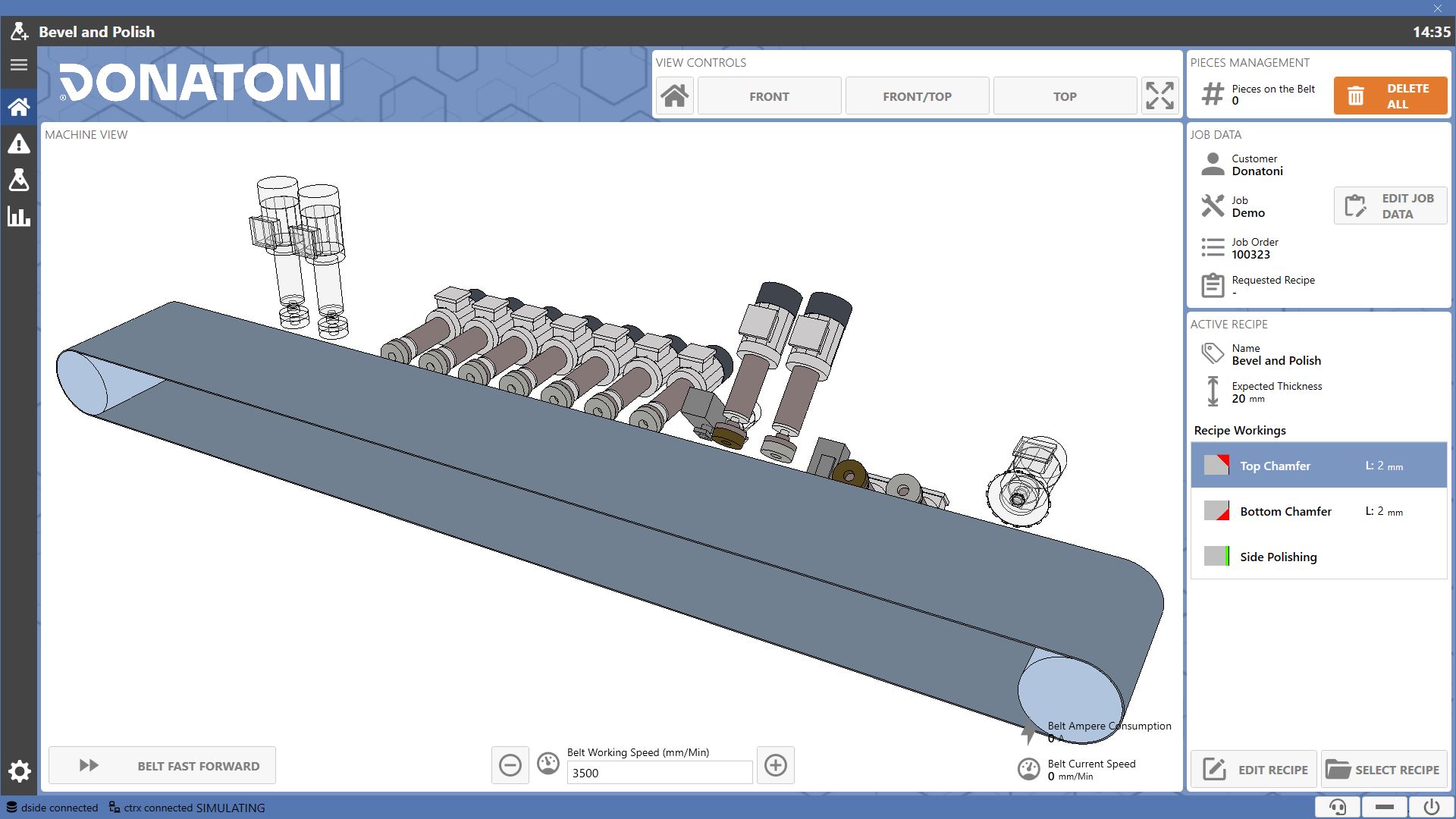
The 'Home' page is the software startup page, where it is possible to view some information and check the machine status during working.
Machine View
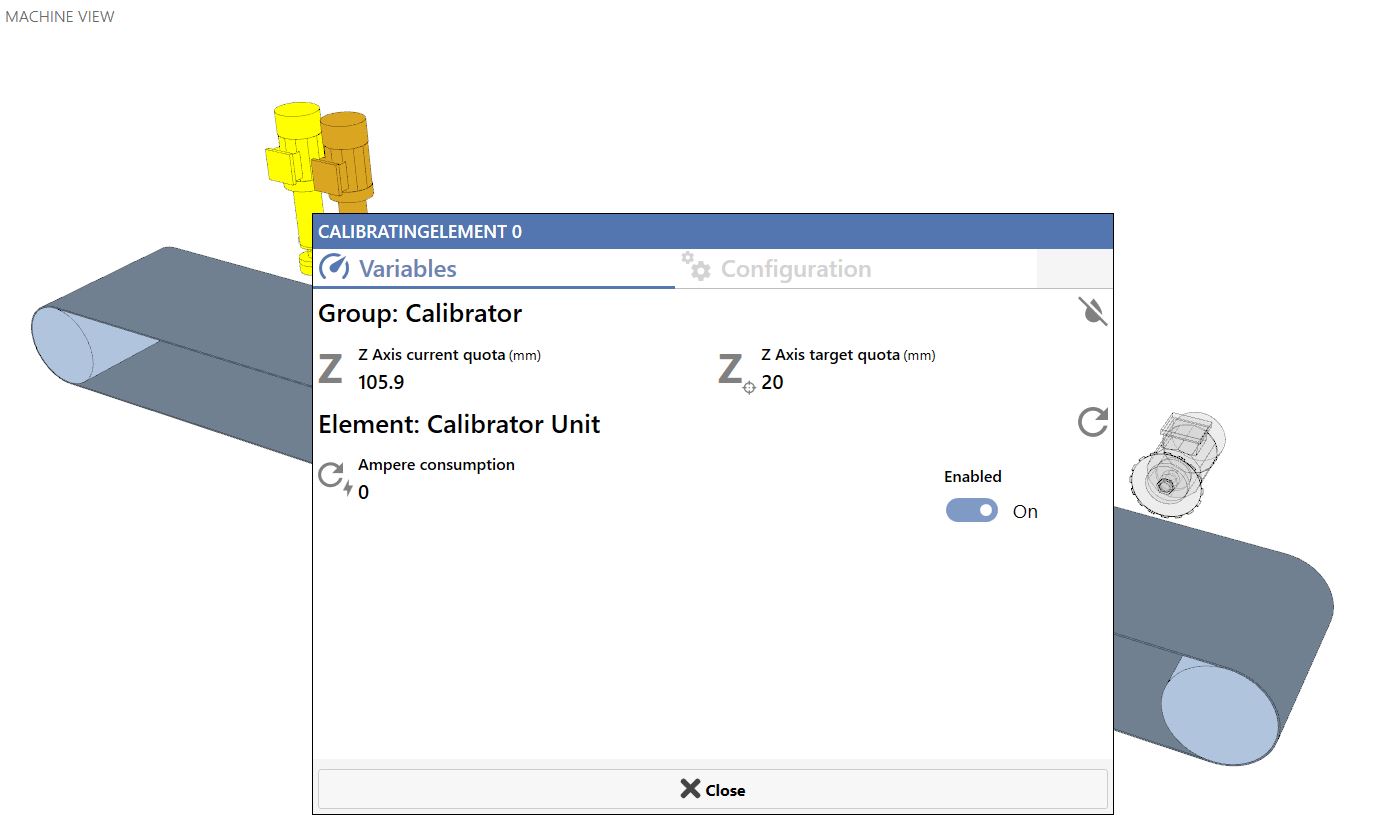
The main section of this page displays a three-dimensional model of the machine, including its groups and components, allowing the operator to interact with them.
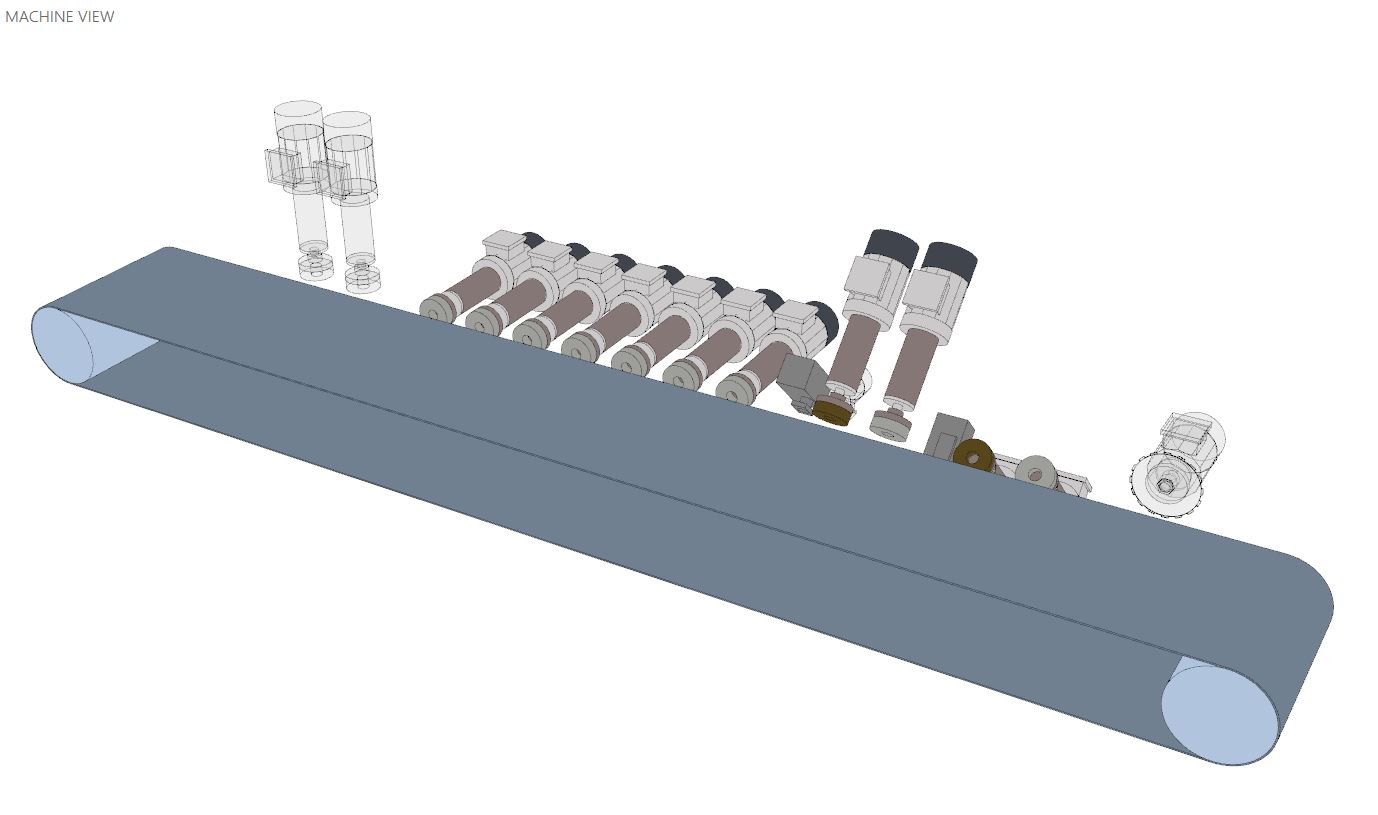
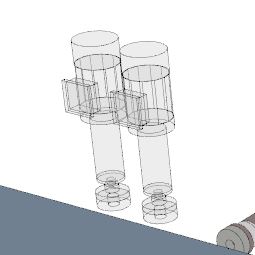
Based on the loaded recipe in the machine, elements and groups are depicted differently. Colored if the current recipe requires them, transparent otherwise.
Disabled Elements | Active Elements |
 | 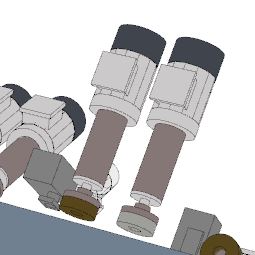 |
By pressing on the depicted elements, pop-up windows open with some data related to the corresponding component and its respective working group.
Each of these windows allows the operator to view real-time data and configure the group and element parameters.
Machine visualization management
This section allows editing the machine view.

 | Default View |
 | Front View |
 | High front view |
 | Top View |
 | Restore view |
Pieces on the Belt Management
From this section the operator can track the working pieces, and possibly unload them in case of malfunction.
 | Pieces on the belt |
 | Delete All |
Belt Data and Management
In the bottom section below the machine preview are some user data and controls for belt management.

 | Fast belt forward |
 | Belt working speed |
 | Decrease/Increase Belt Working Speed |
 | Ampere consumption |
 | Current belt speed |
Management Information
Currently displayed are the management information with the 3 fields Customer, Job and Job Order.
Via the edit button it is possible to modify the informations, or it is possible to modify them remotely through the dedicated .csv shared file.
Once modified, the new informations will be associated with all pieces inserted from the moment of the modification.
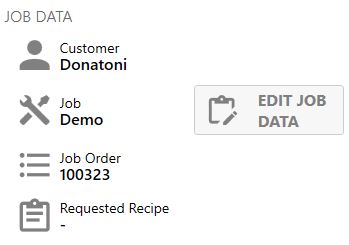
 | Customer |
 | Job |
 | Job order |
 | Requested Recipe |
 | Edit Job Data |
Active Recipe Informations
The active recipe information on the machine is displayed in this section (name, size, special features, working list).
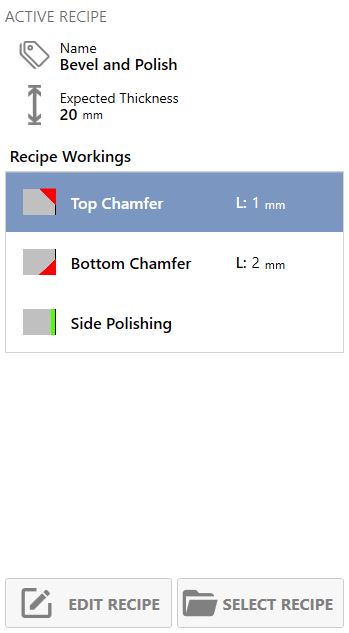
 | Name |
 | Expected Thickness |
 | Dimensions |
 | Recipe workings |
 | Edit Recipe |
 | Select recipe |
 | Update recipe |
Selection of recipe to activate
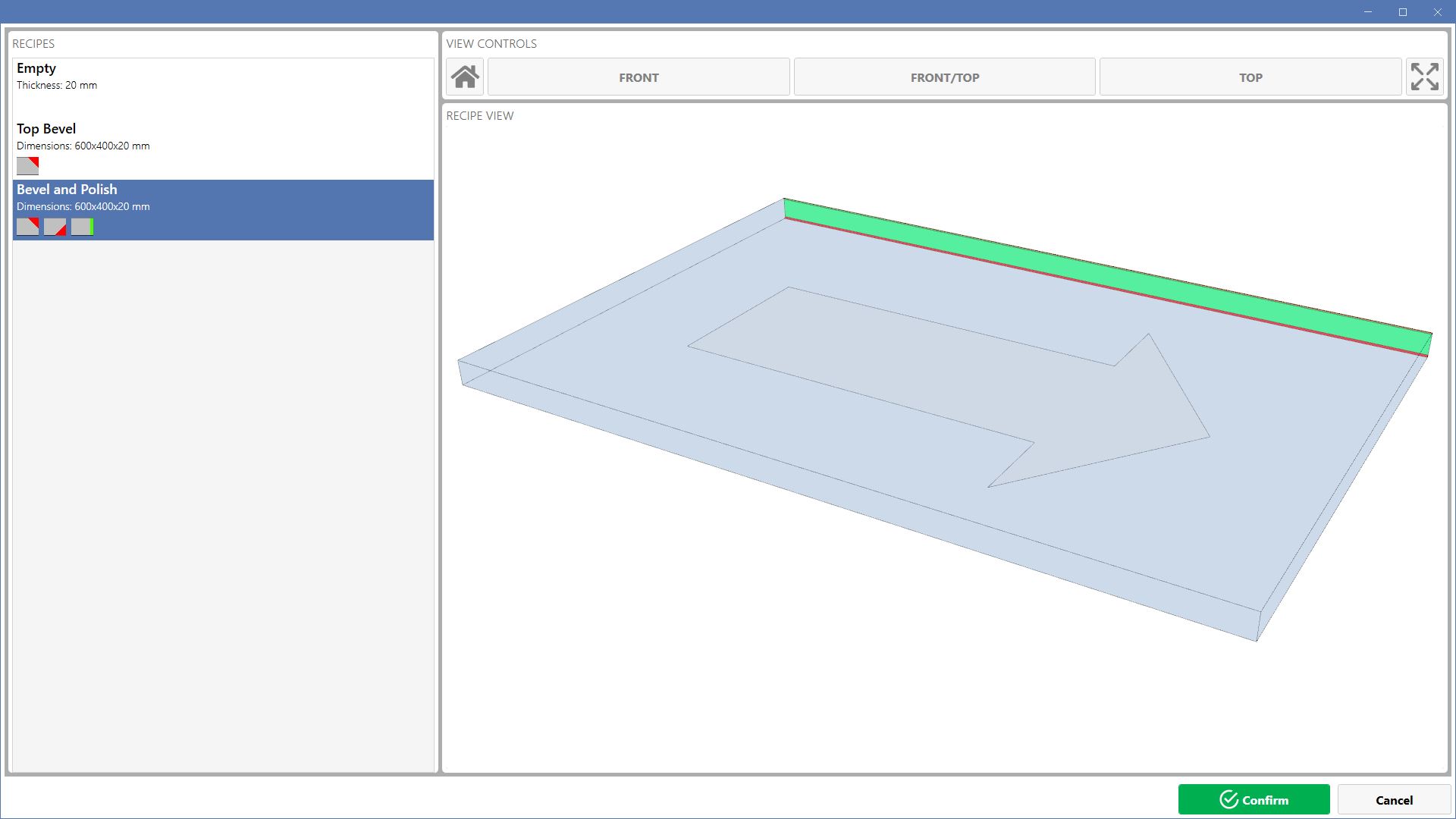
This window, accessible via the dedicated button from the Home page, allows viewing recipes and selecting one for machine loading.
Clicking on the recipe in the list will display its preview.
The controls for the view are analogous to those of the main page.