

Machine technical documentation Operational document
This page allows the production stages of files to be sent to the machine via the MES to be managed.
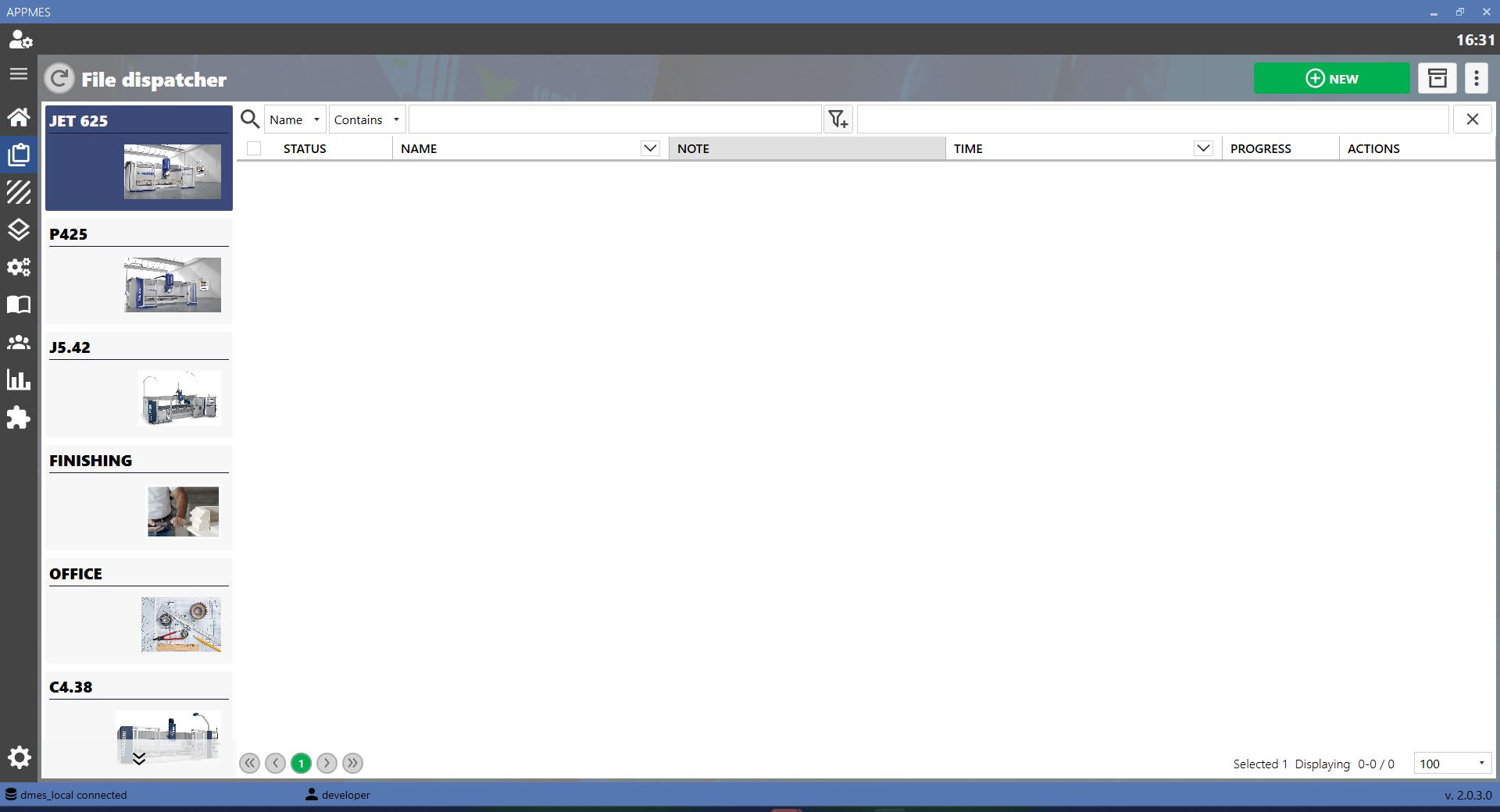
GUIDE
After adding a .dxf file using the New button, the file appears on the main screen, as shown in the image.
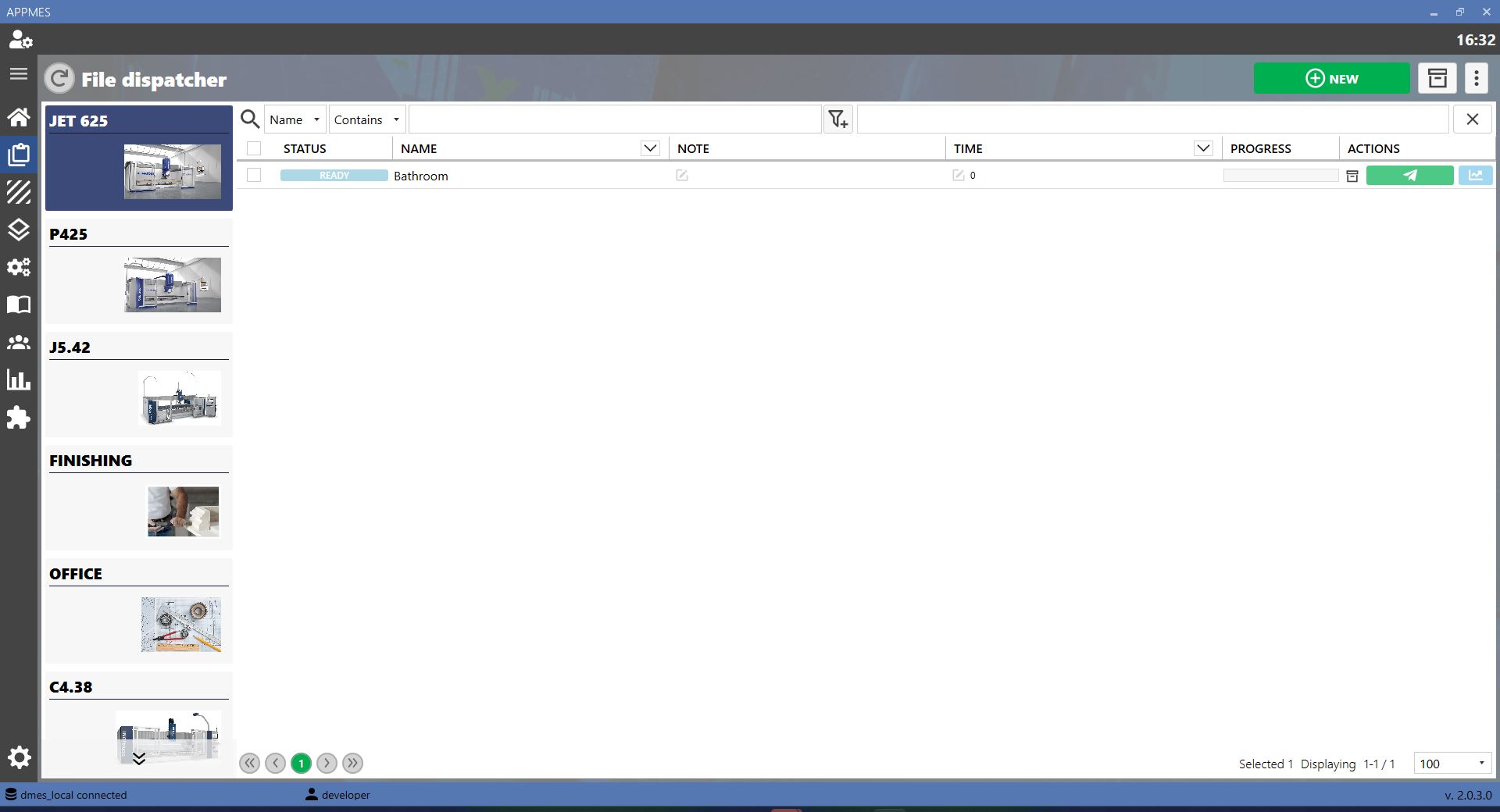
To send the file to the machine, click the Send button and confirm with OK in the window that opens. Then verify that the status changes from Ready to Sended.

BUTTONS
 | SEND |
 | STATISTICS |
 | NEW Adds a new .dxf file to the list. |
 | READY STATUS Indicates that the file is ready to be sent to production. |
 | SENDED STATUS Indicates that the file has been successfully sent to the machine. |
