This page displays the main information about the working and the preview of the file .dxf imported. The file .dxf contains the technical drawing that the MES uses to support working management and control.
BUTTONS
Zoom in Enlarges the drawing preview so that the working details can be viewed more clearly.
Zoom out Reduces the drawing preview to provide a wider view of the displayed area.
Reset zoom Returns the drawing preview to the initial zoom level, cancelling any zoom-in or zoom-out adjustments.
Change background Changes the background color of the preview to make the drawing easier to read according to the operator's needs.
Edit preview Allows the imported drawing preview to be modified, updating the graphical information used by the MES for the working.


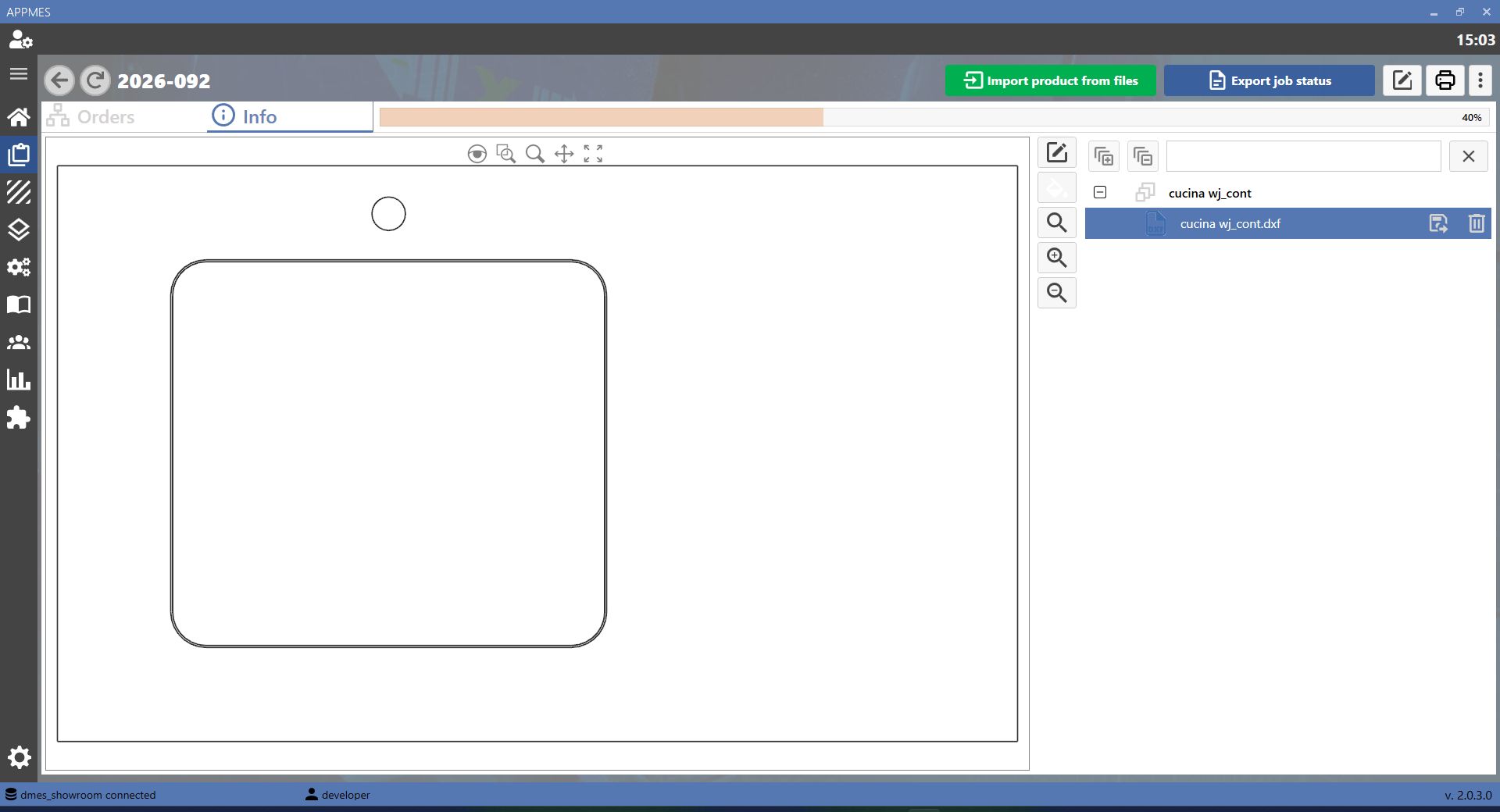


-20260819-060407.png)
