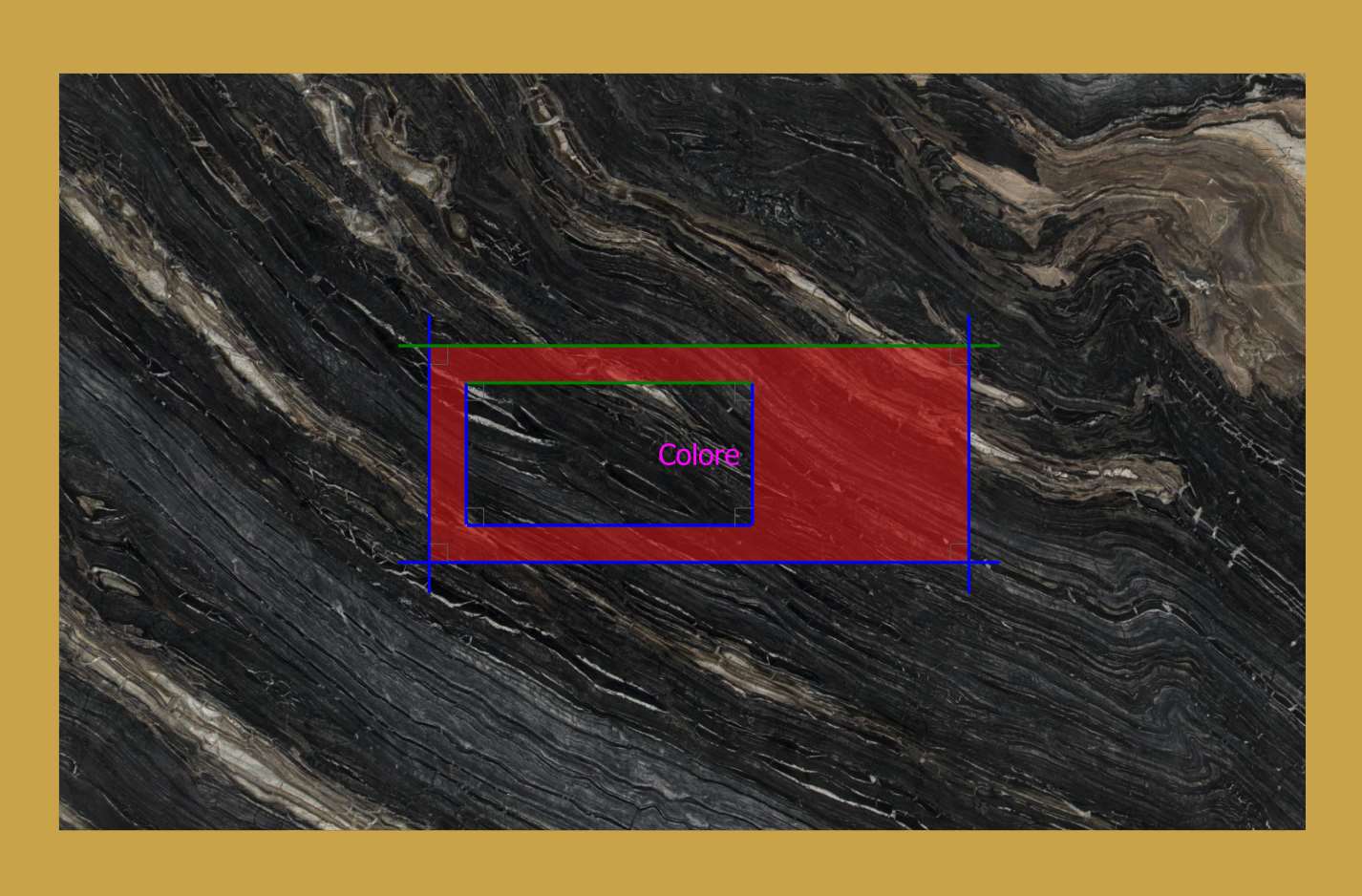
Through this function is possible to color one or more cuts of pieces created from DXF.
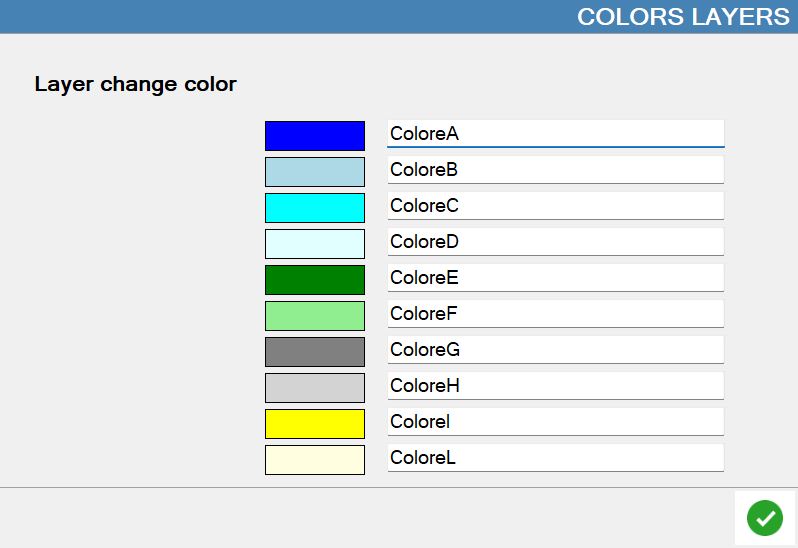
Buttons
 | Change layer color |
Procedure
To associate a color to the cuts of a piece it is necessary:
Create a Layer on the CAD software;
Assign to him a color in the specific panel in Parametrix;
Draw a line (or curve) above the one that represents the cut that you wish to color inside the Layer.
Once the piece is imported the cut above which the line was drawn on the Color Layer will be the color set in Parametrix (not of the one set in DXF).
The line drawn above the cut that you want to color must be completely superimposed on the line that represents the cut.
Example
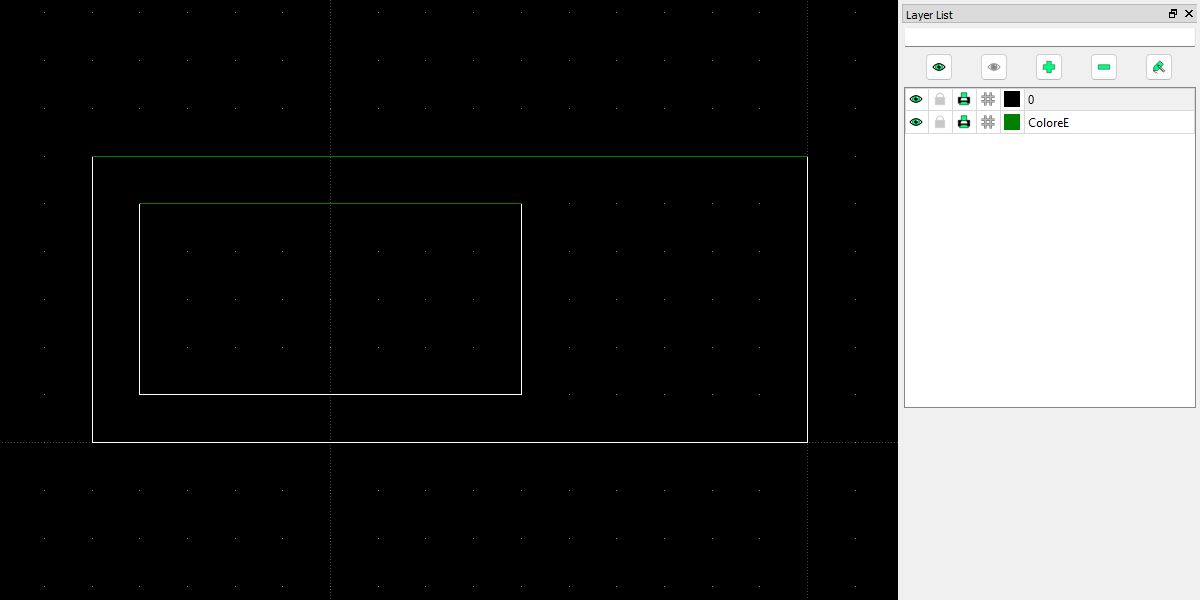
In this example you want to color two cuts of the piece. It has been created the Layer 'ColorE', and have been added lines above those to color.
As it is possible to see on the Parametrix work area, the cuts become the color that has been associated with the Layer of the imported DXF file.