

Through this function it is possible to add a parallel cut to a cut already existing at the desired distance.
It is possible to apply this working both to linear cuts and on arc cuts.
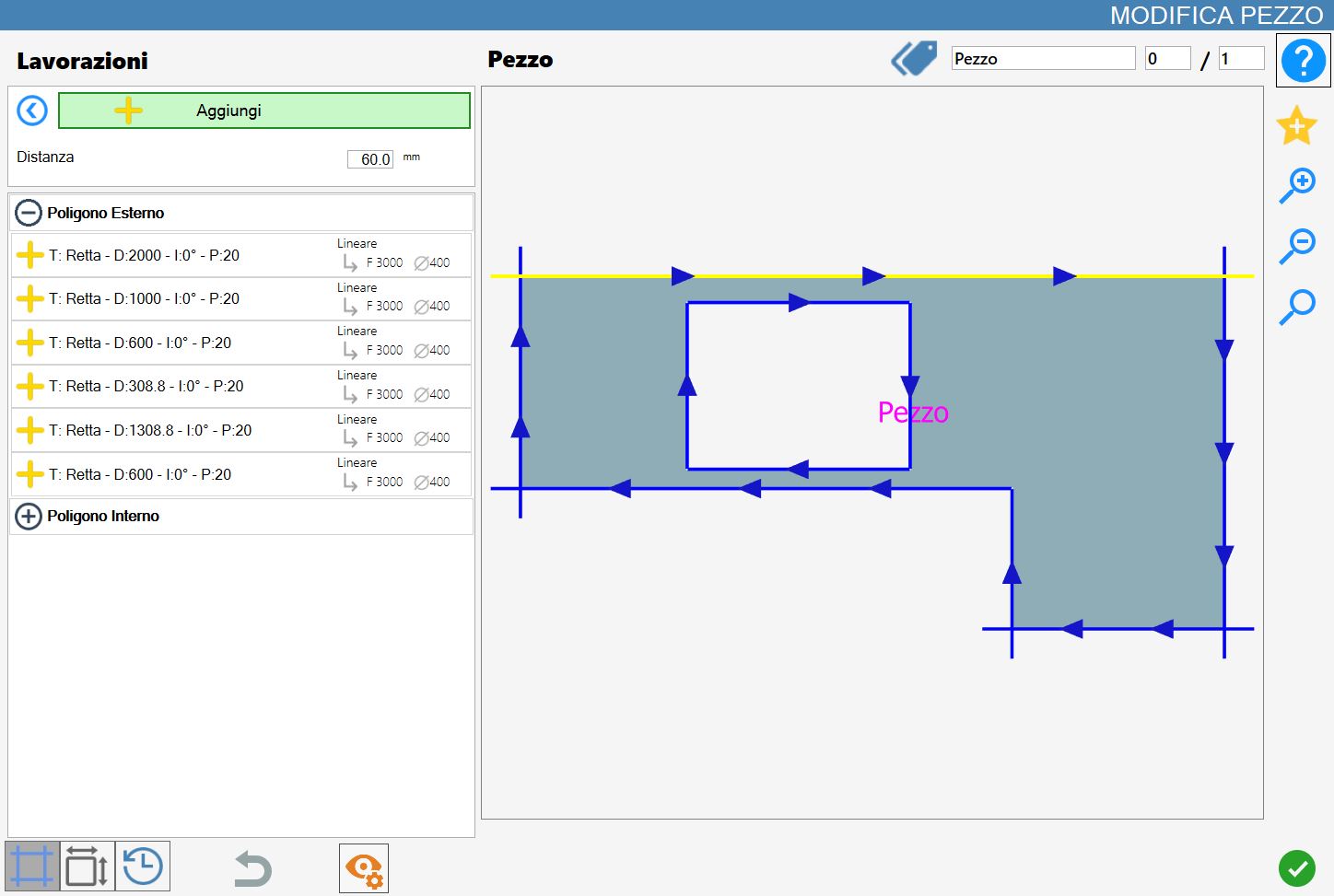
Parameters
To be able to add a cut, it is required to set the following parameter:
Distance | Distance from the selected cut where to add the parallel cut. |
Execution of working
It is possible apply working pressing the button on the left of the appropriate cut in the list of polygons.
An red icon with a 'X' indicates that the processing can not be applied to the desired cut.
Once the distance parameter is set, proceed with selecting the cut with respect to which create the new one.
The direction in which to add the new cut is calculated so as not to damage the piece: outward if you select an element of the external polygon, or inward of an internal polygon.
In the case the distance value is negative, the added cut is calculated in the direction of displacement opposite to the intended one.
In the following image is illustrated the result of the add of two cuts, carried out selecting the two straight edges that define the recess of the kitchen top.
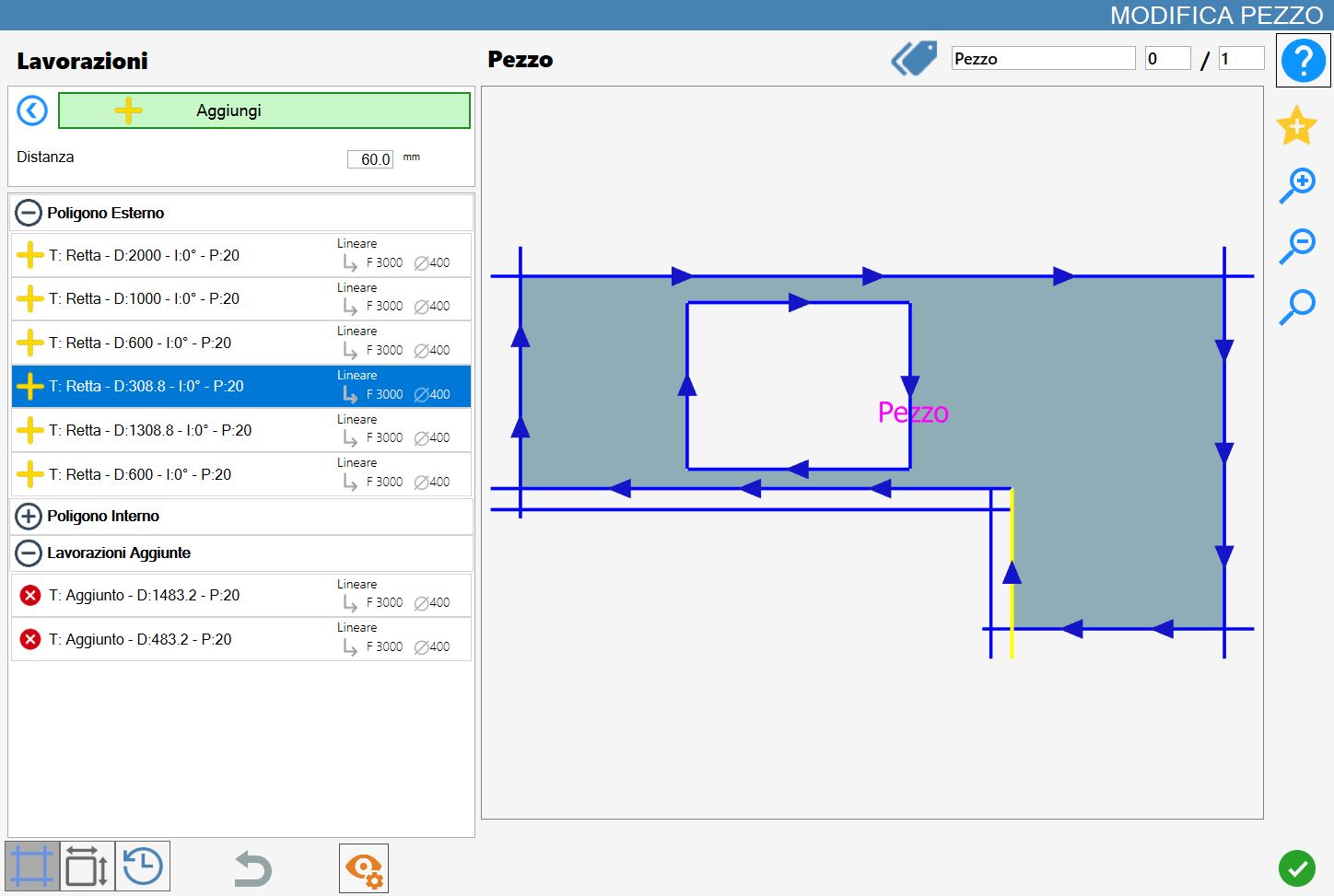
As shown, the new parallel cut is inserted in the Additional Workings section and replicates the features of the selected cut, such as direction and working type.
