The Nesting function serves to arrange in an automatic and optimized way the pieces inside the perimeter of the slab.
How to use the functionality
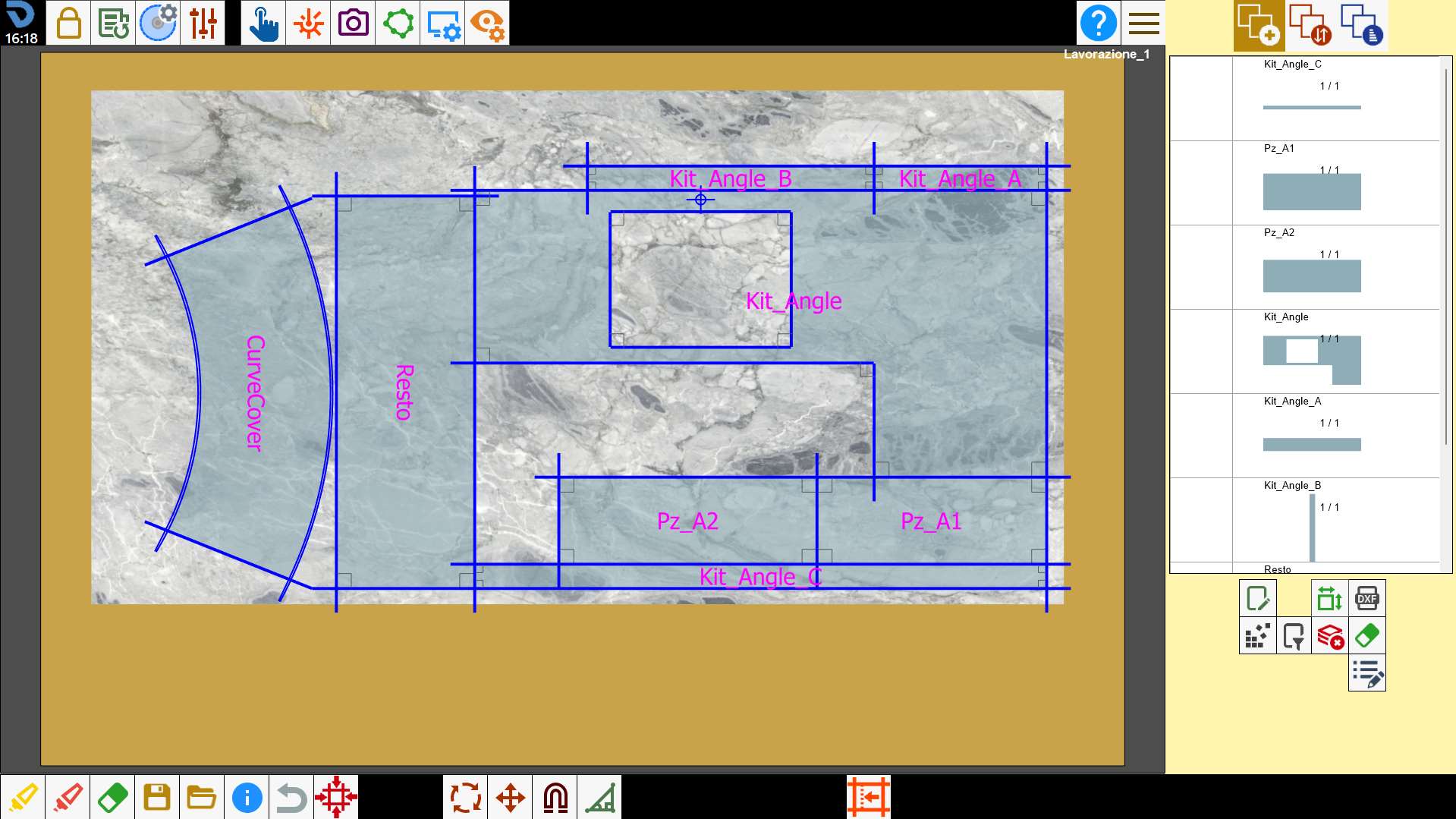
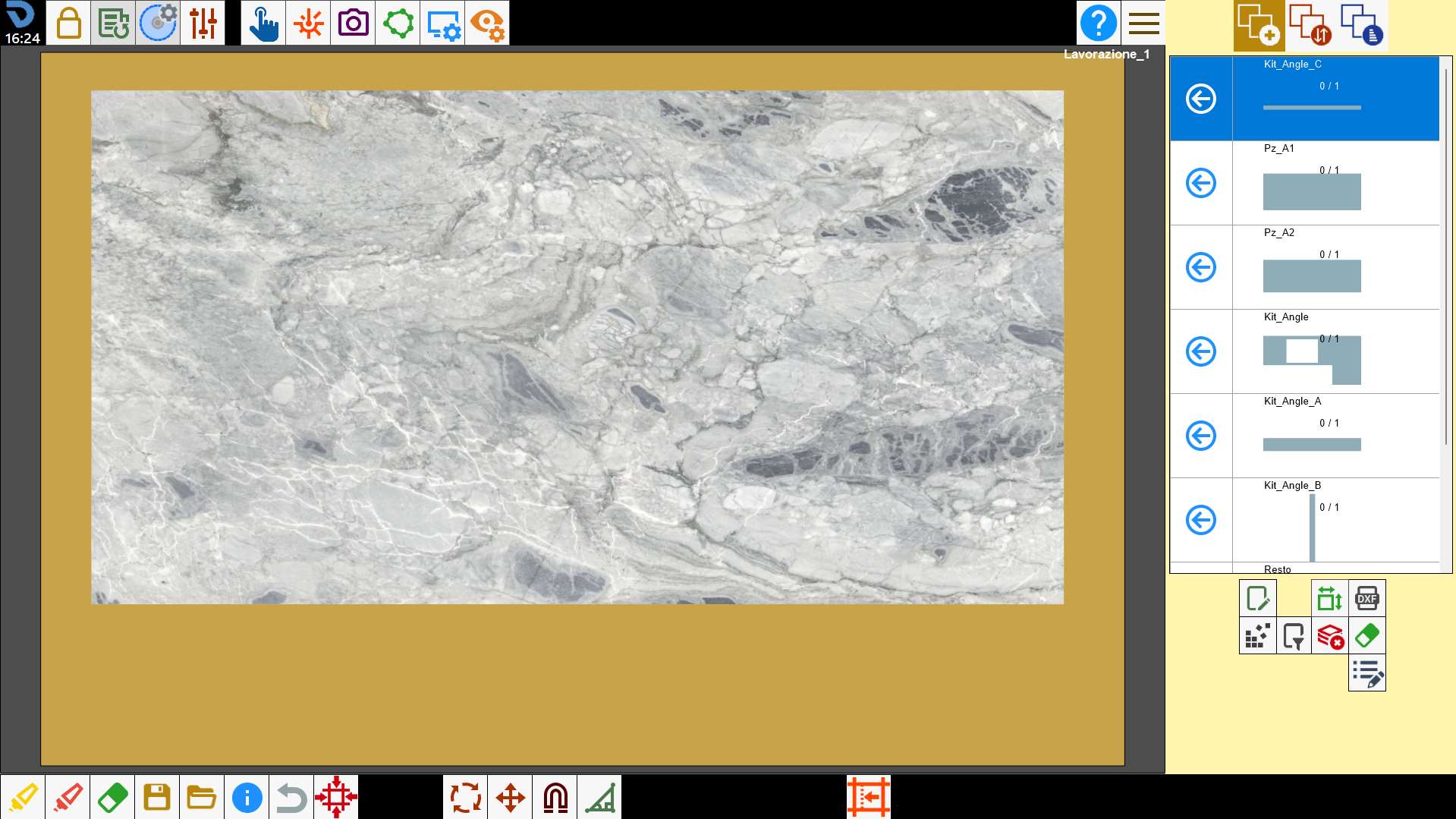
To use this function it is necessary to create a piece list and delimit the perimeter on which to insert.
After that press the button: the program will automatically arrange the pieces within the perimeter of the slab.
The pieces are inserted on the slab then considering the use of the material handling system with suction cups for the resolution of the collisions between the pieces and considering the defects marked on the slab itself.
If the solution found is not satisfactory, you can press the button again to apply the Nesting again and find a different configuration.
The program will removes all the pieces in the working area to be able to execute the Nesting.
The Nesting function arranges the pieces following different insertion logics, for this reason every time the button is pressed the program modifies the arrangement of the pieces, up to a maximum of 4 solutions (at the fifth attempt the first solution is proposed again).
The program arranges the pieces in 4 different ways to allow the user to compare and decide the best arrangement.
Some examples
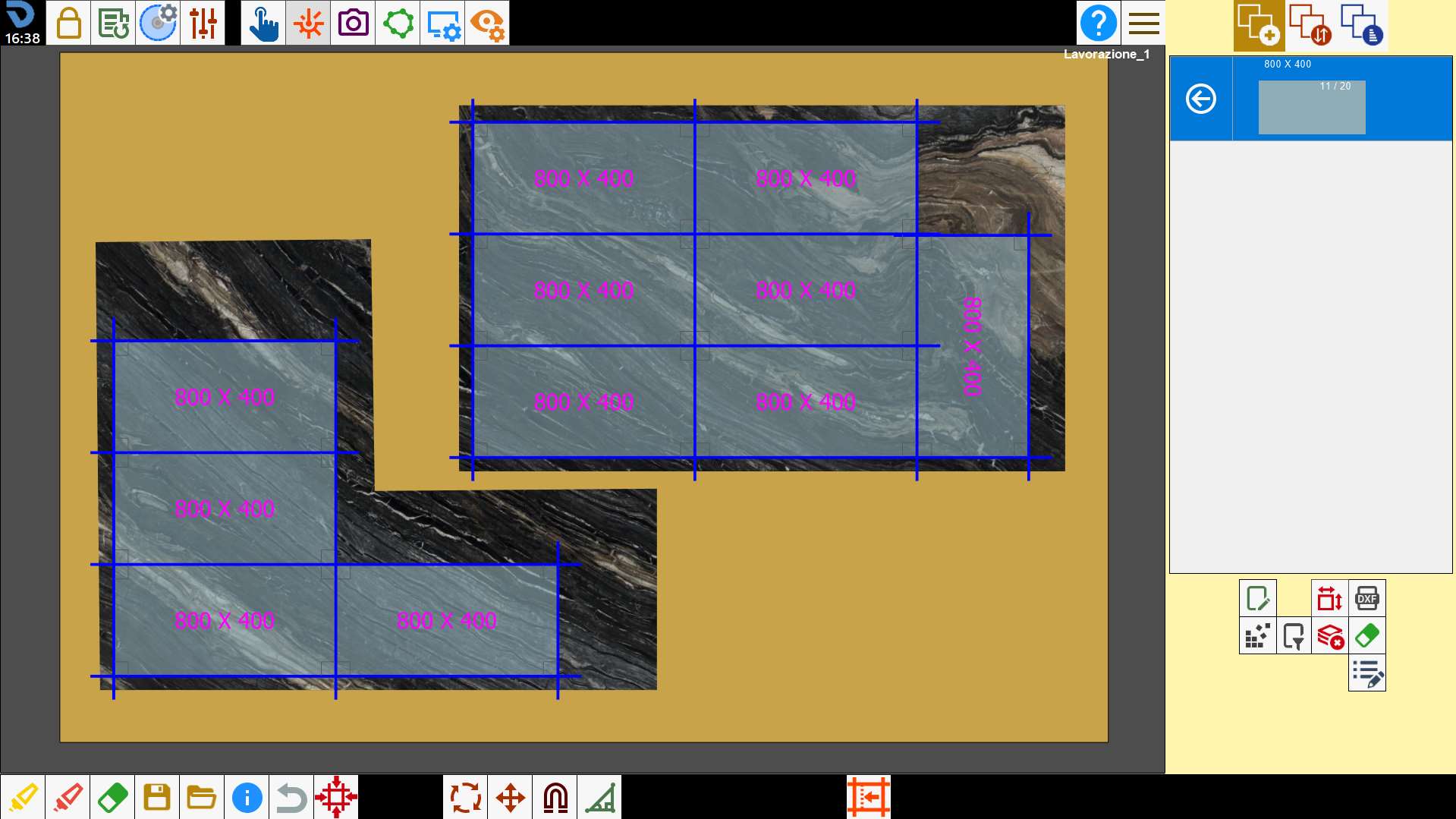
Below are shown some examples of use of the Nesting function.
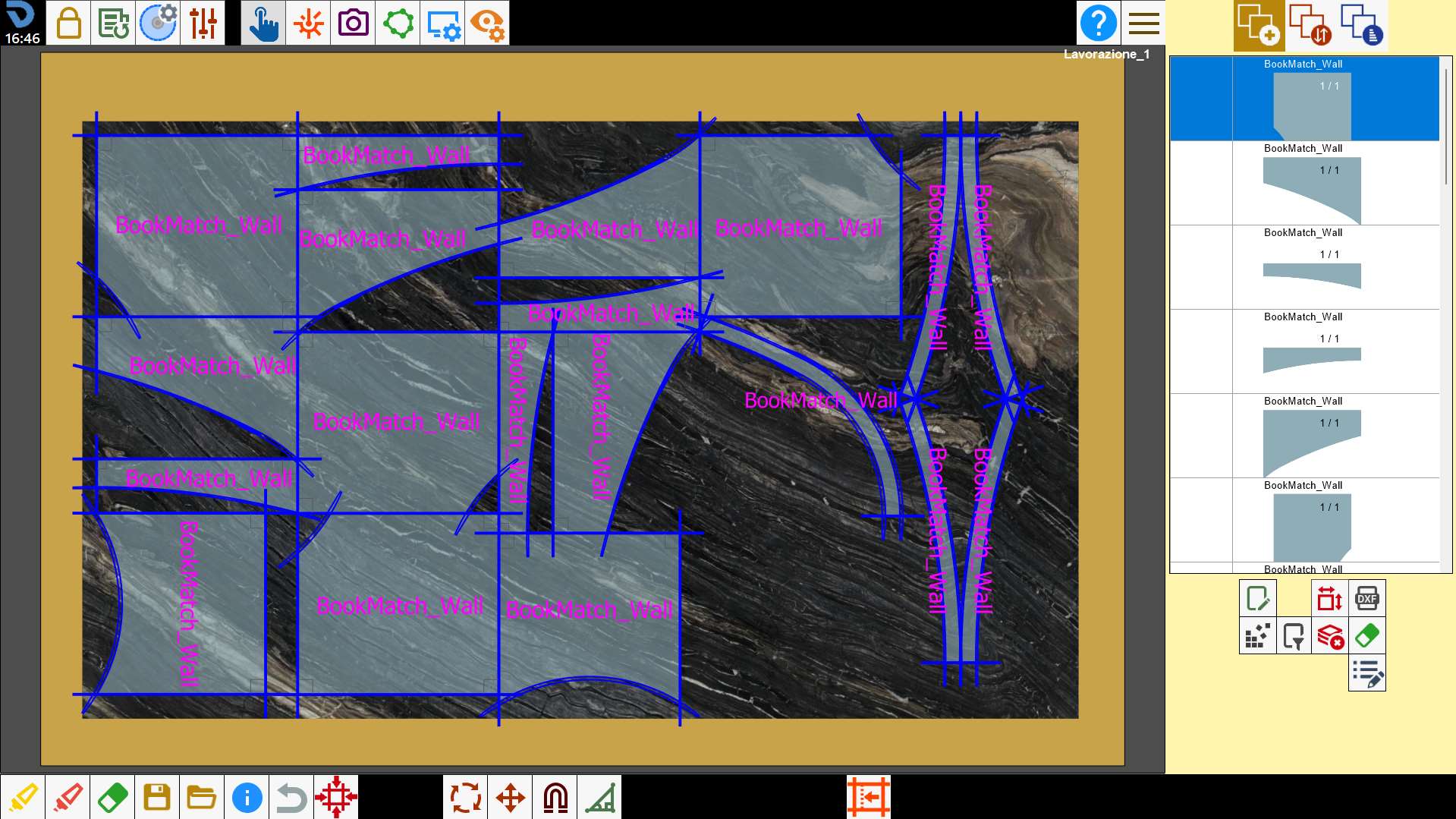
It can be used to dispose more quickly pieces with simple shape.
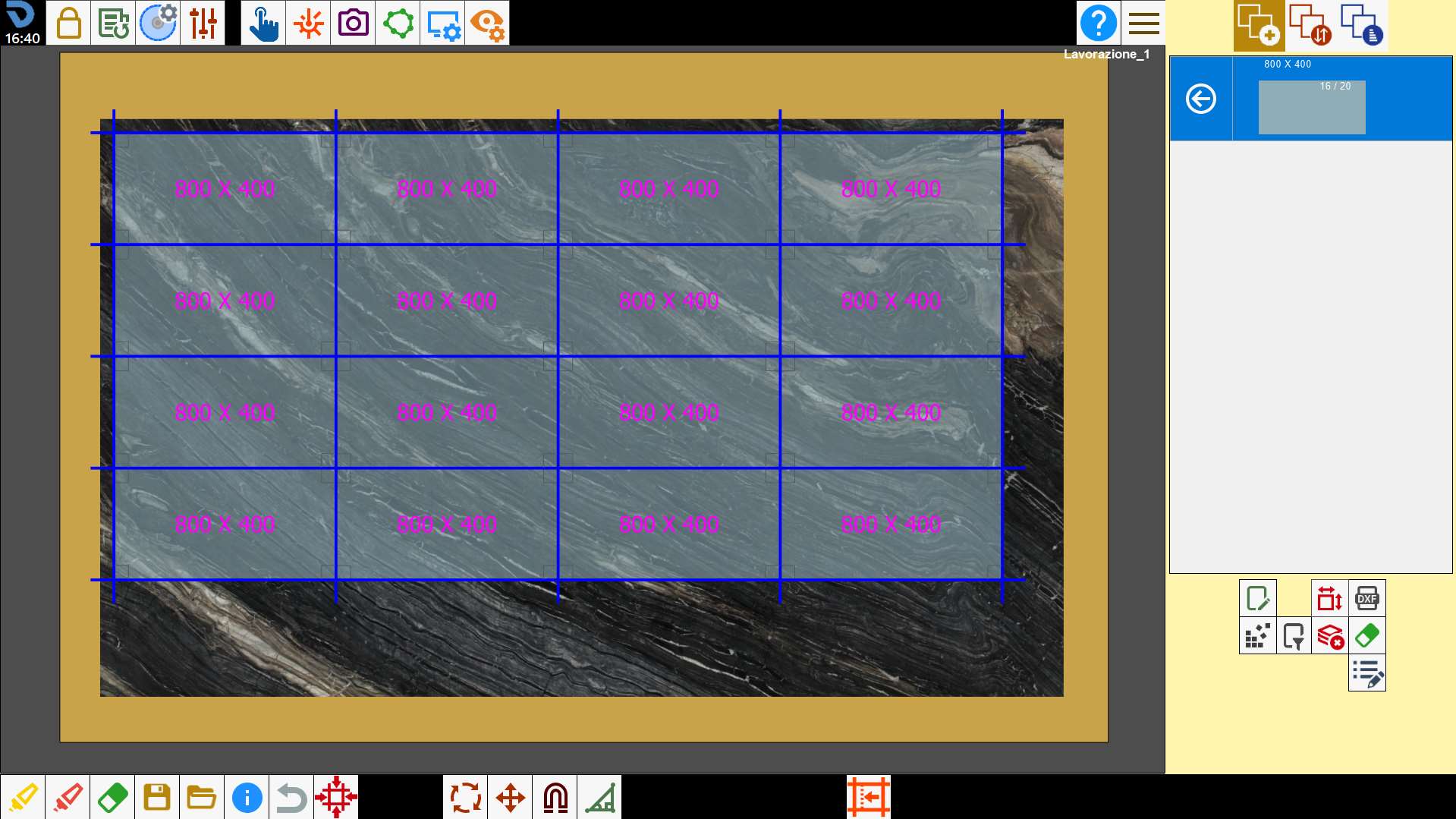
This function finds the layout and combination of pieces to fill the greatest possible slab area.
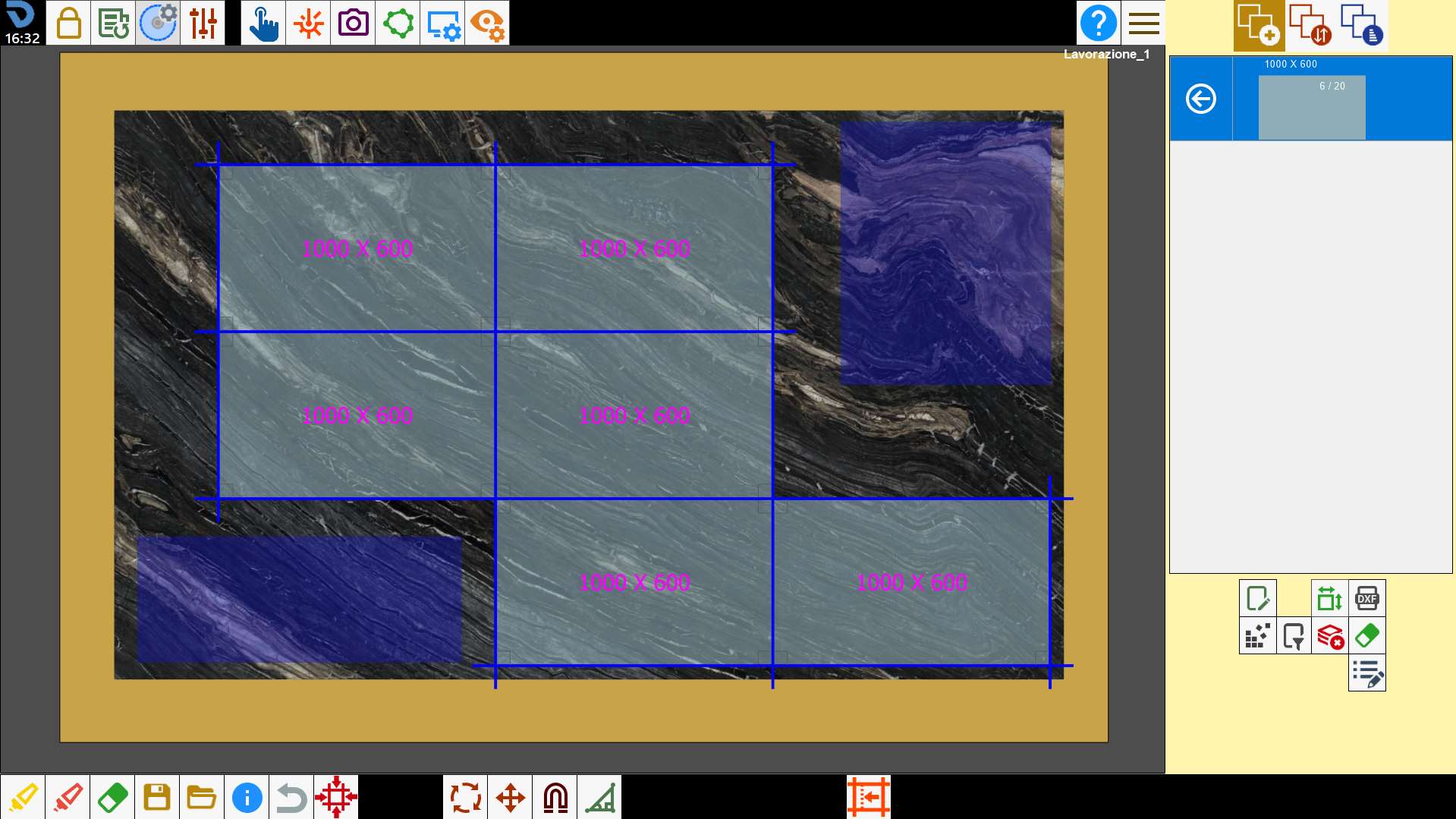
The nesting doesn’t insert any piece inside the areas to be avoided of the slab.
It is possible to work with slabs perimeters of any shape.
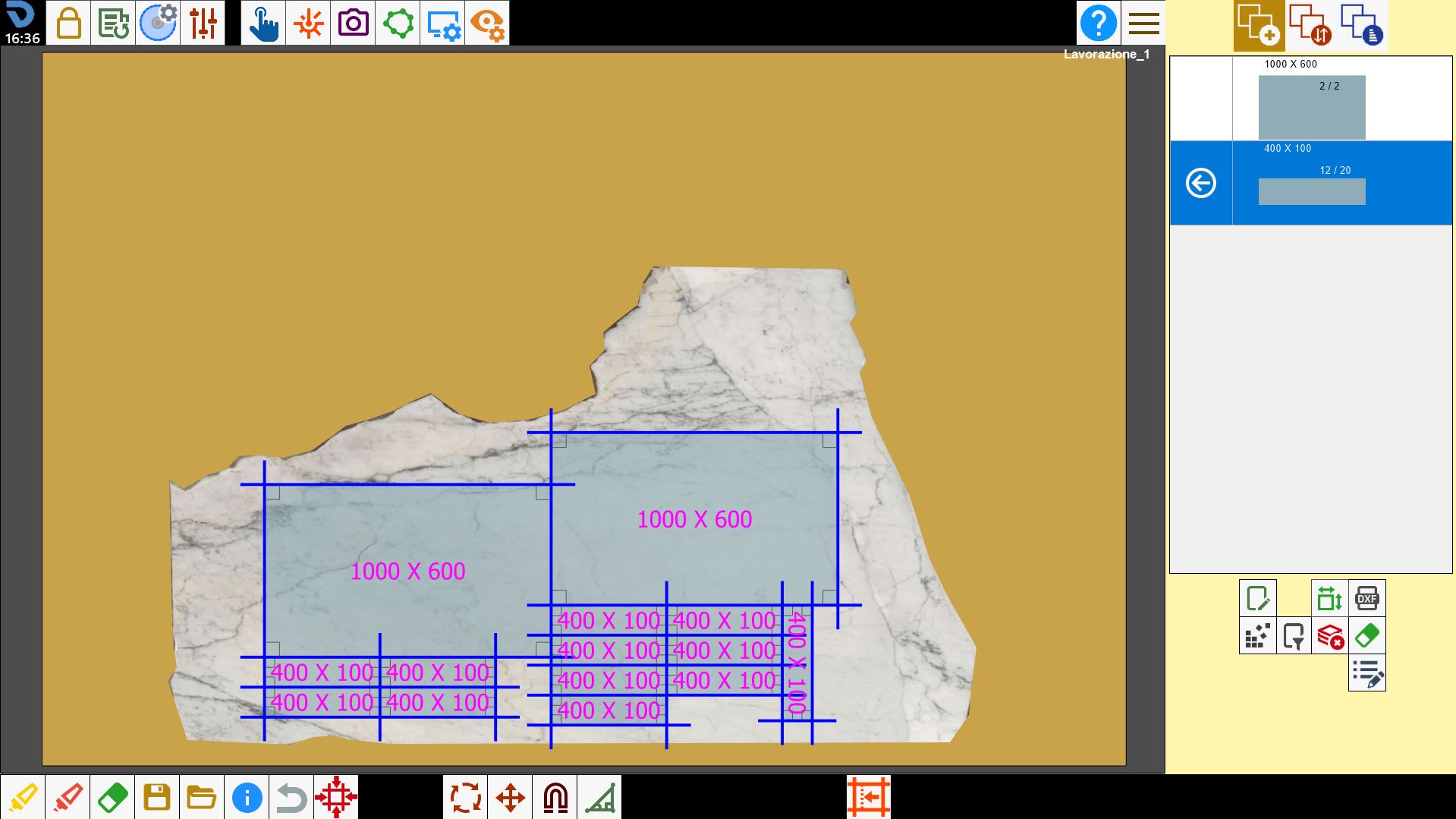
If are present several perimeters, the Nesting dispose the pieces in each one of them.