With this function you can align the sides of different pieces.
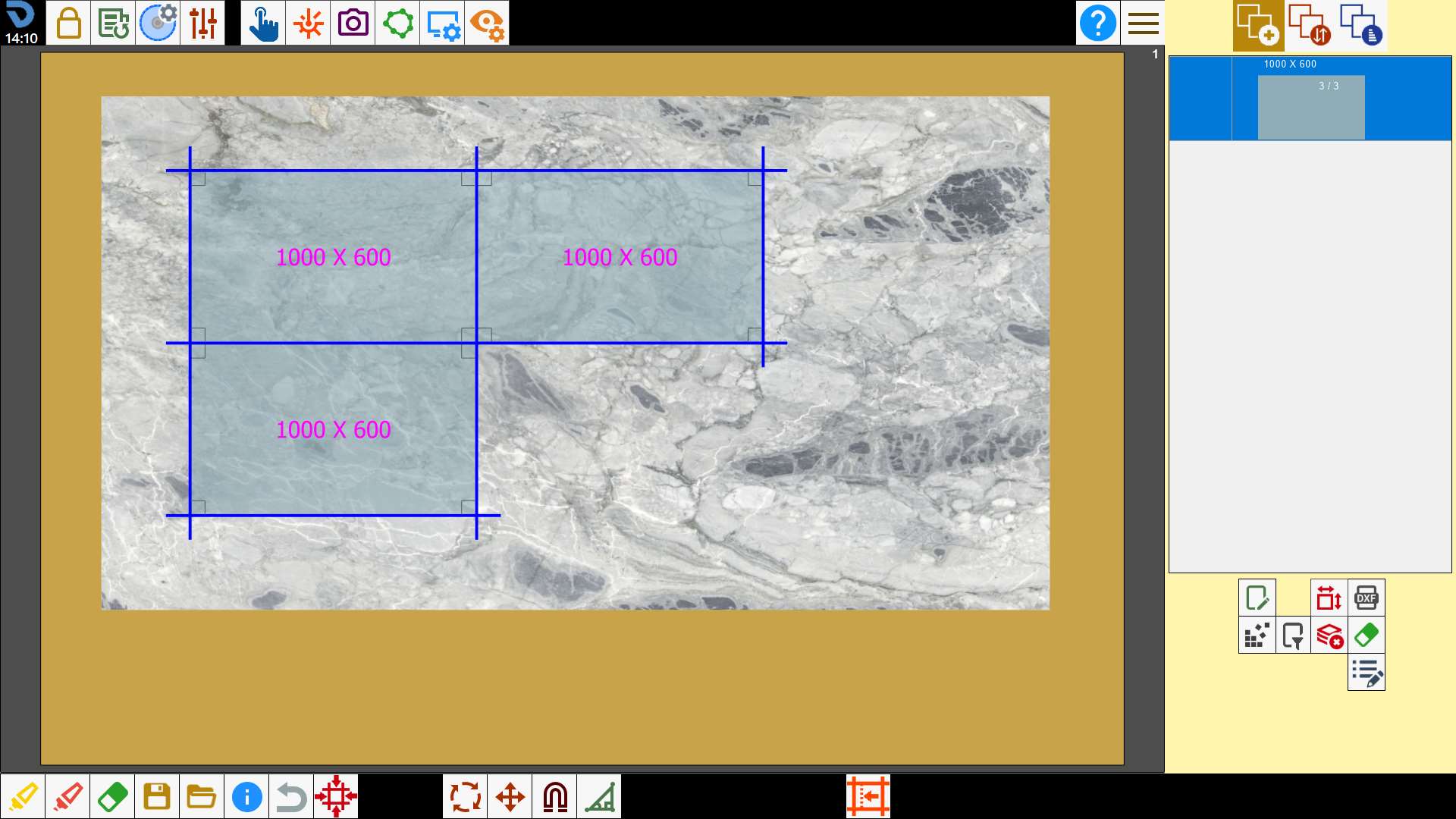
Drag the pieces on the work area
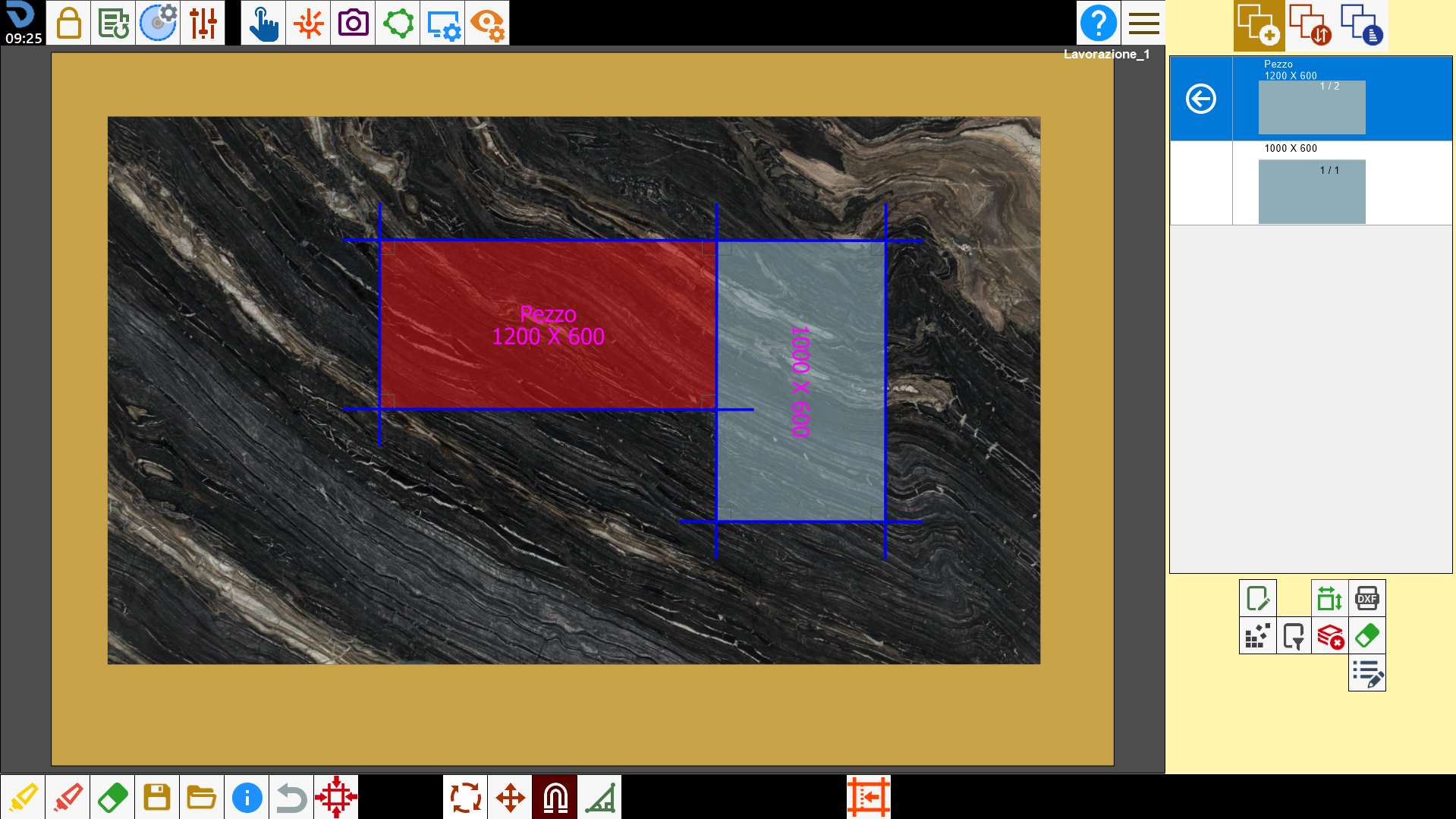
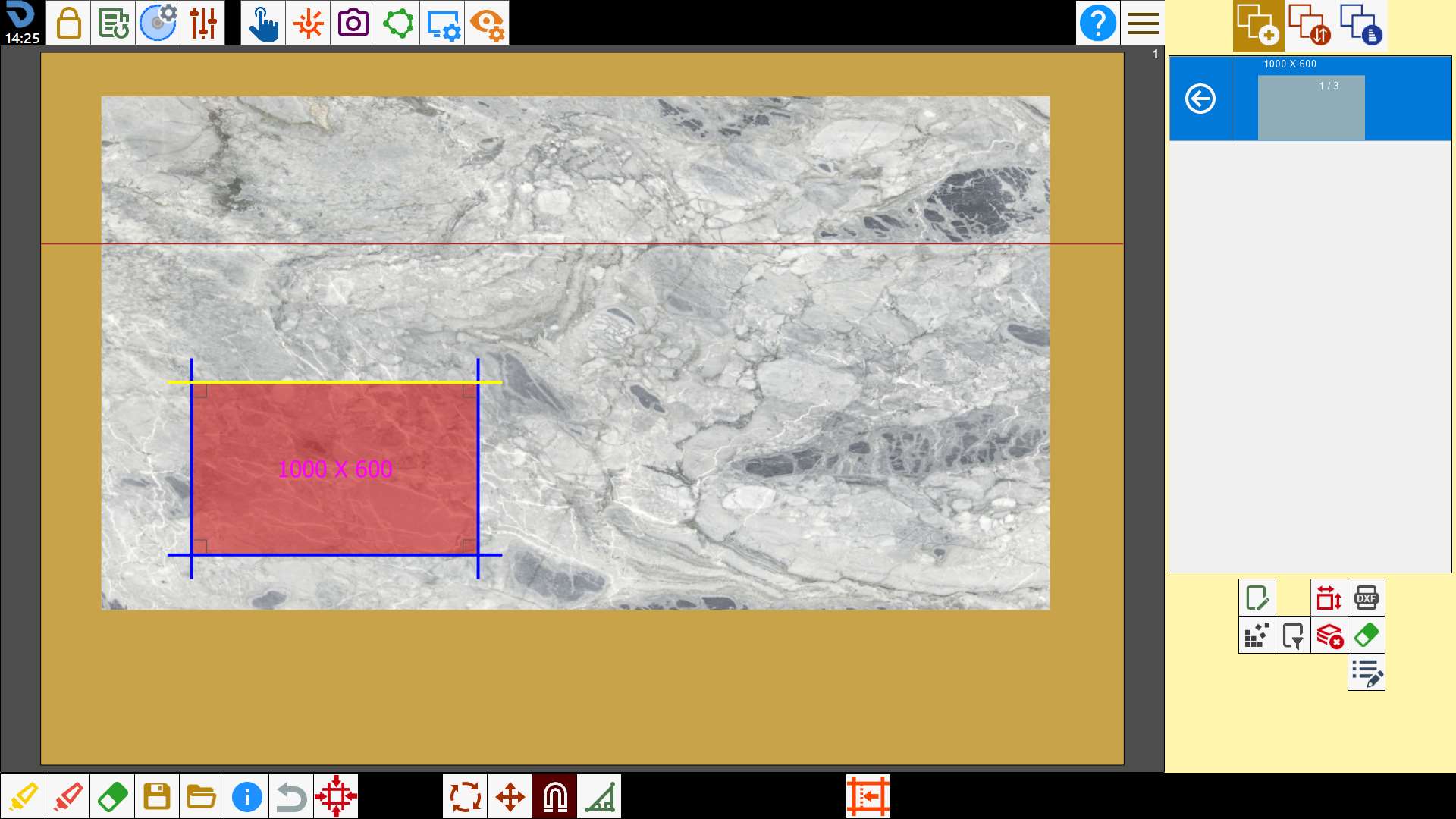
Moving a piece near another one happens that the nearby sides become yellow as well as in the below image:
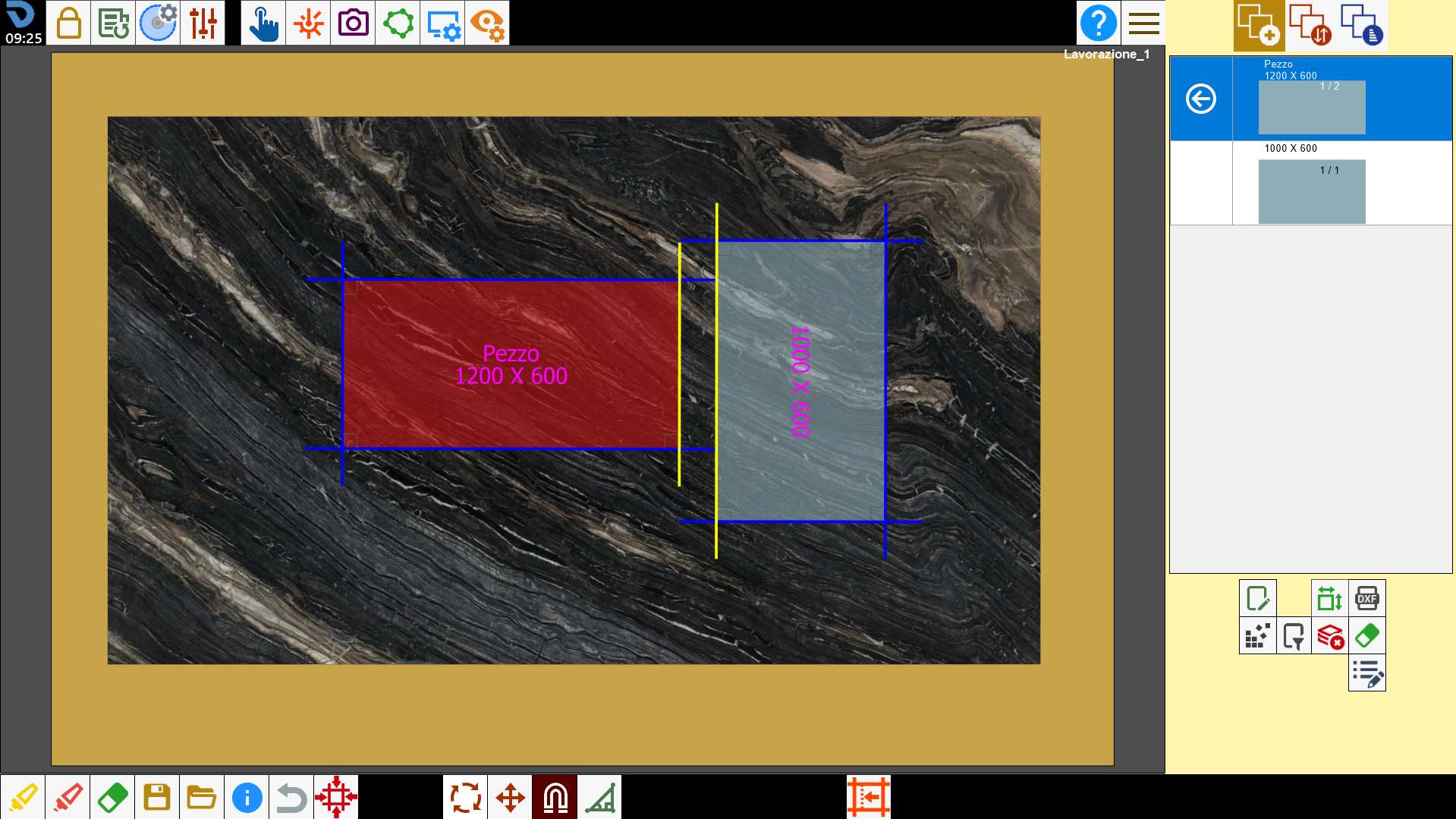
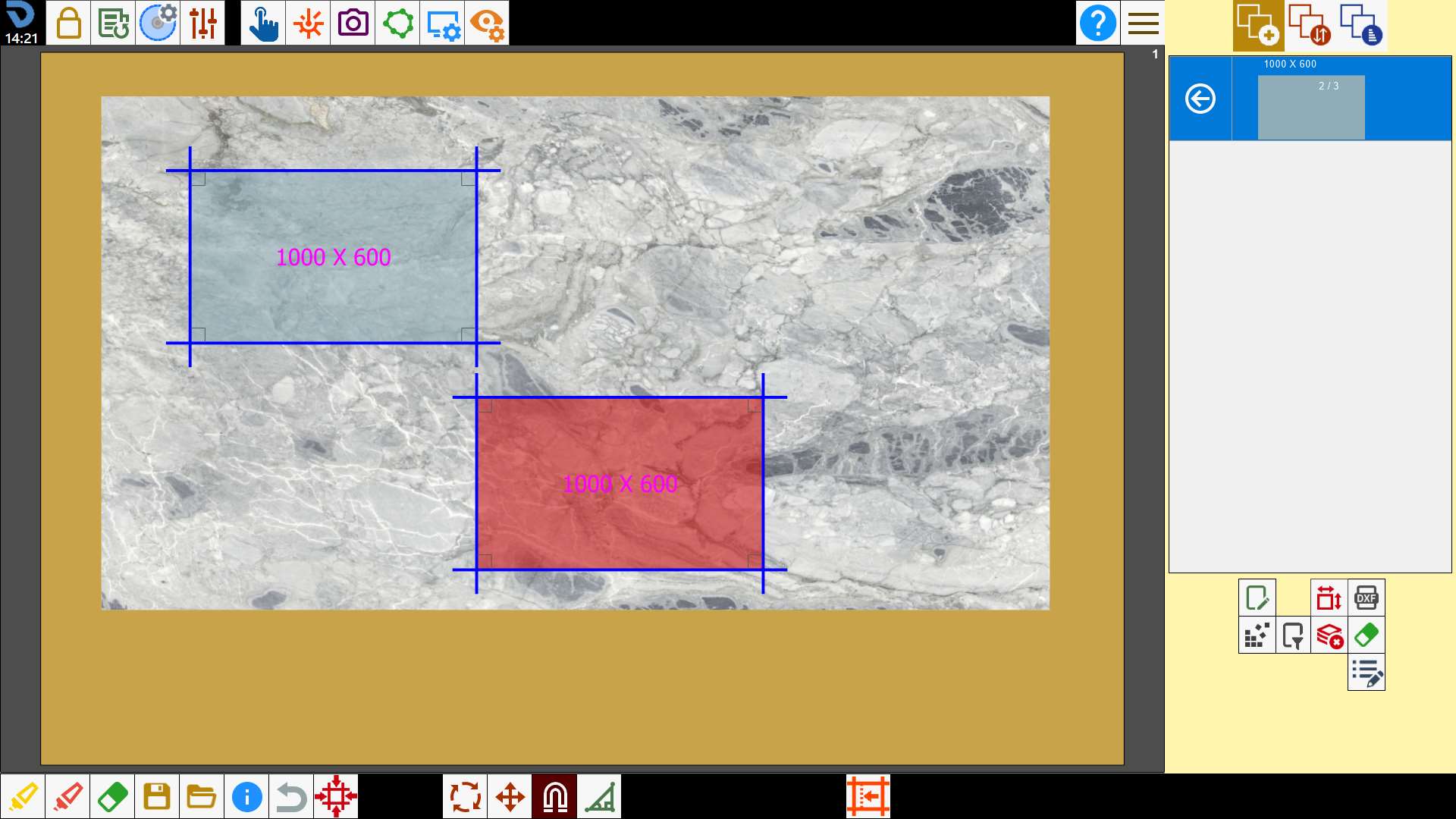
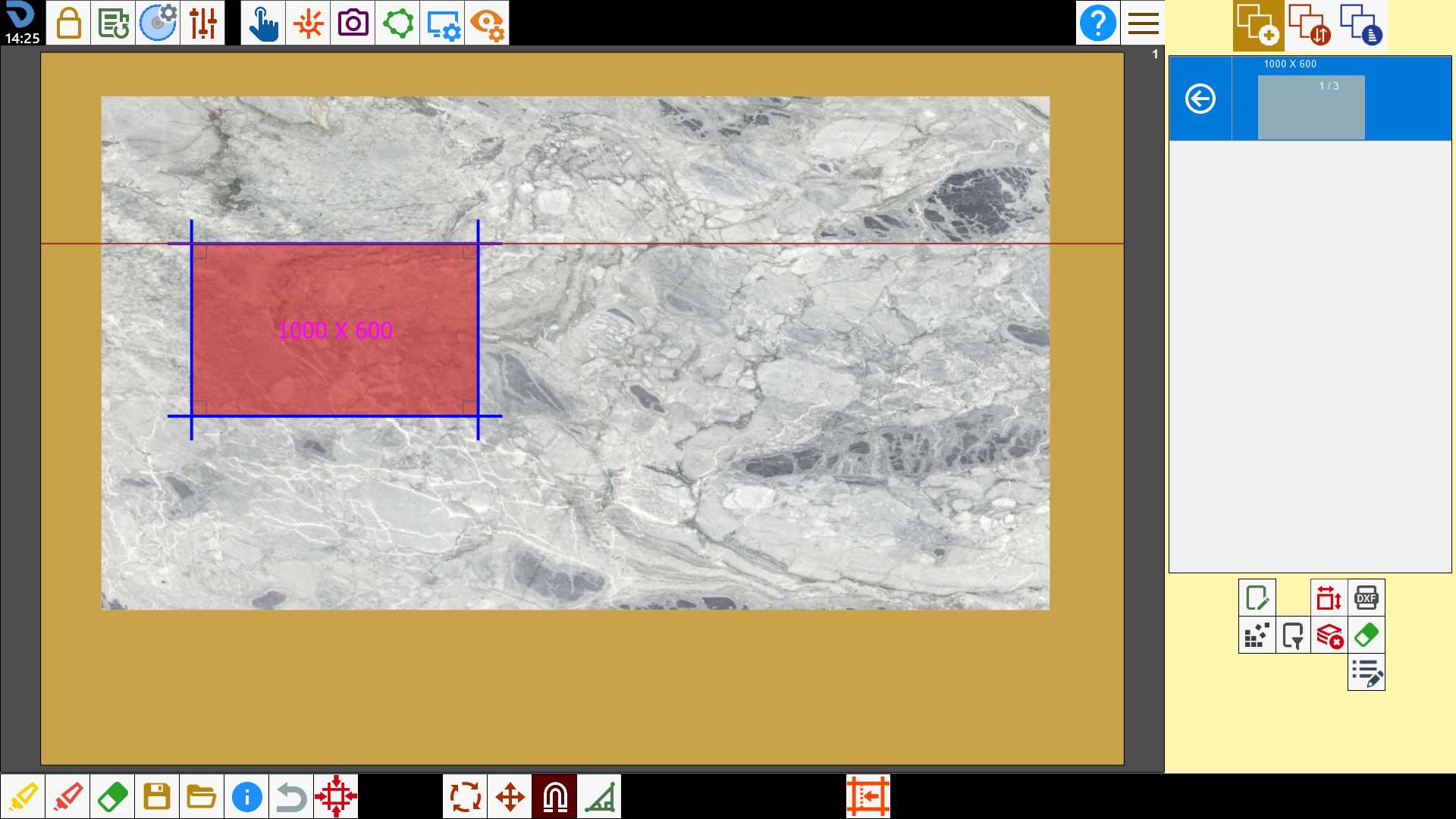
If then you let go the piece will attach perfectly to the side of the other piece:
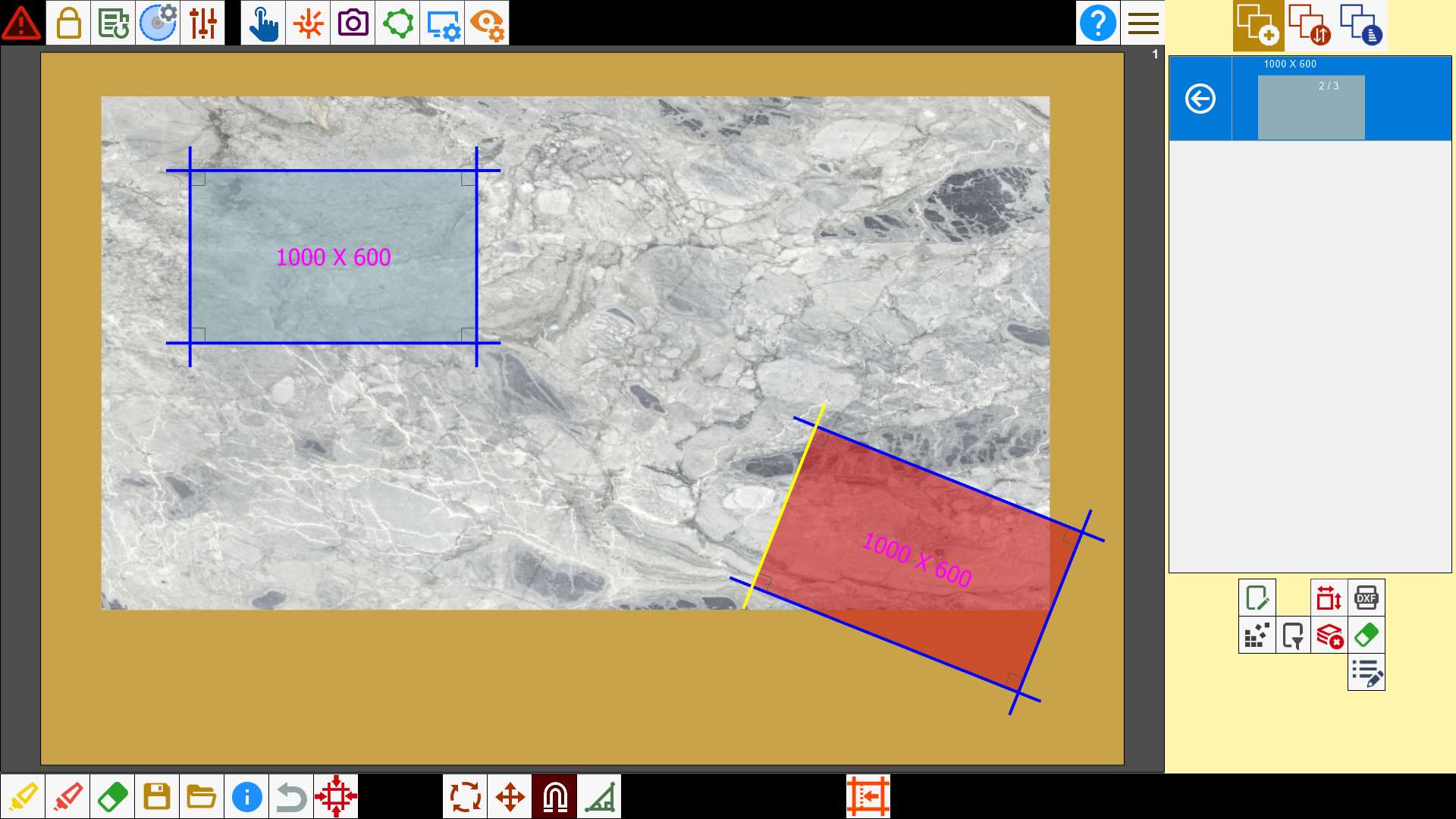
In the case the cuts are not parallel, the piece is rotated in parallel position to the cut.
Align two cuts
It is possibiele to use the magnet to align two cuts.
To do that, select in sequence the cut you want to move and, subsequently, the cut on which you want to magnetize the piece.
The first cut will move so as to result parallel to the second selected cut.
In the case the cuts are not parallel, the piece is rotated in parallel position to the cut.
Alignment with stress relief cuts
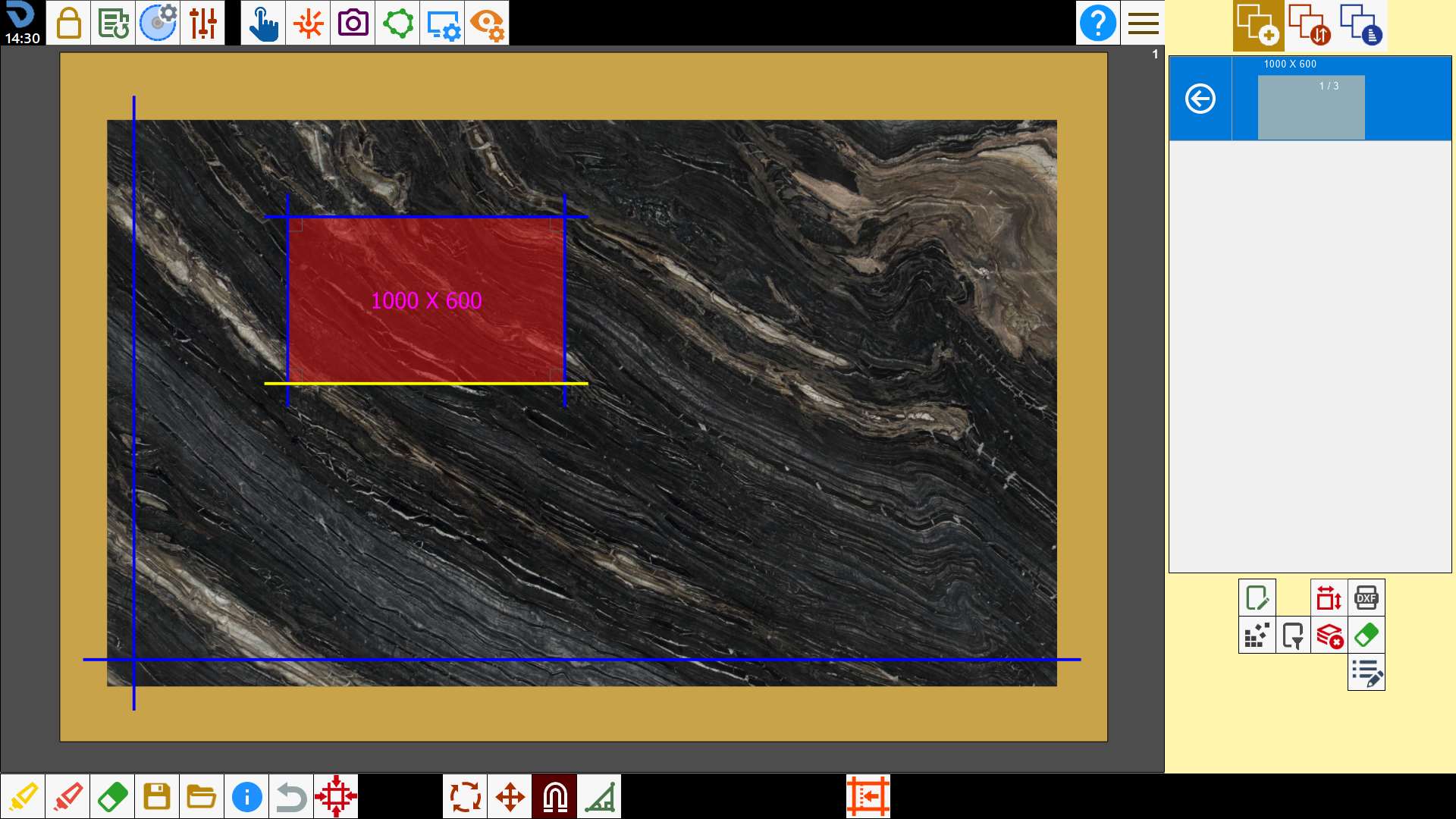
With this mode, it's possible to align cuts of a piece with the cuts of a slab.
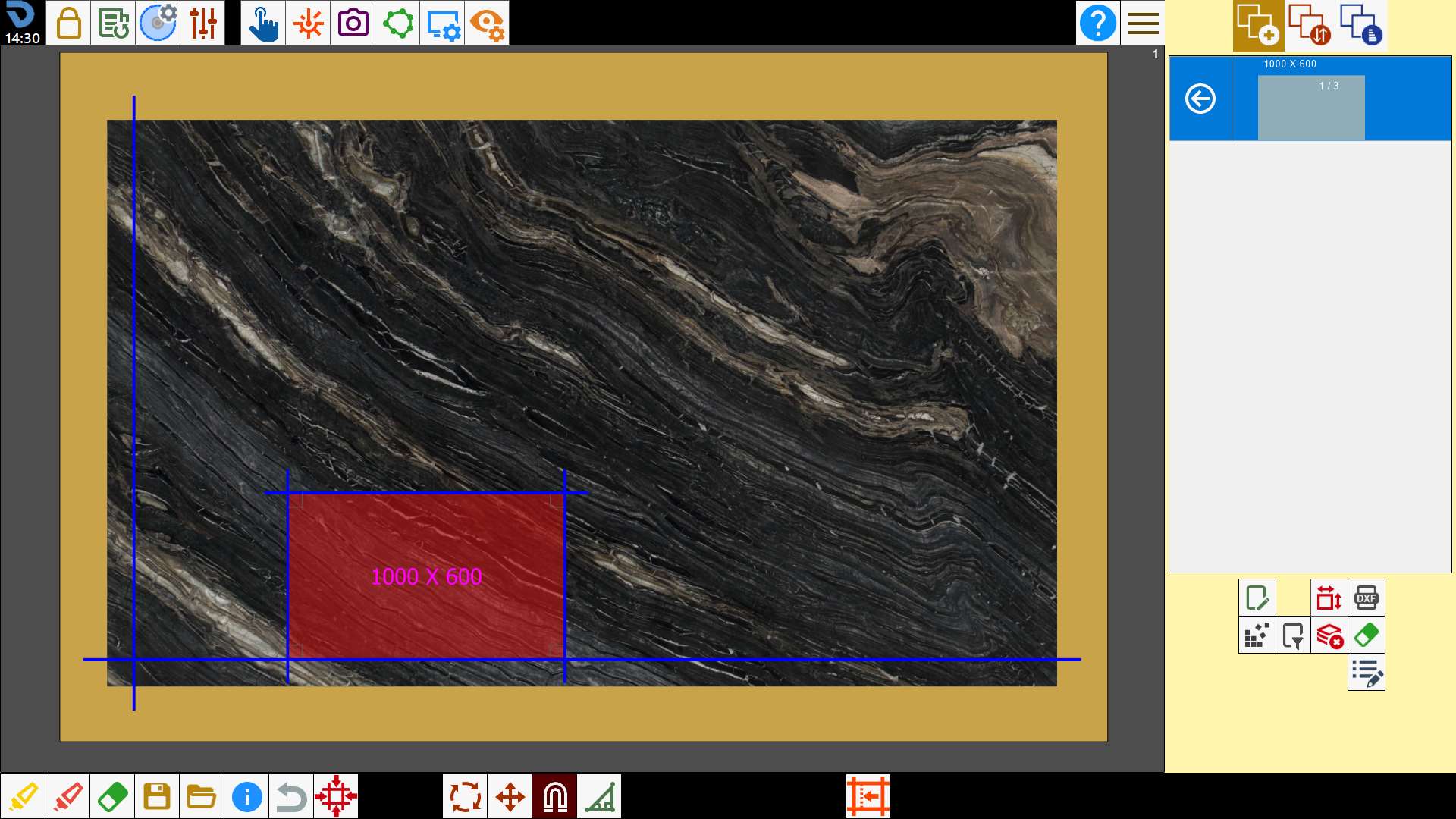
Alignment with laser references
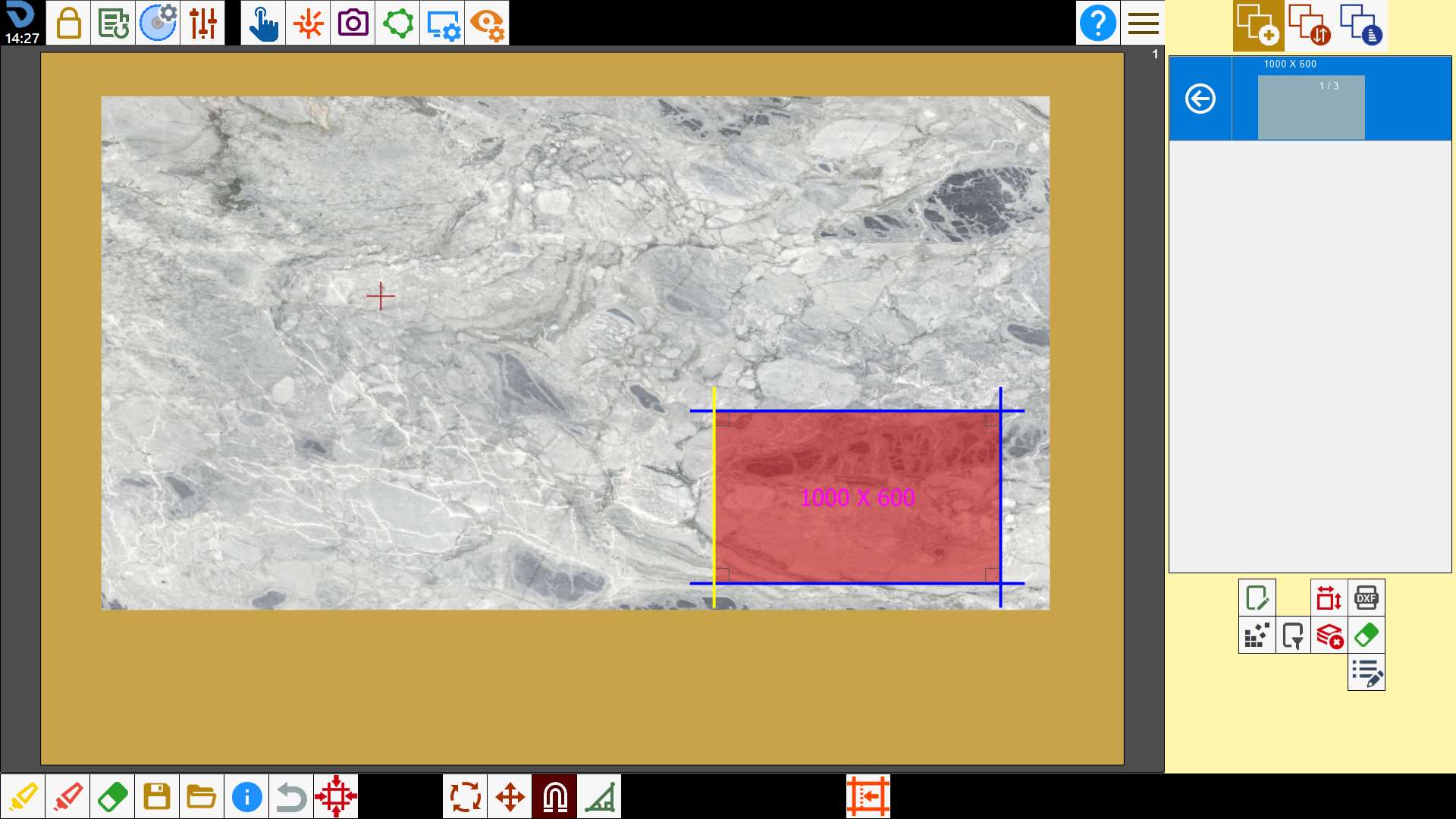
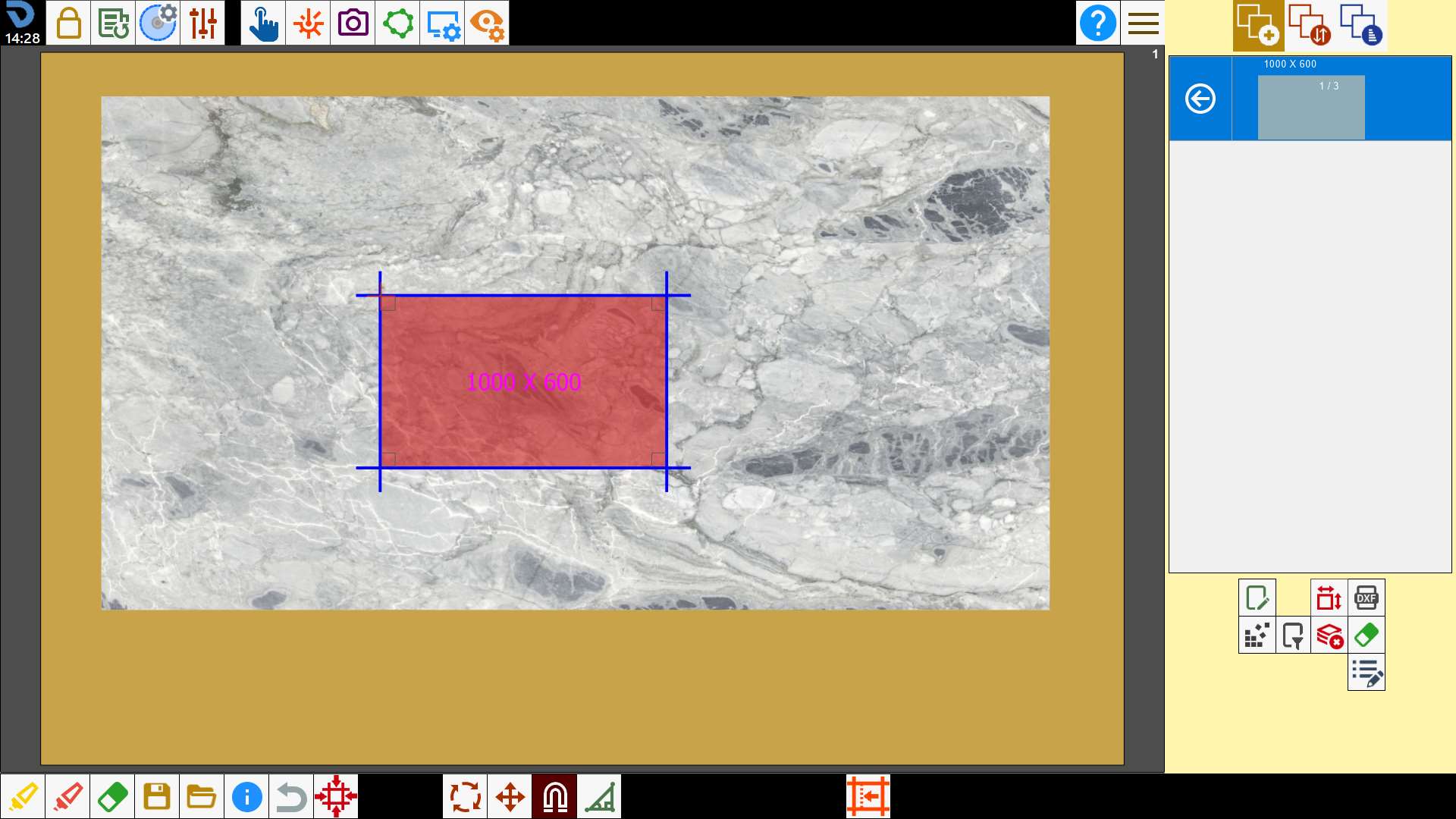
Via the same procedure it is possibiele magnetize the cuts with the laser reference, both line and cross.
In the case of line laser, the selected side is aligned with the reference.
In the case of the laser cross, the piece is moved so that the laser reference matches the nearest vertex of the selected cut.