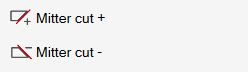
Through this function, the operator can incline a side of the selected piece.
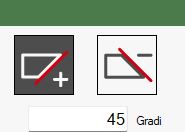
Buttons
 | Team direction positive |
 | Negative team direction |
Execution of working
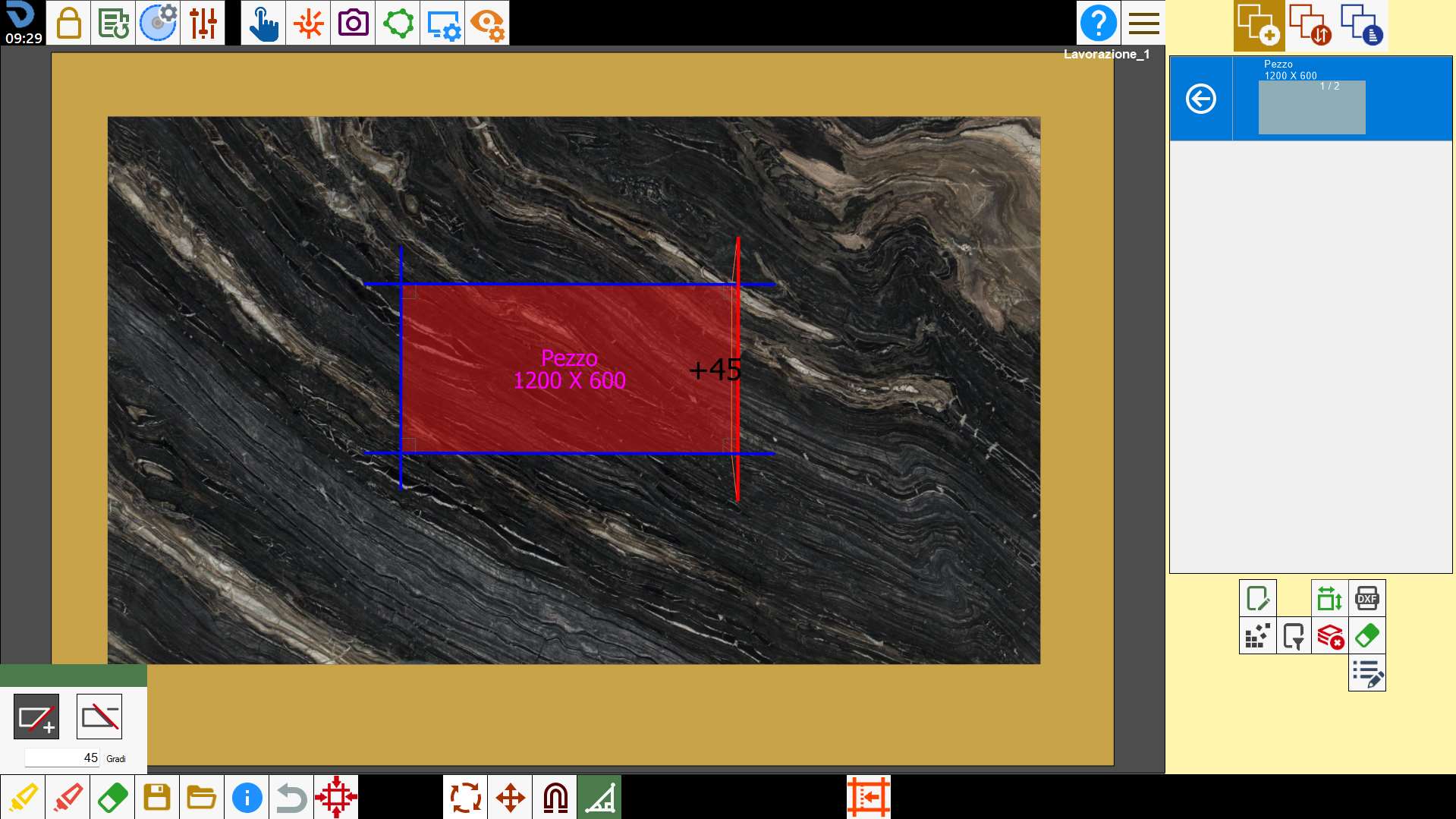
We apply a _45_ miter cut to the selected piece.
You select the button with the _ and you insert the number 45 in the box below.
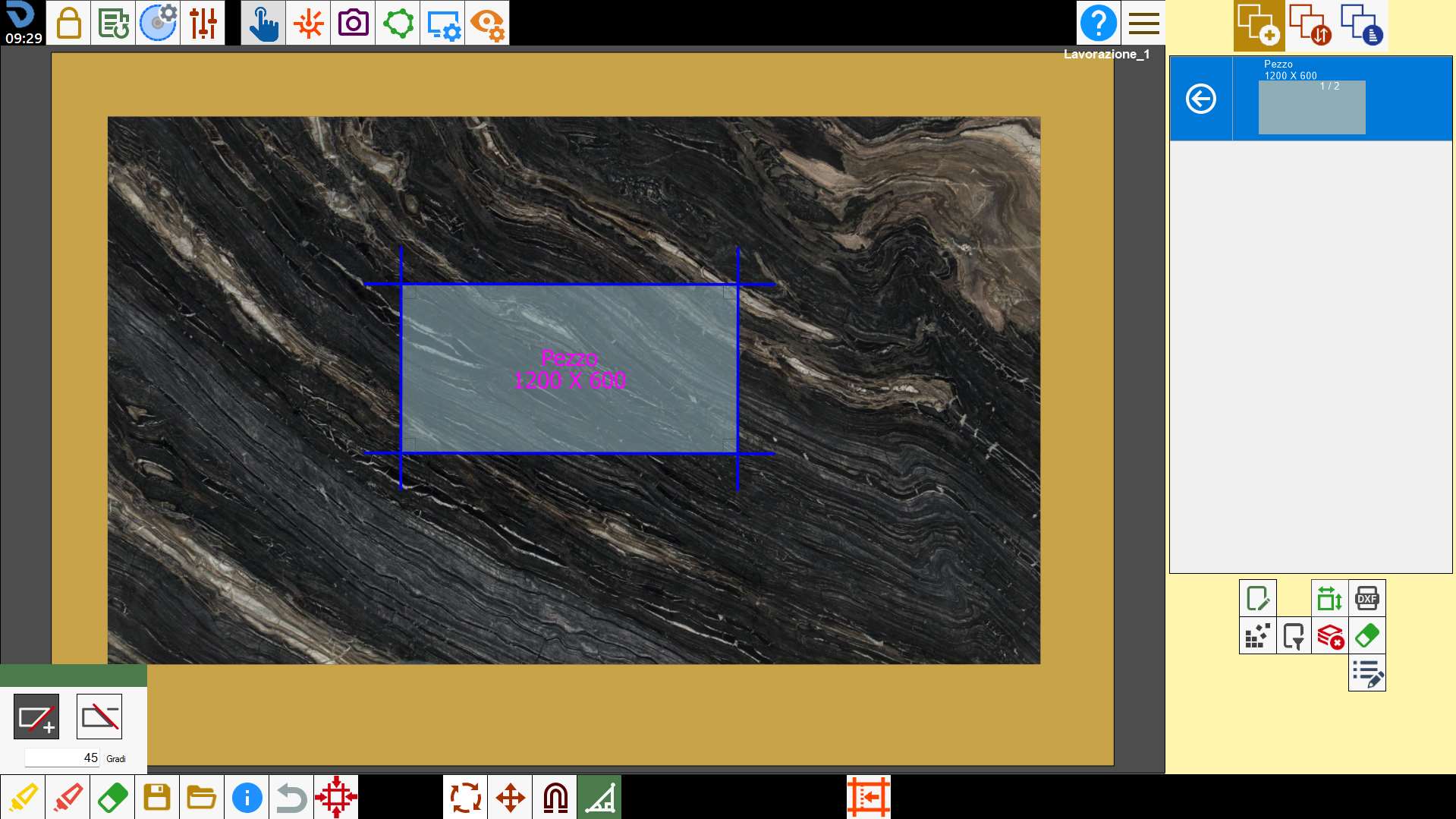
You go to select the side of the piece to which this miter cut will be applied, once selected the miter cut is created automatically.
This modification does not apply to the pieces of the list belonging to the same row of the modified piece.
Rapid controls
By clicking with the right mouse button on the cut of a piece inside the working area, a window appears with commands that allow you to modify its inclination.