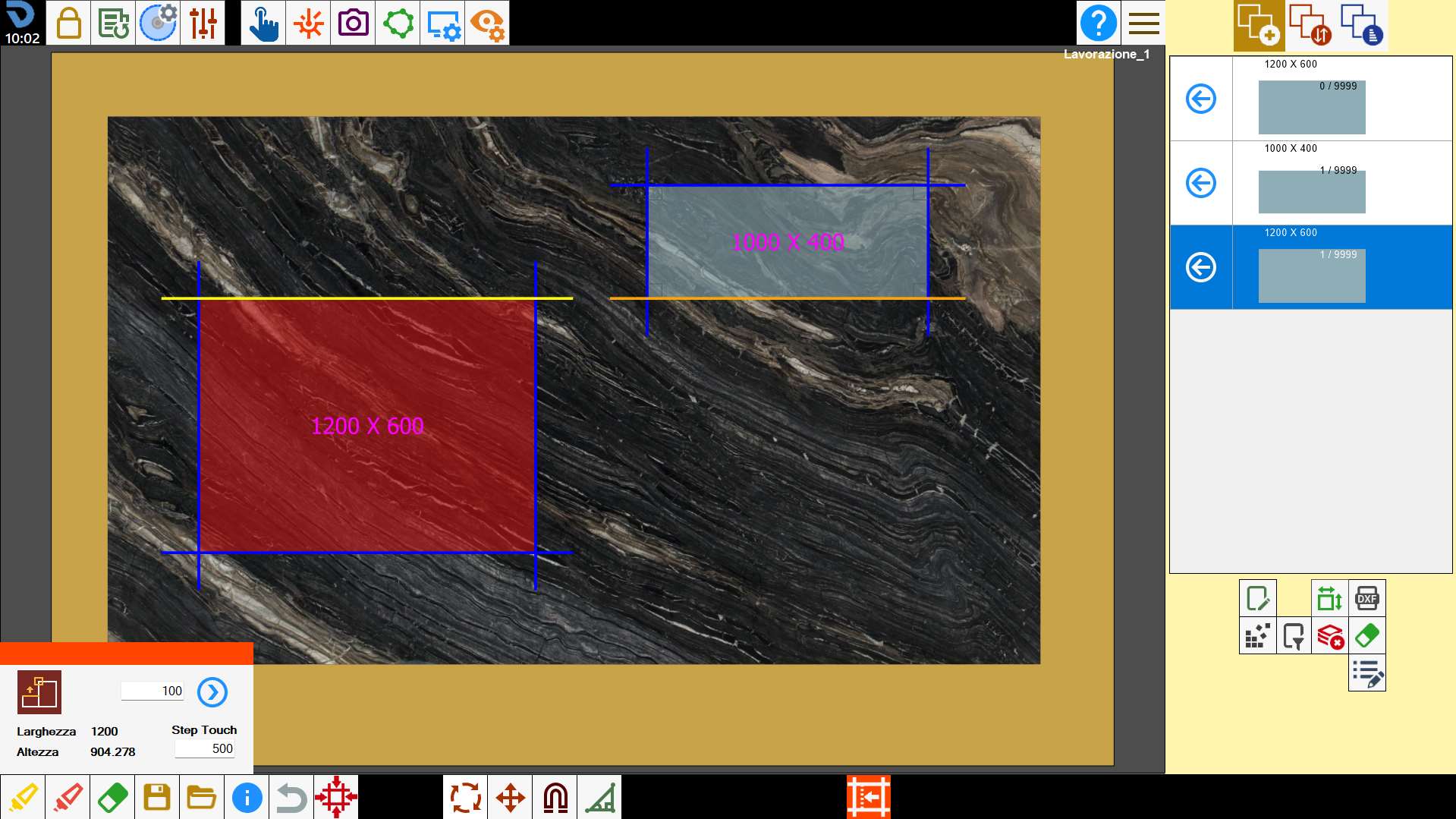
It opens a panel with which you can change the dimensions of a commercial piece.
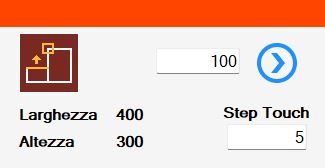
Buttons
 | Magnet dimensions |
 | Width |
 | Height |
 | Quantity of extension |
 | Apply extension |
 | Step touch |
Execution of workings
Piece extension
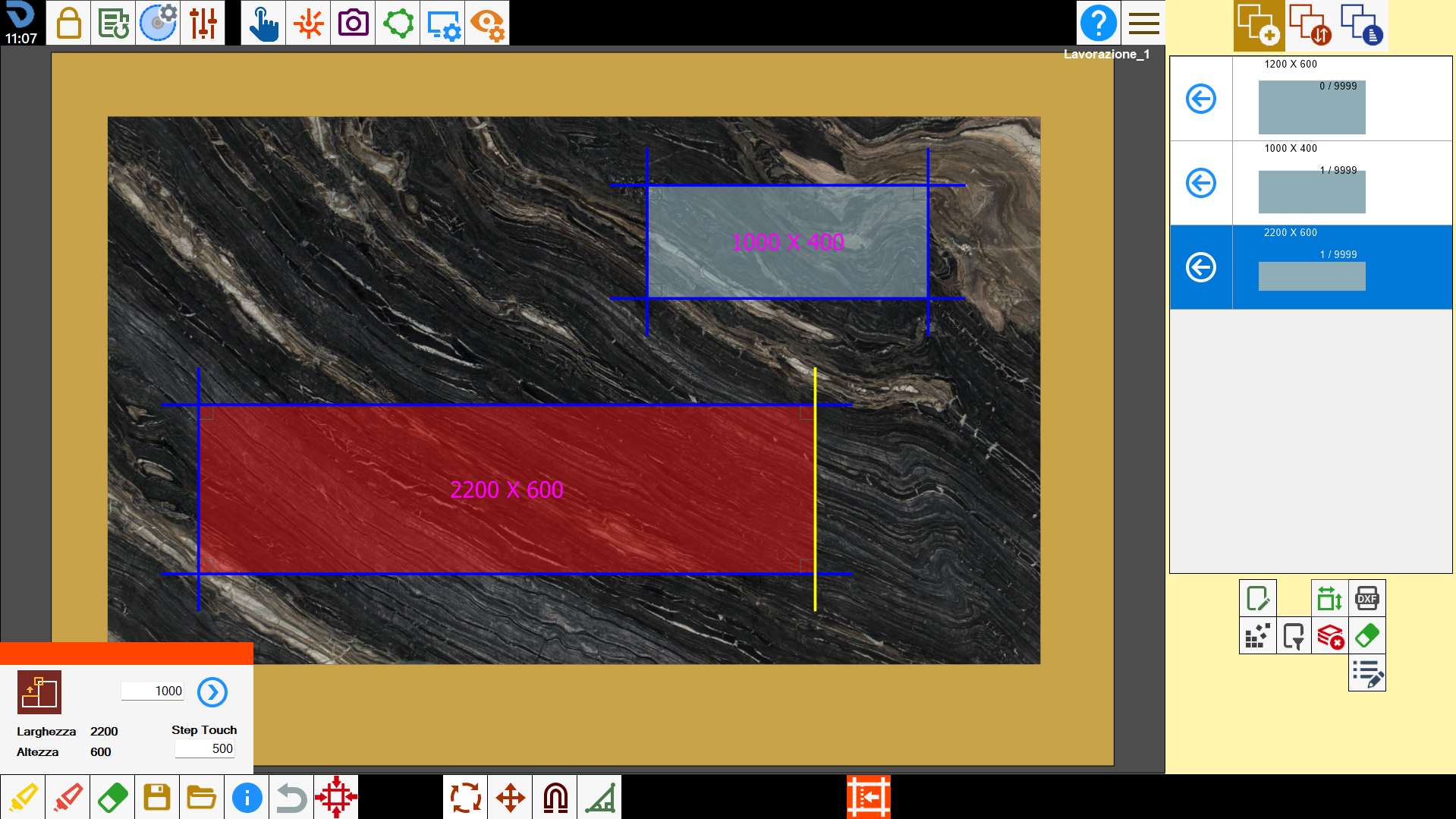
Apply a piece extension on one of its sides.
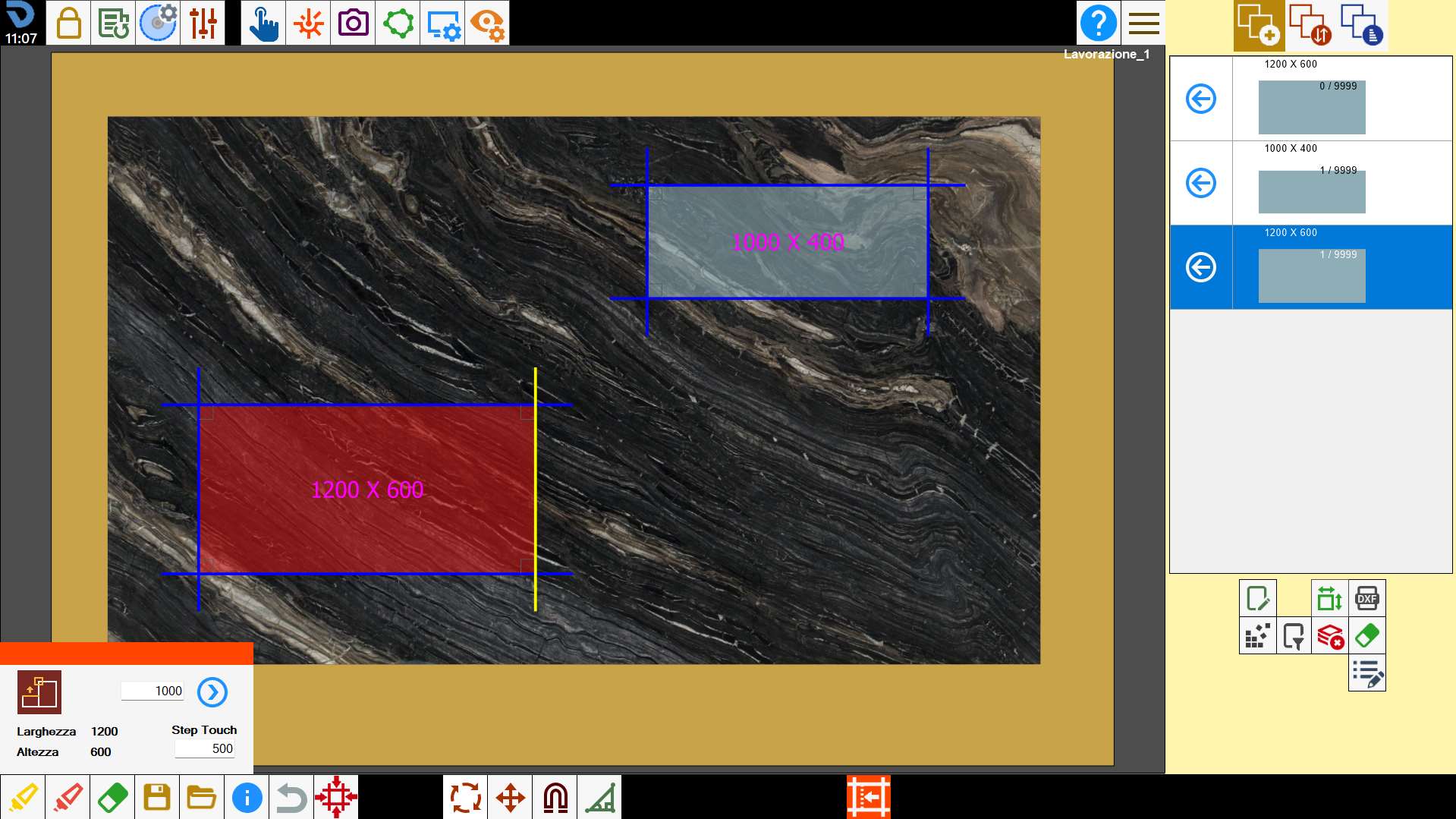
You insert the number 1000 in the appropriate box, you press on the side of the piece and you press on the button with the arrow towards the right.
Step touch
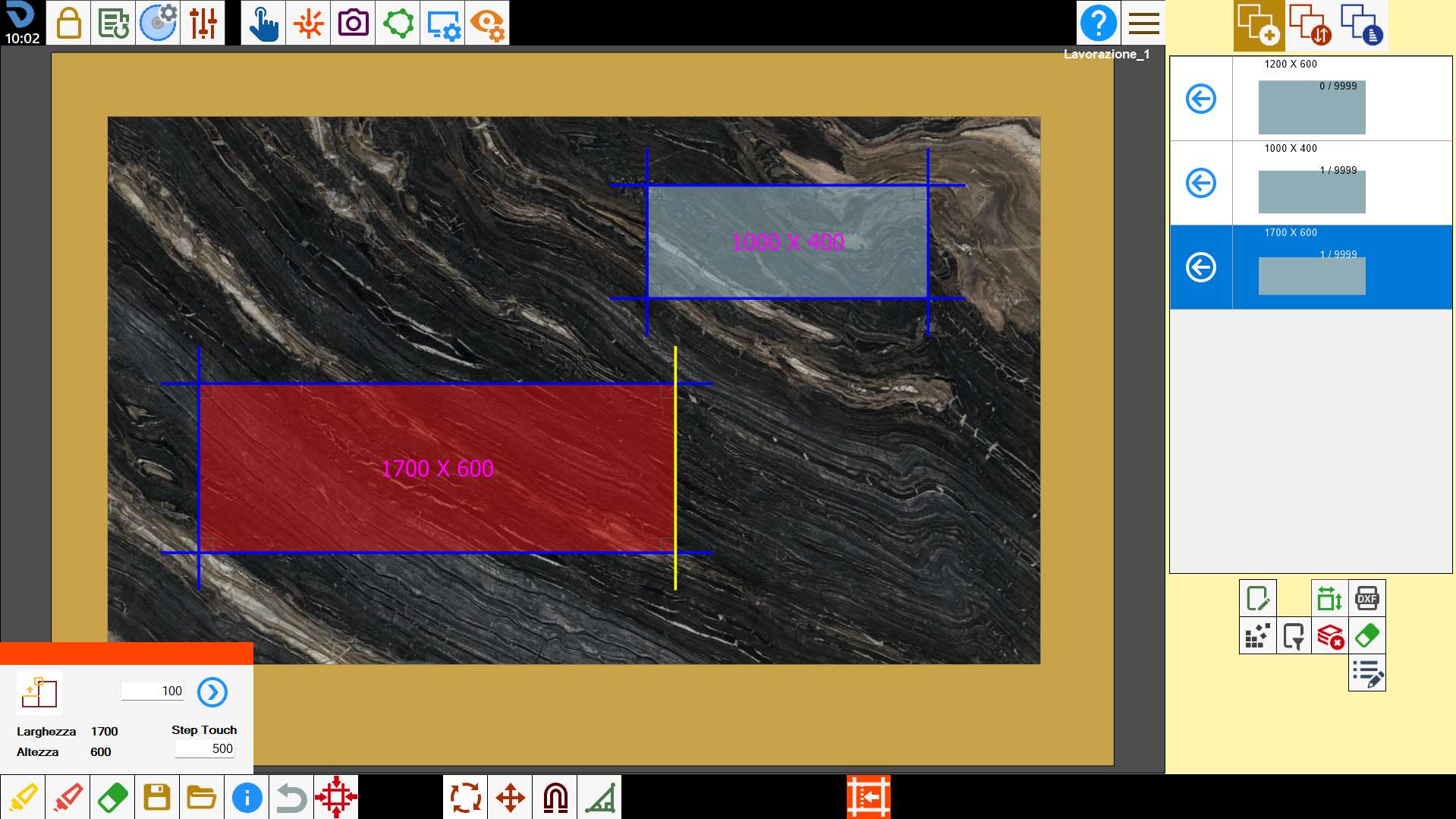
We use Step Touch to extend the piece by 500mm, dragging the side it will extend by 500mm per step.
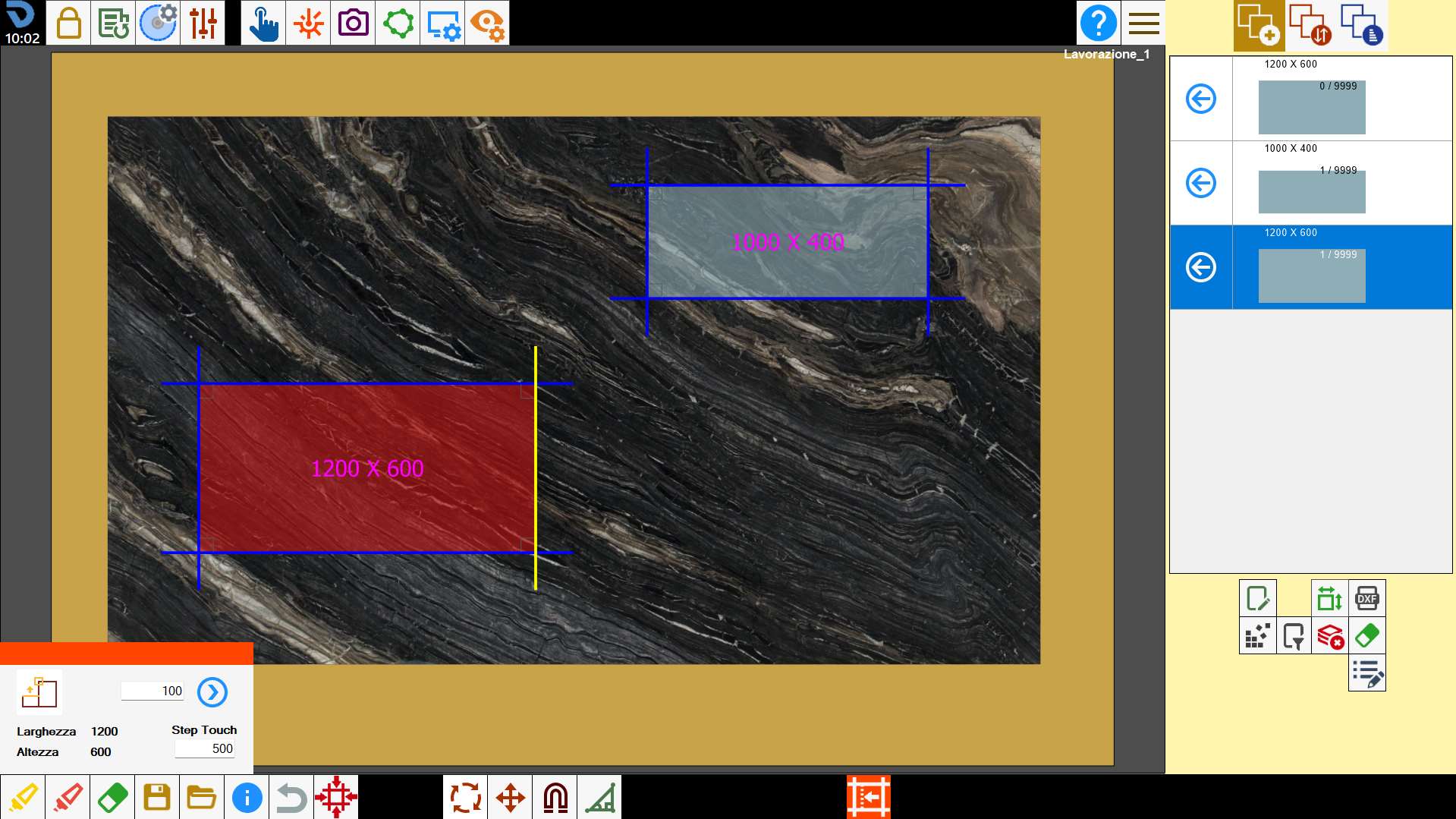
One inserts the number 500 in the proper box, one presses the side of the piece and one drags towards right.
Resizing
We go to size a piece dragging its side towards that of another piece.
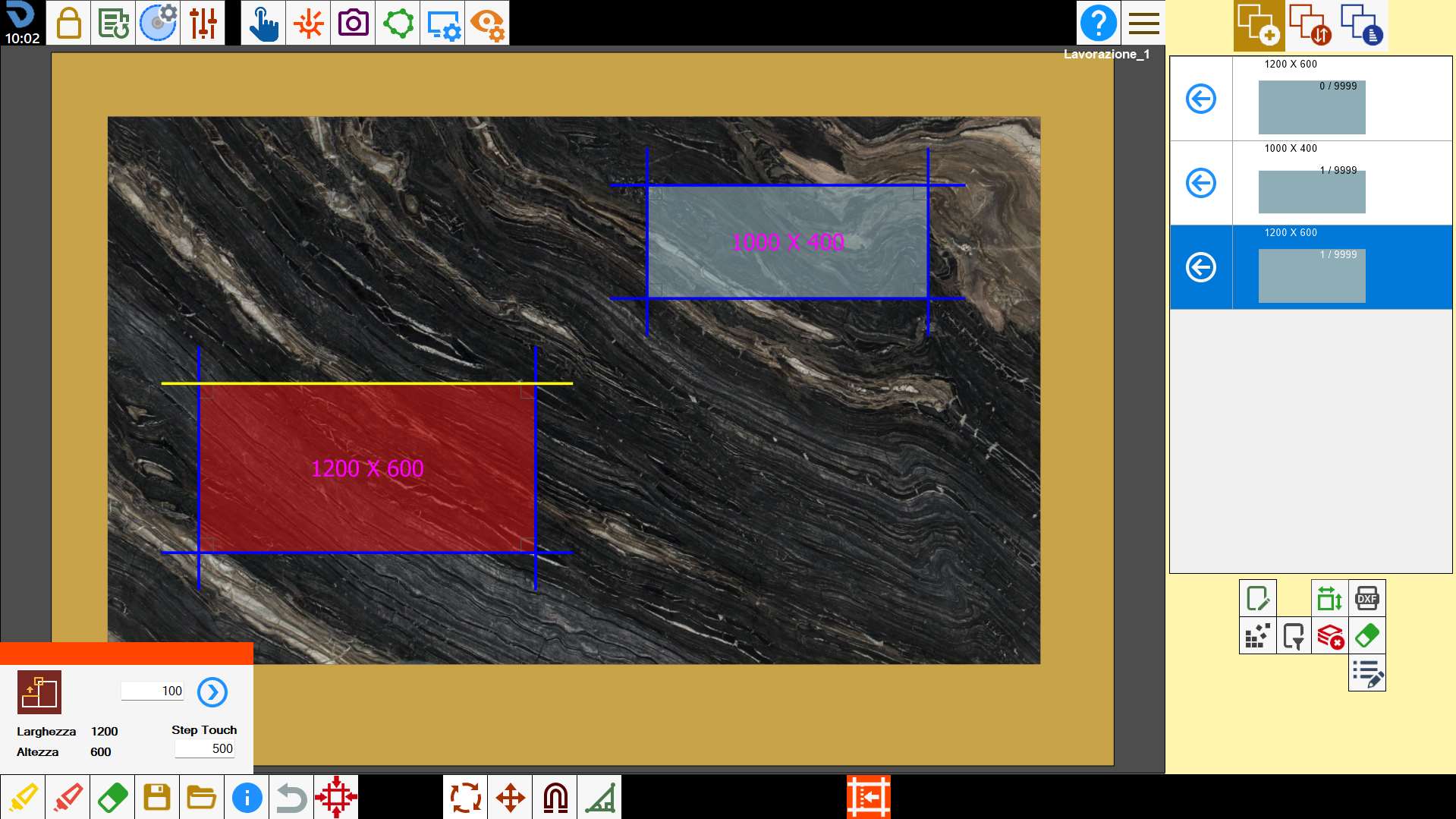
You click on the side of the piece to be resized and you drag it towards the side of the other reference piece.