Machine technical documentation Operational document
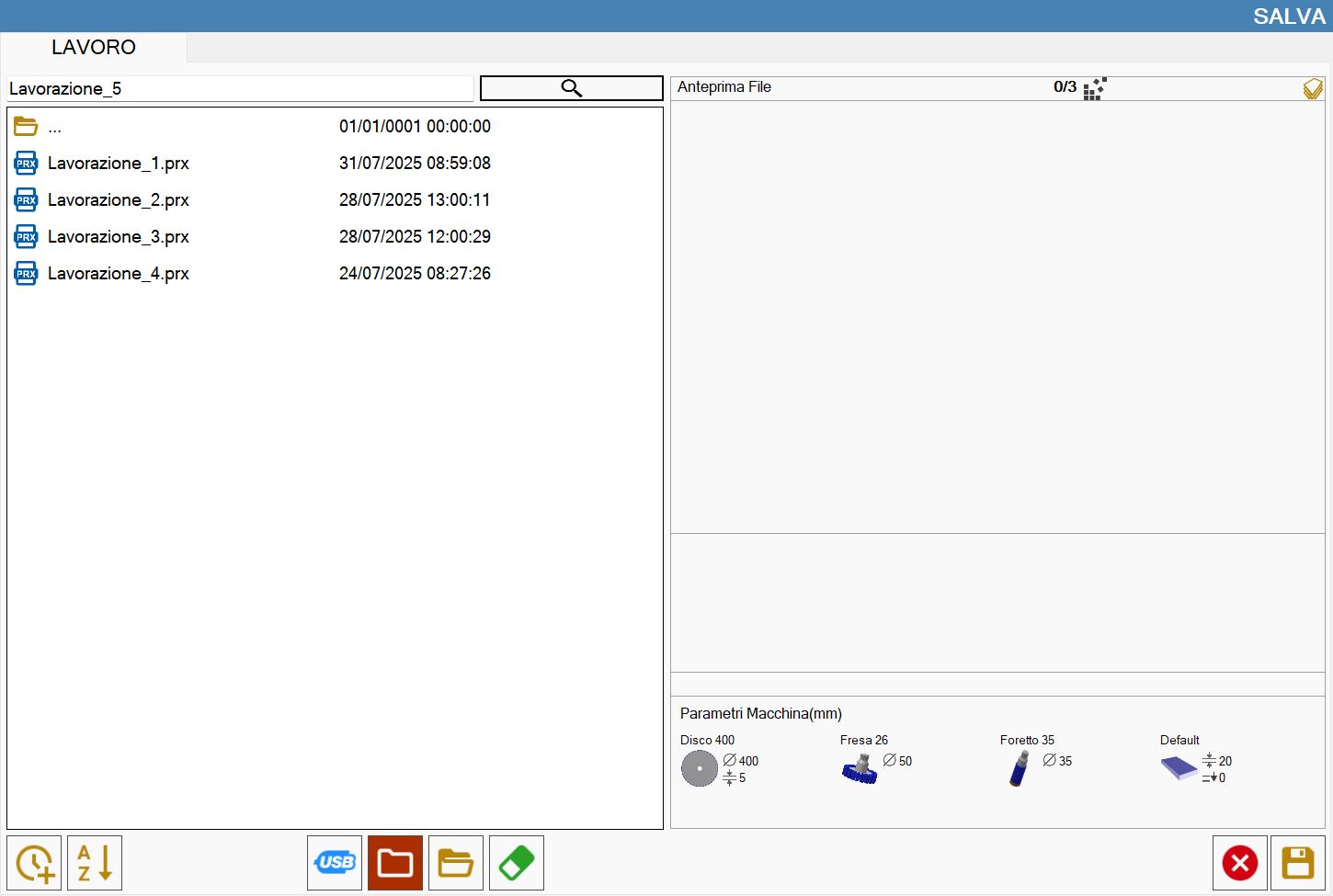
Through this function it is possible to save the state of the slab and the pieces created.
Buttons
 | Save |
How to save a state
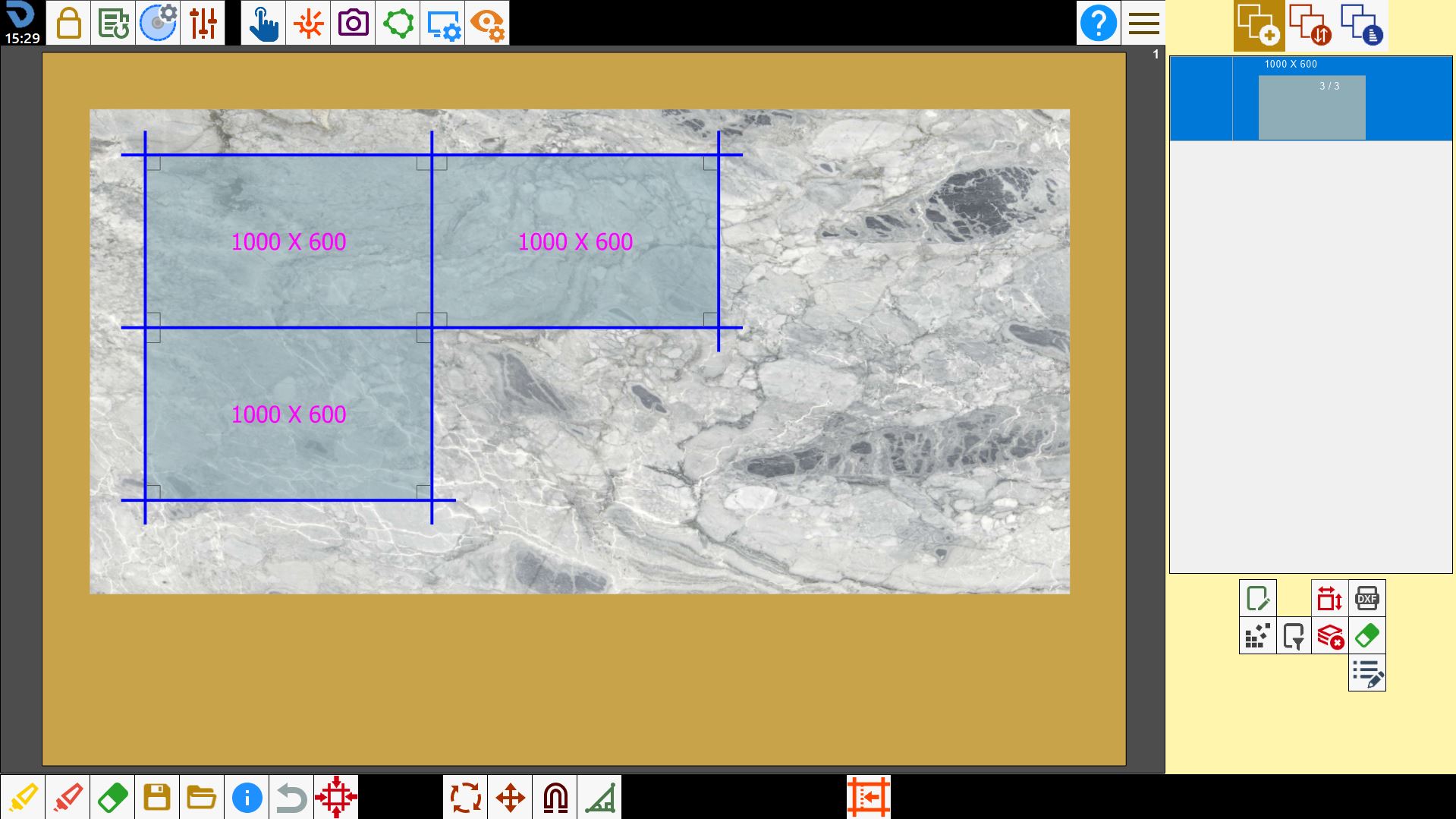
Once arranged the pieces on the work area, it is possible to access the panel to save the state.
Choose the name with which you want to save the file inside the text box placed at the top.
Confirm the choice with the save button.
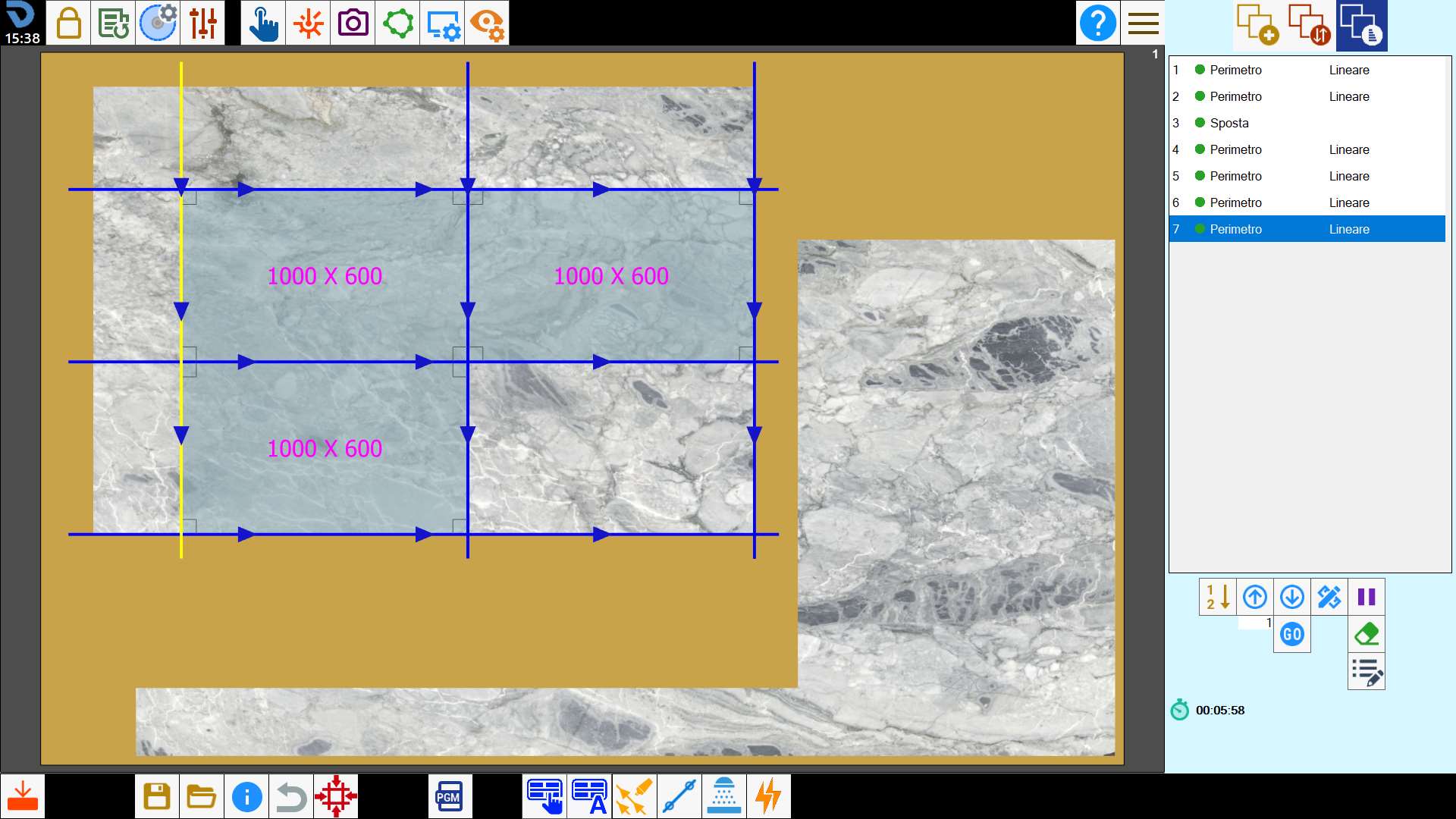
From the third screen of Parametrix it’s also possible to save the status of a working after programming the cuts to execute on slab.
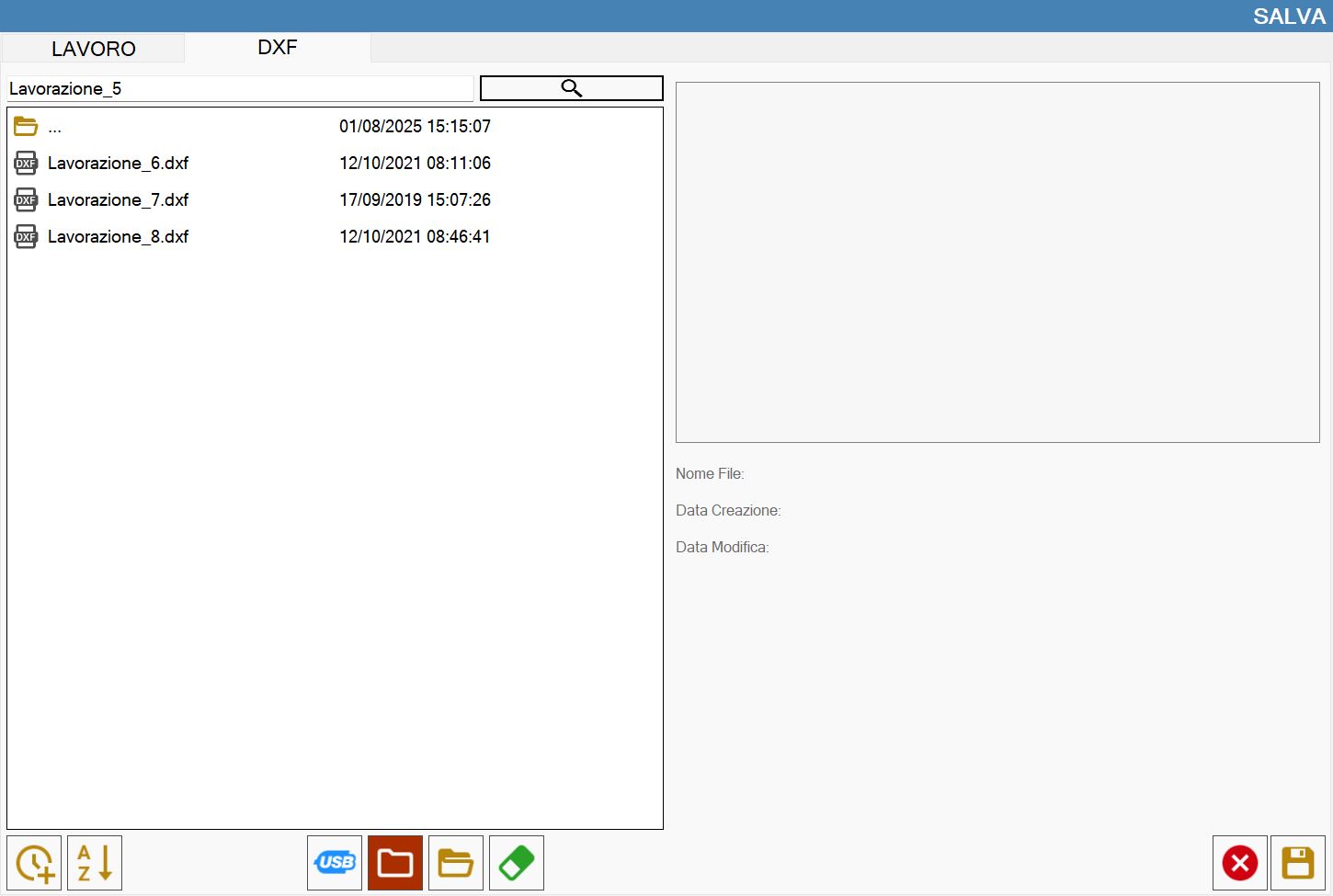
Save as DXF (Optional)
This function allows to save the status of the slab and the pieces in it on a DXF file.