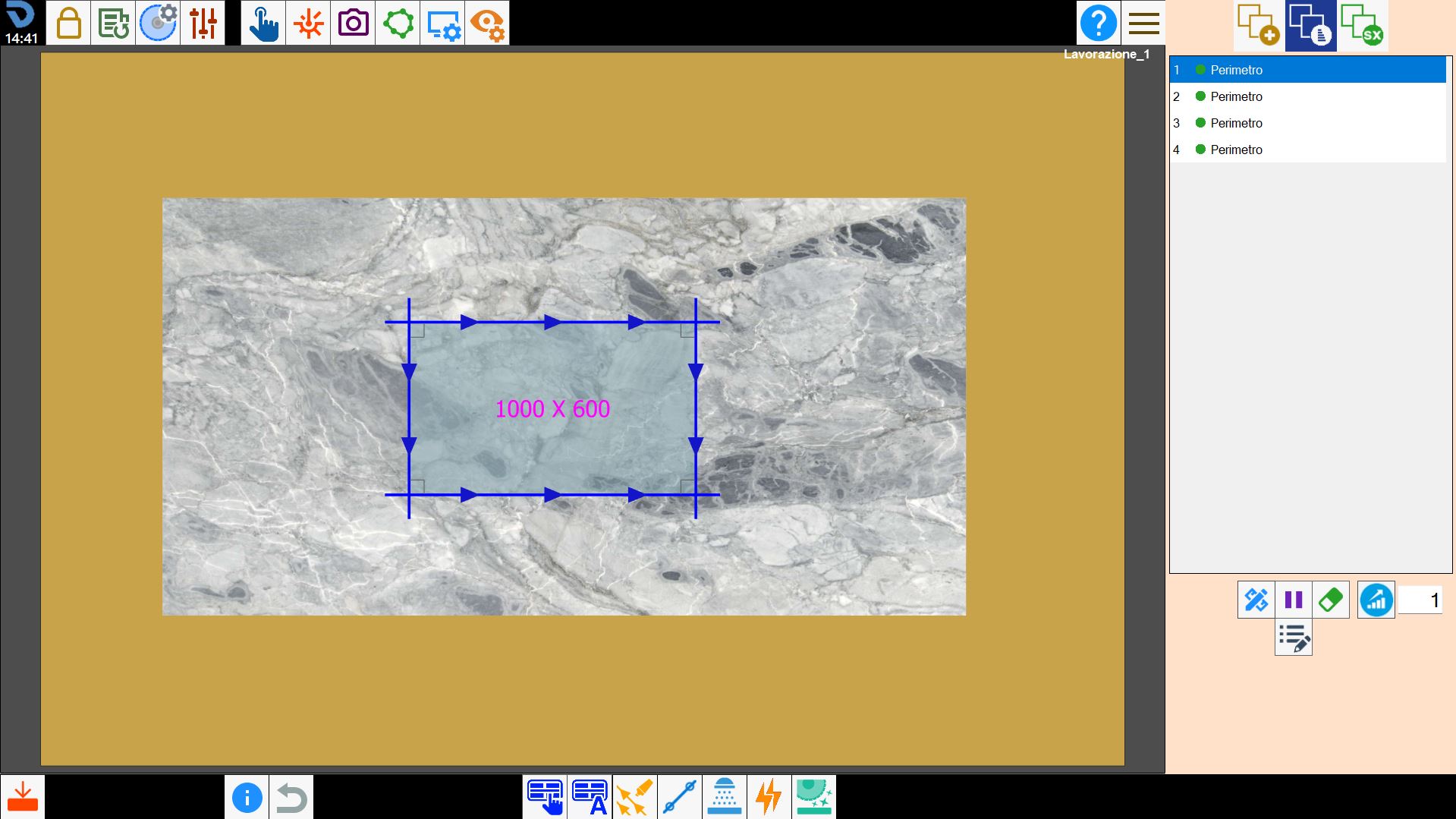
The arrangement of the cuts in the right list, indicates the order with which they are cut. With the buttons below, it is possible to modify this order, or insert a pause in the execution of operations between a cut and another.
Modify cut It allows to modify some properties of the selected cut.
Insert Pause It is possible to enter a pause between the execution of the selected cut and the next. The program will execute all the previous cuts to the pause, then stop the machine and wait the command of Start by the operator. It can be used, for example, to change tool.
Delete Cut Activating this function, beside each item in the cuts list will be showed a rubber shape icon. Pressing that icon, the user can permanently remove the corresponding cut from the list.
Cutting optimization To be used to improve the combination of the machine's spindles during the cutting phase. It is necessary to indicate the mode in the text box and press the button to apply the optimizations.
Additional piece properties Allows to modify the additional properties of the selected piece inside the working area.