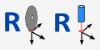
The leveling cycle allows the workbench or material to be leveled. This program is useful when the workbench has become uneven due to cuts or when the material thickness needs to be made uniform.
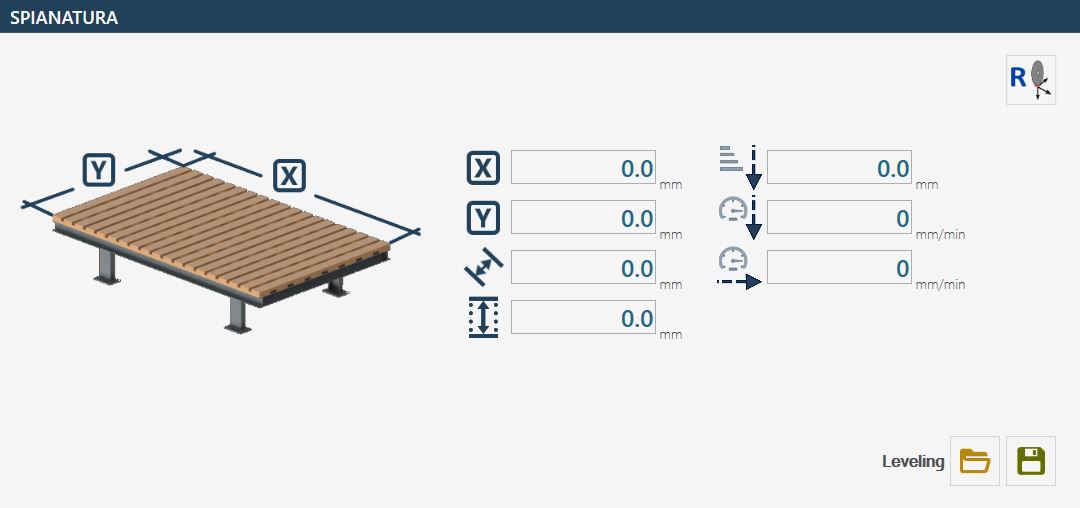
Movement position relative to the X axis Positive and negative values can be set.
Movement position relative to the Y axis Positive and negative values can be set.
Movement distance Indicates the distance between one cut and the next; only positive values can be entered in this field. For leveling, it is recommended to set a “movement distance” of approximately 80% of the tool thickness.
Depth Indicates how far to move down during the leveling cycle relative to the acquired position.
Z Step Indicates the maximum downward step into the material. Depending on the leveling depth, the Z increment may decrease so that all passes are performed at the same depth.
Plunge cutting speed Indicates the working speed on the Z axis during the automatic cycle; it is expressed in (mm/Min).
Forward cutting speed Indicates the working speed in the XY plane during the automatic cycle; it is expressed in (mm/Min).
Change tool origin Pressing this button switches between the disk origin calculated with the line laser and the core drill origin calculated with the cross laser.
The “LEVELING” program does not require the X, Y and Z origins to be reset. The tool position at the time the cycle is started is used to determine the starting position. After setting the various parameters, move with the disk running to the maximum desired depth of the workbench or material and start the cycle using the START CYCLE button.
NOTE
The program can be used with the “A” axis inclination at ZERO degrees or NINETY degrees, allowing tools such as disks or milling cutters to be used.