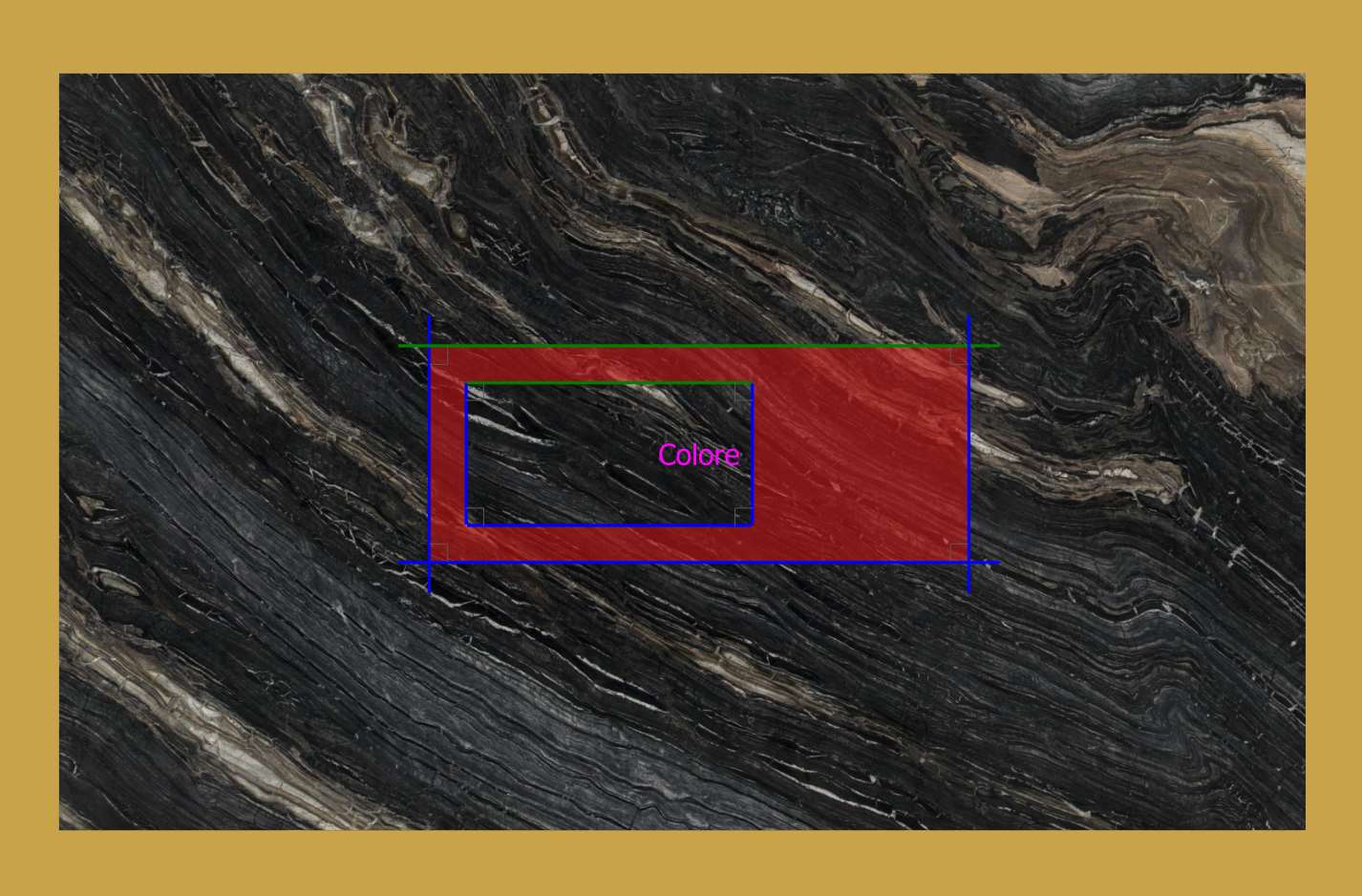
This function can be used to colour one or more cuts of pieces created from DXF.
Buttons
 | Change layer colour |
Procedure
To associate a colour with the cuts of a piece:
Create a Layer in the CAD software;
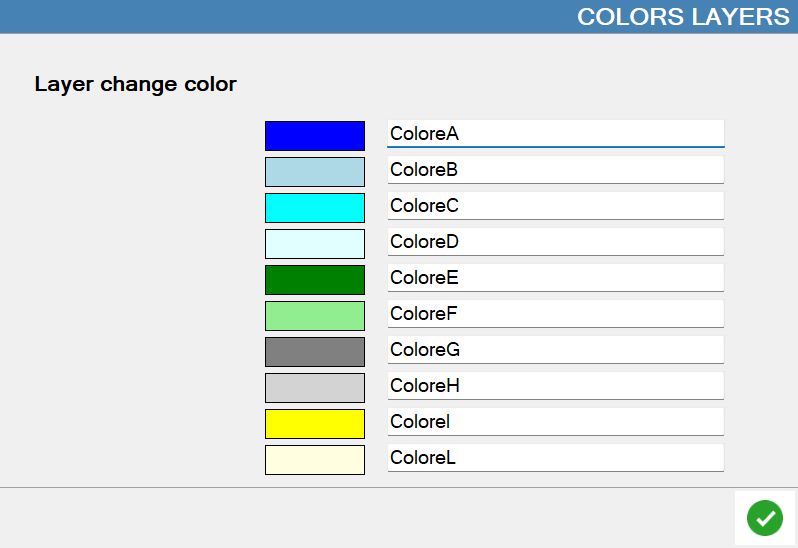
Assign it a colour in the dedicated Parametrix panel;
Draw a line (or curve) over the line representing the cut to be coloured within the Layer.
Once the piece is imported, the cut over which the line was drawn on the Color Layer will have the colour set in Parametrix (not the colour set in the DXF).
The line drawn over the cut to be coloured must completely overlap the line representing the cut.
Example
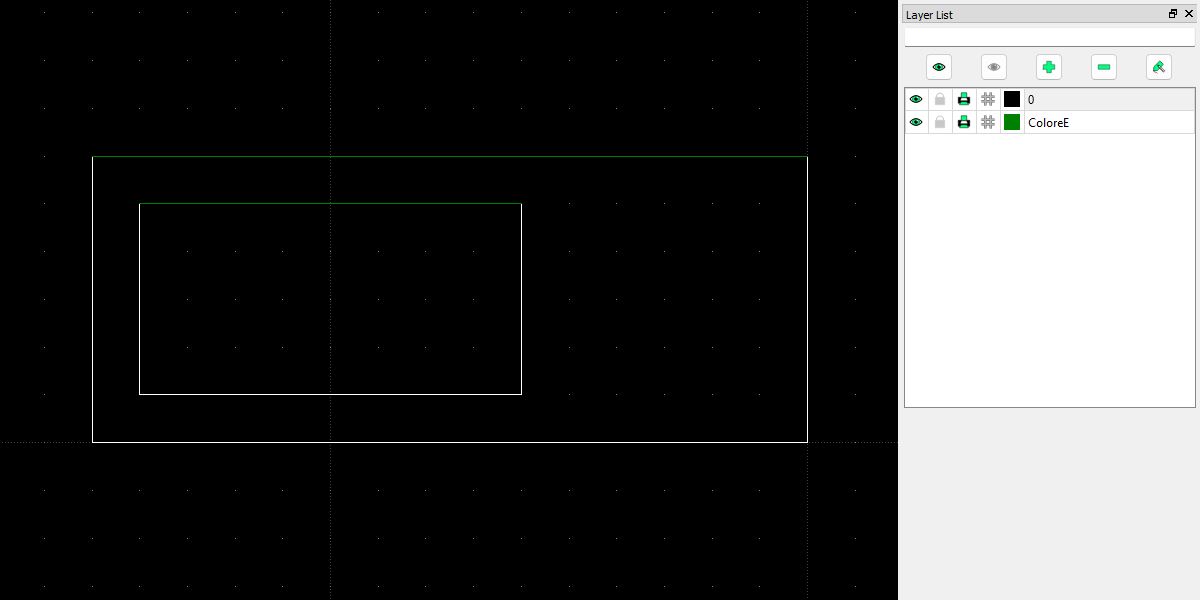
In this example, two cuts of the piece are to be coloured. The “ColoreE“ Layer was created and lines were added over the cuts to be coloured.
As shown in the Parametrix work area, the cuts take on the colour associated with the Layer in the imported DXF file.