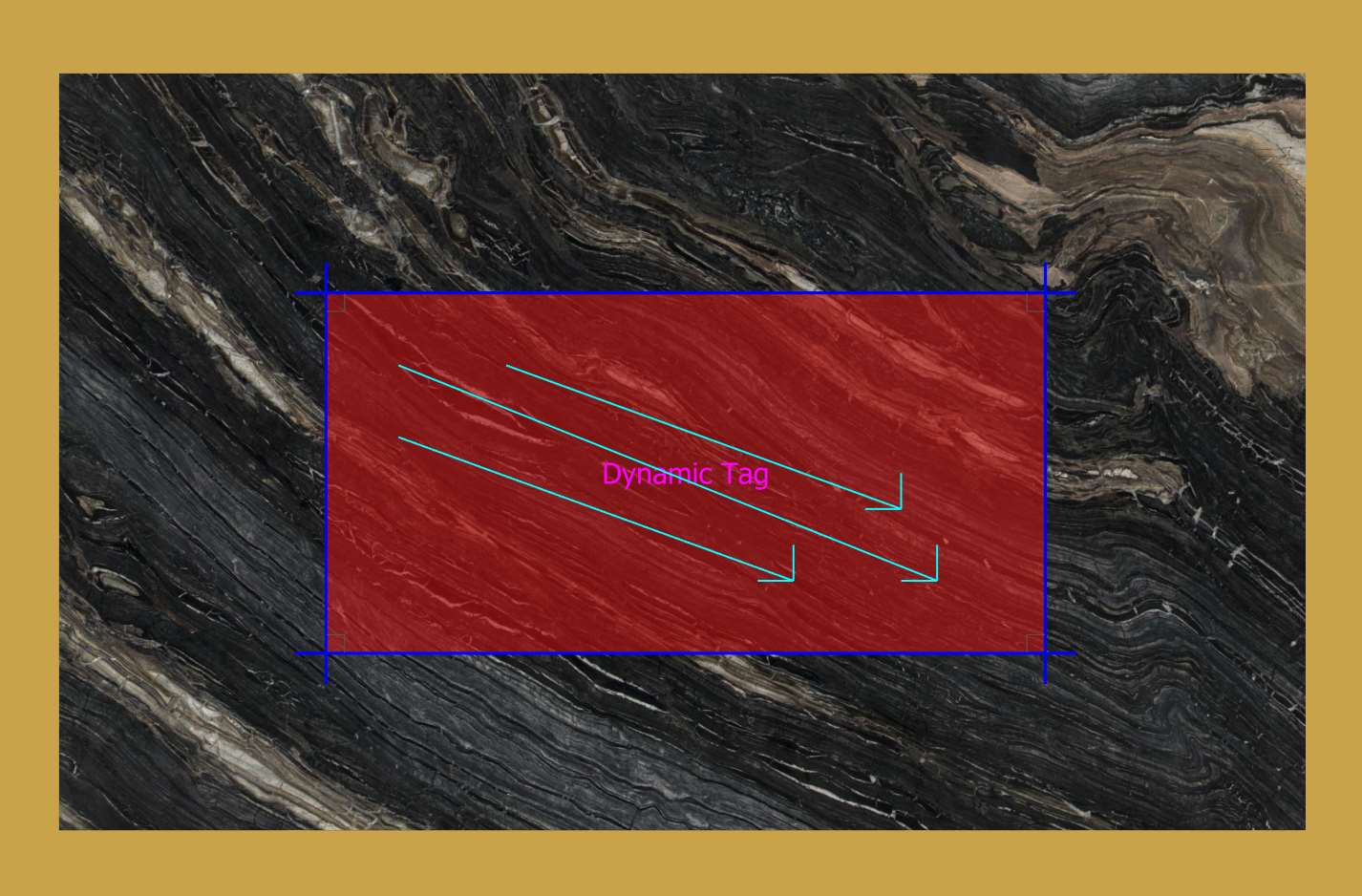
This function can be used to assign configuration parameters to Layers in DXF files.
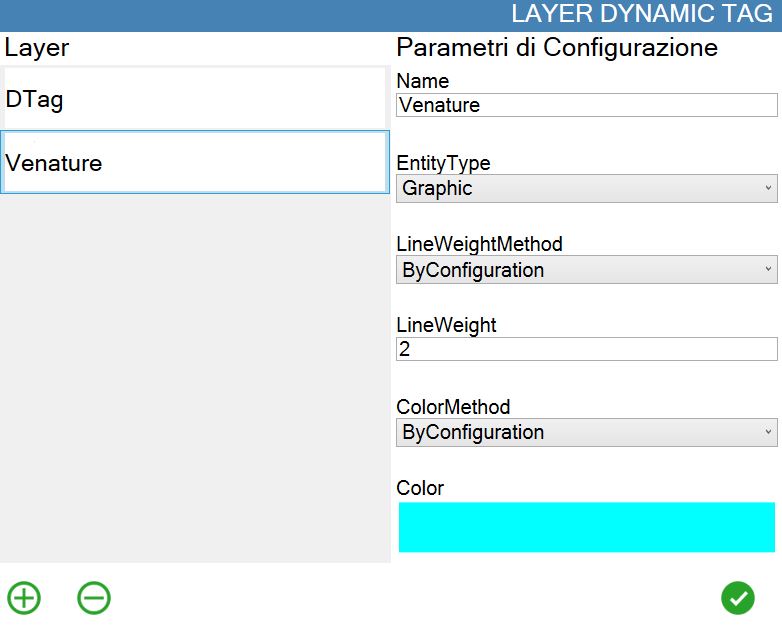
Parameters
The parameters are:
Name | Used to define and recognise the Layer name. |
Entity Type | Defines the type of entities that will be displayed. |
LineWeightMethod | Allows selection of the method used to determine line thickness. |
LineWeight | Defines the thickness of the lines belonging to the Layer. |
ColorMethod | Allows selection of the method used to determine the Layer colour. |
Color | Defines the colour of the entities belonging to the Layer. |
Buttons
The following buttons can be used to add or delete a configuration:
 | Create configuration |
 | Delete configuration |
Example
In this example, the characteristics of the elements drawn on the “Venature“ Layer are to be changed.
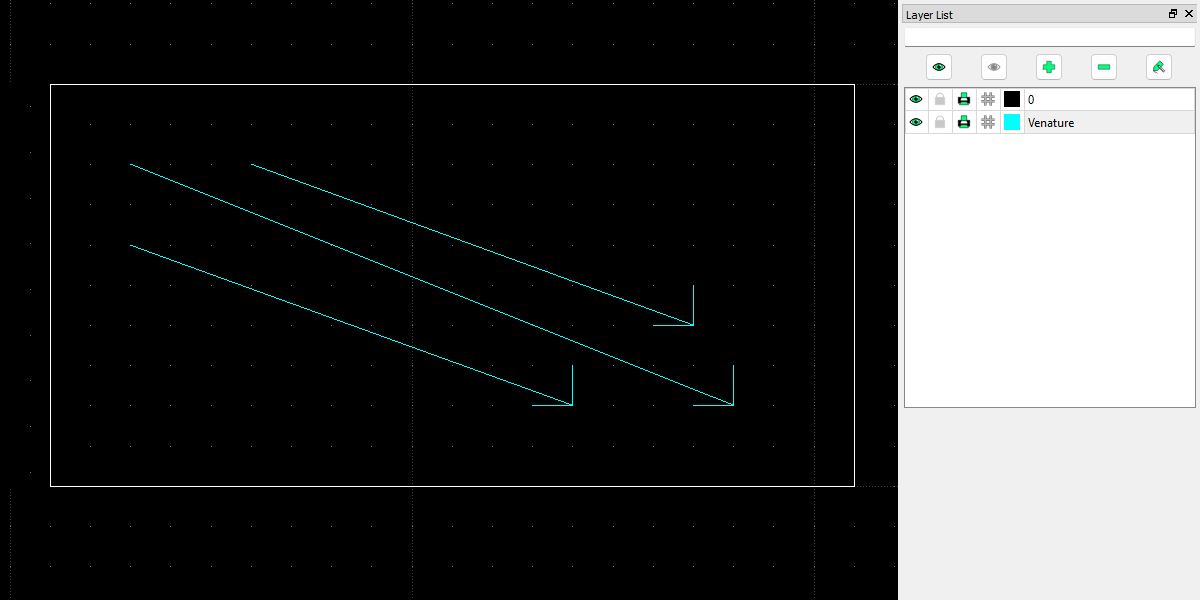
The entities are imported according to the parameters set in the dedicated window.