

Machine technical documentation Operational document
The favourites screen can be used to import into Parametrix pieces that were previously saved as favourites.
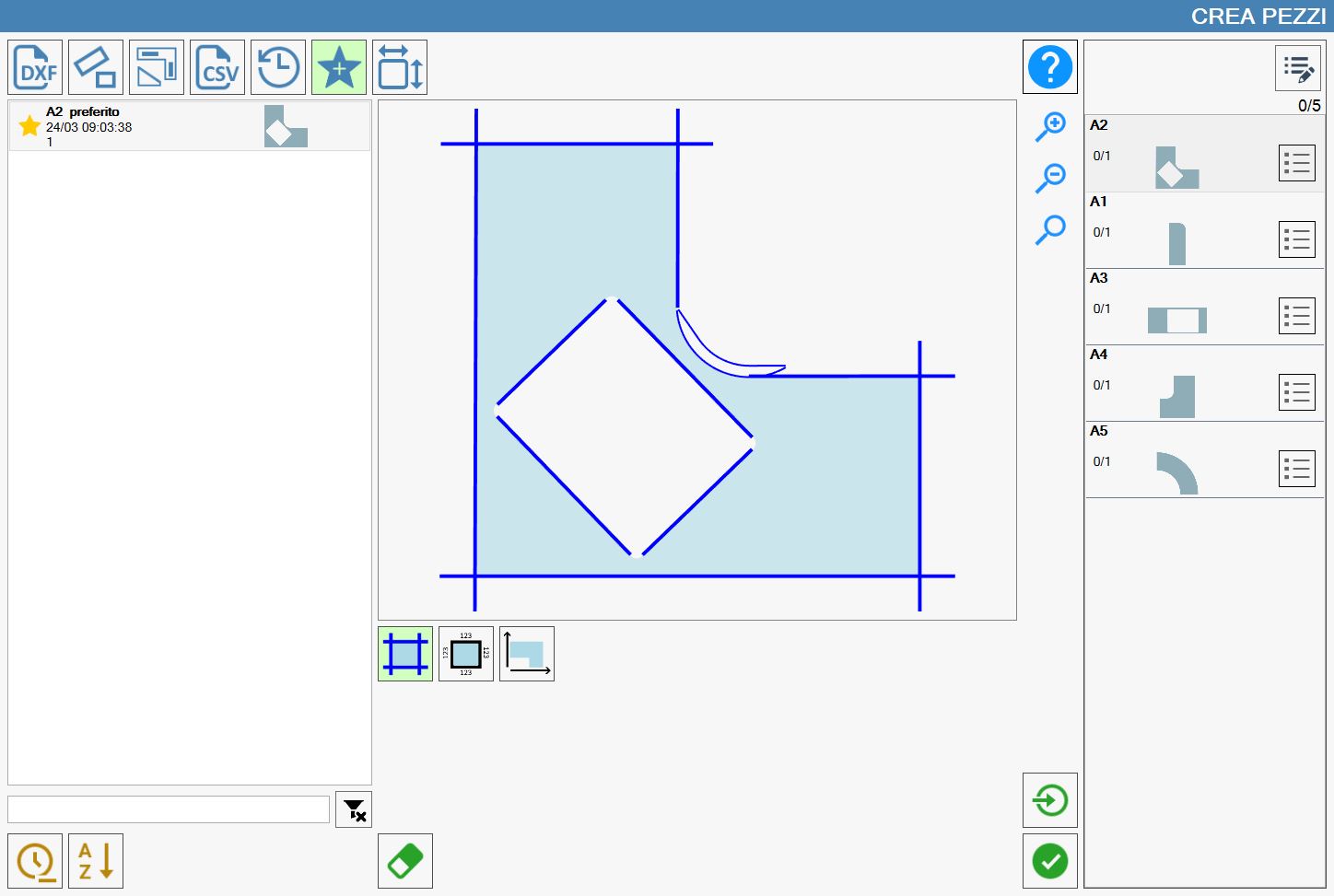
Add a piece to favourites
Any piece can be added to the favourite pieces section using the following button:
 | Add favourite |
Pressing this button displays the following pop-up:
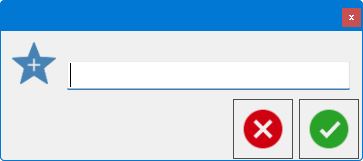
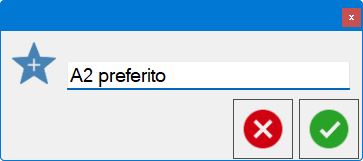
Completing the text field and then confirming allows the operator to add the selected piece to the favourite pieces list described previously.
Piece view types in history
Three different display modes are available for the pieces in this section:
 | Cut view |
 | Dimension view |
 | Bounding-box view |
