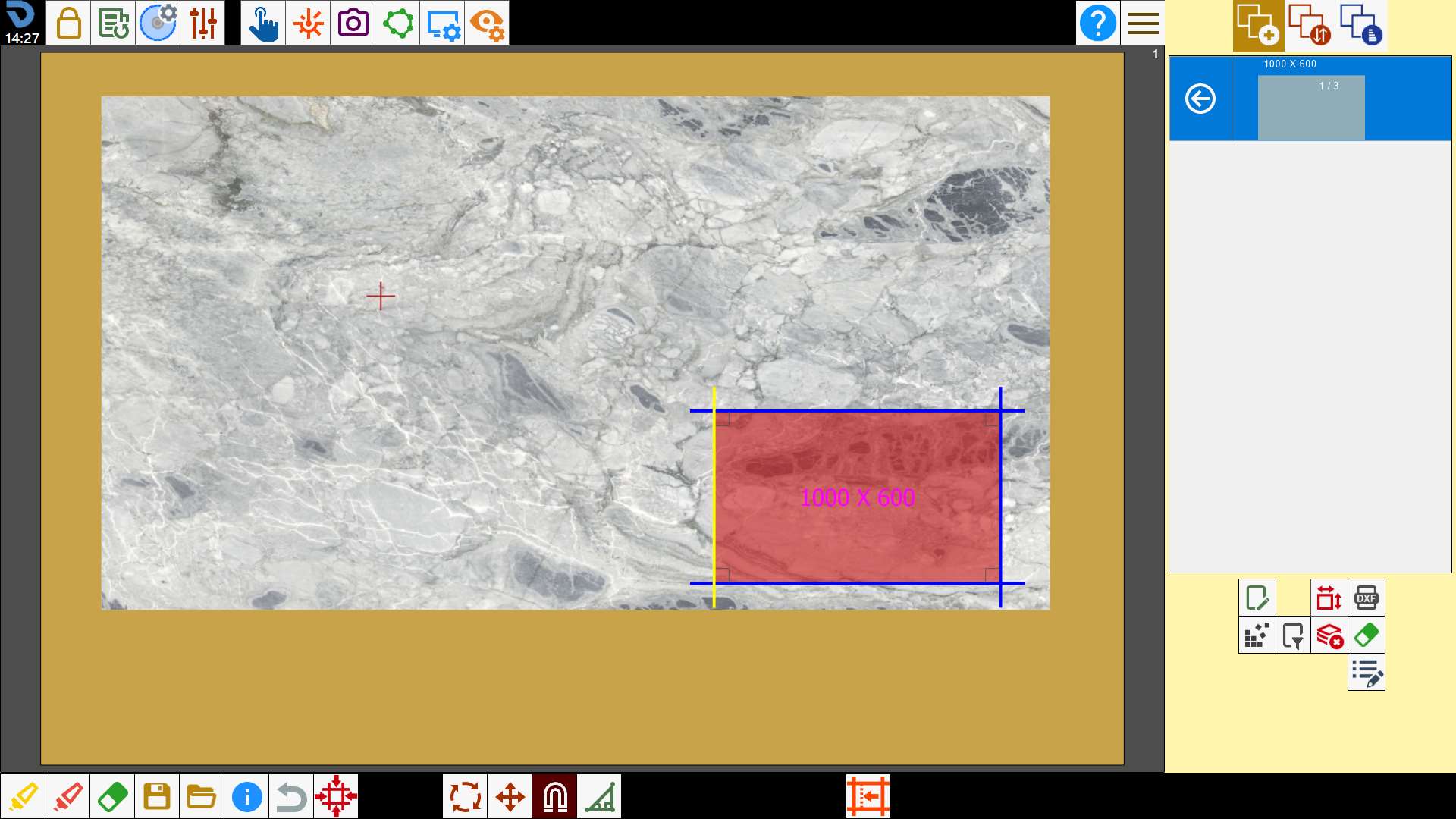
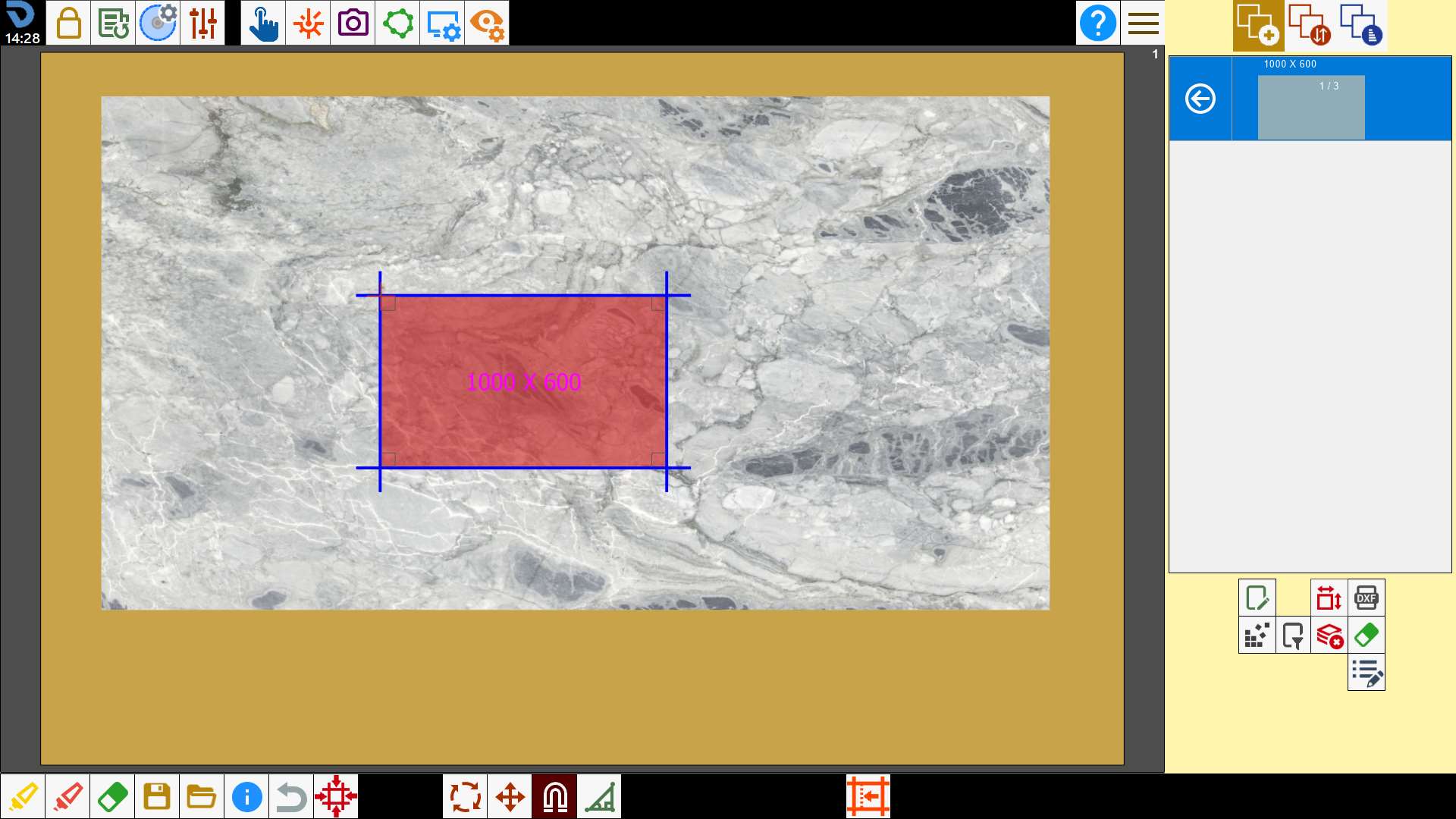
This function can be used to align the sides of different pieces.
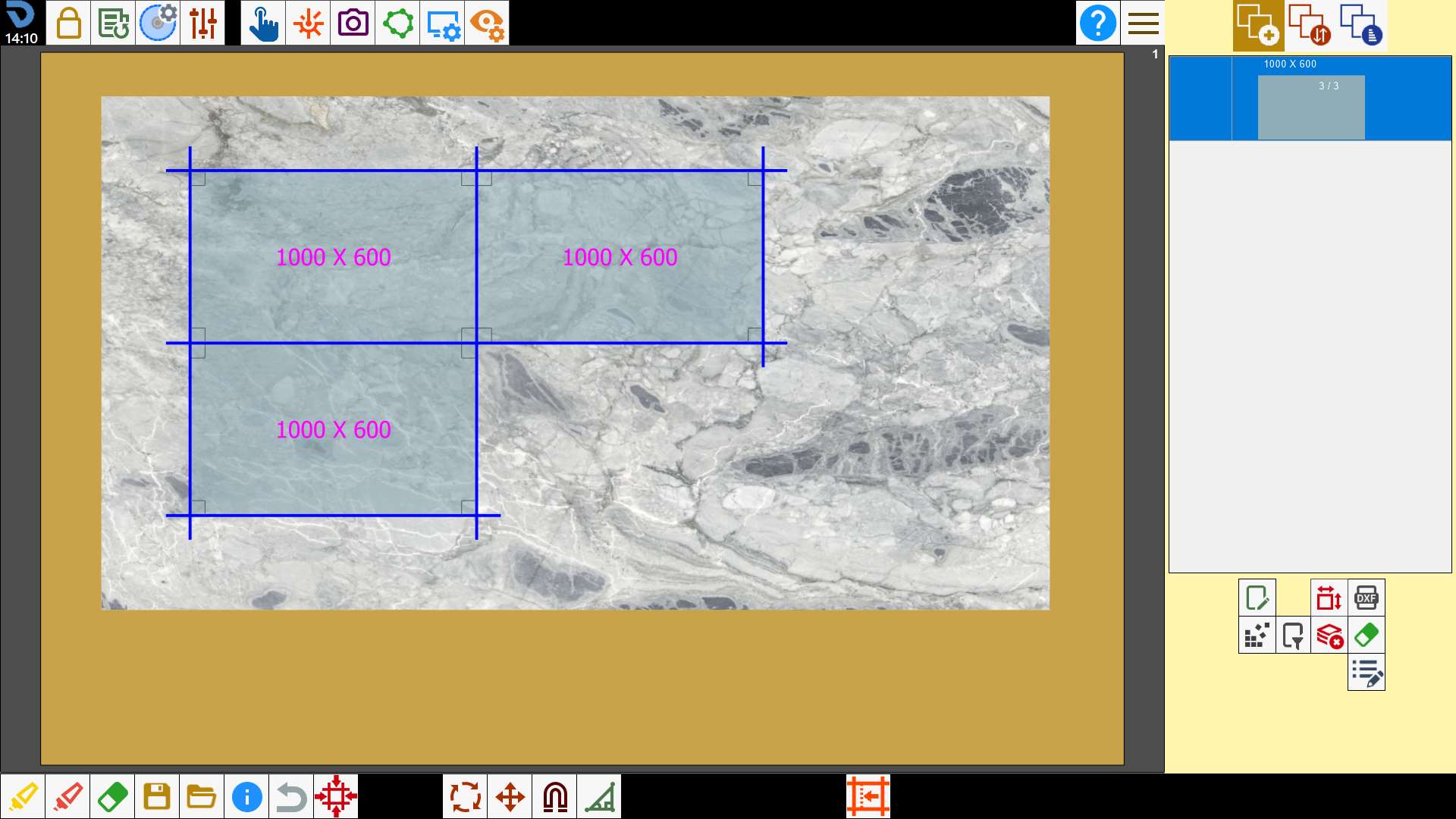
Drag pieces in the work area
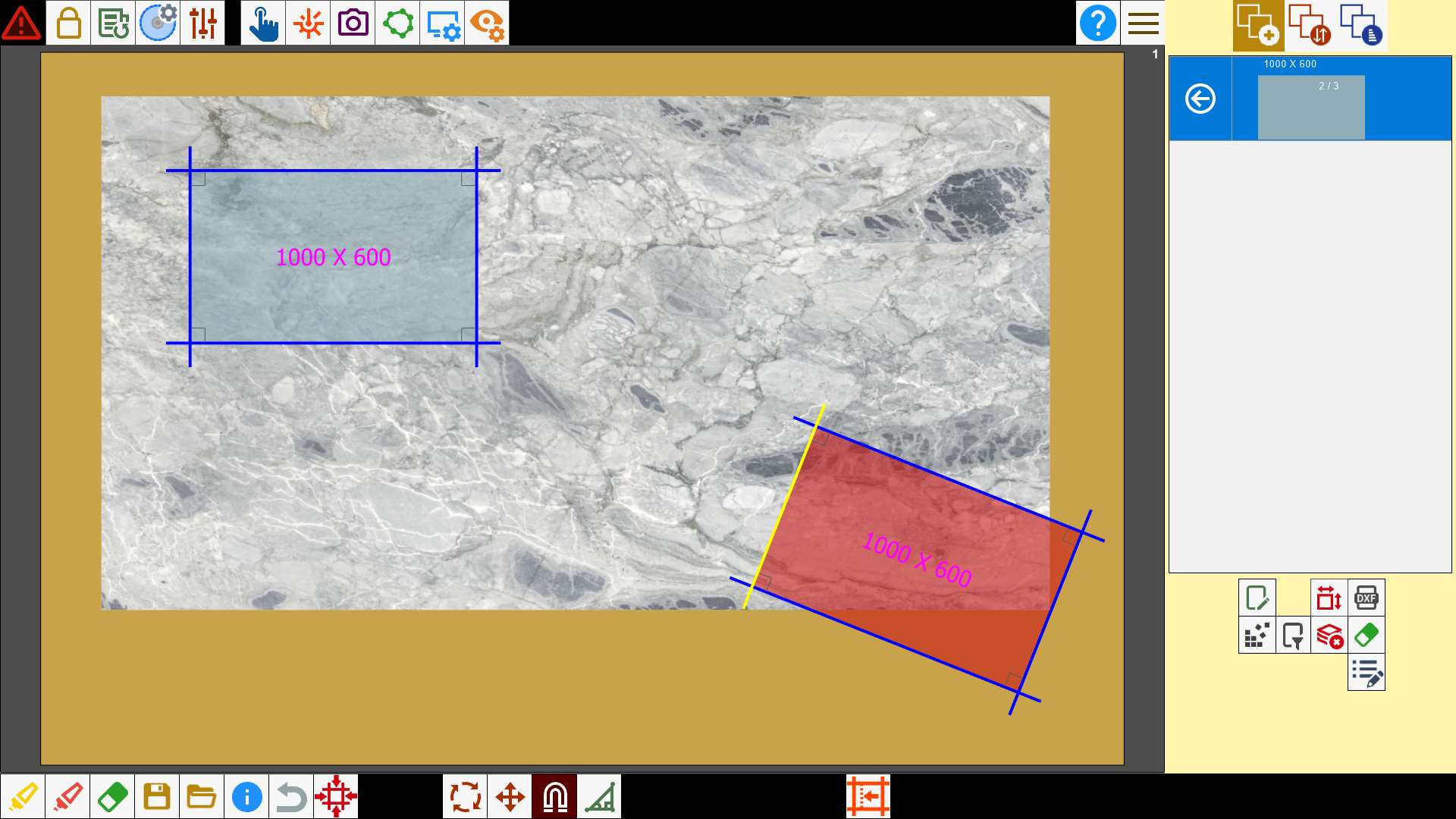
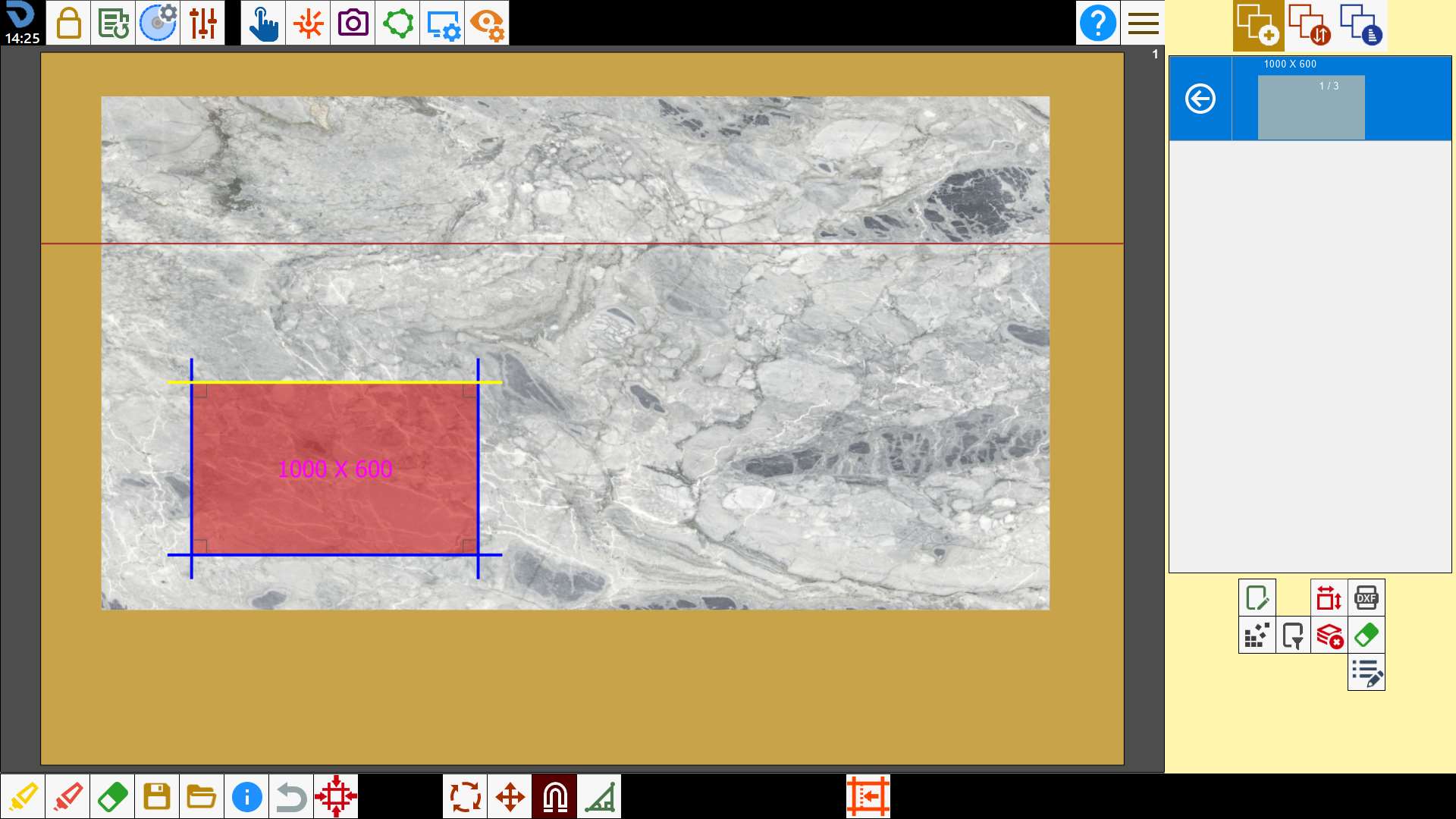
When one piece is moved close to another, the nearby sides turn yellow, as shown in the image below:
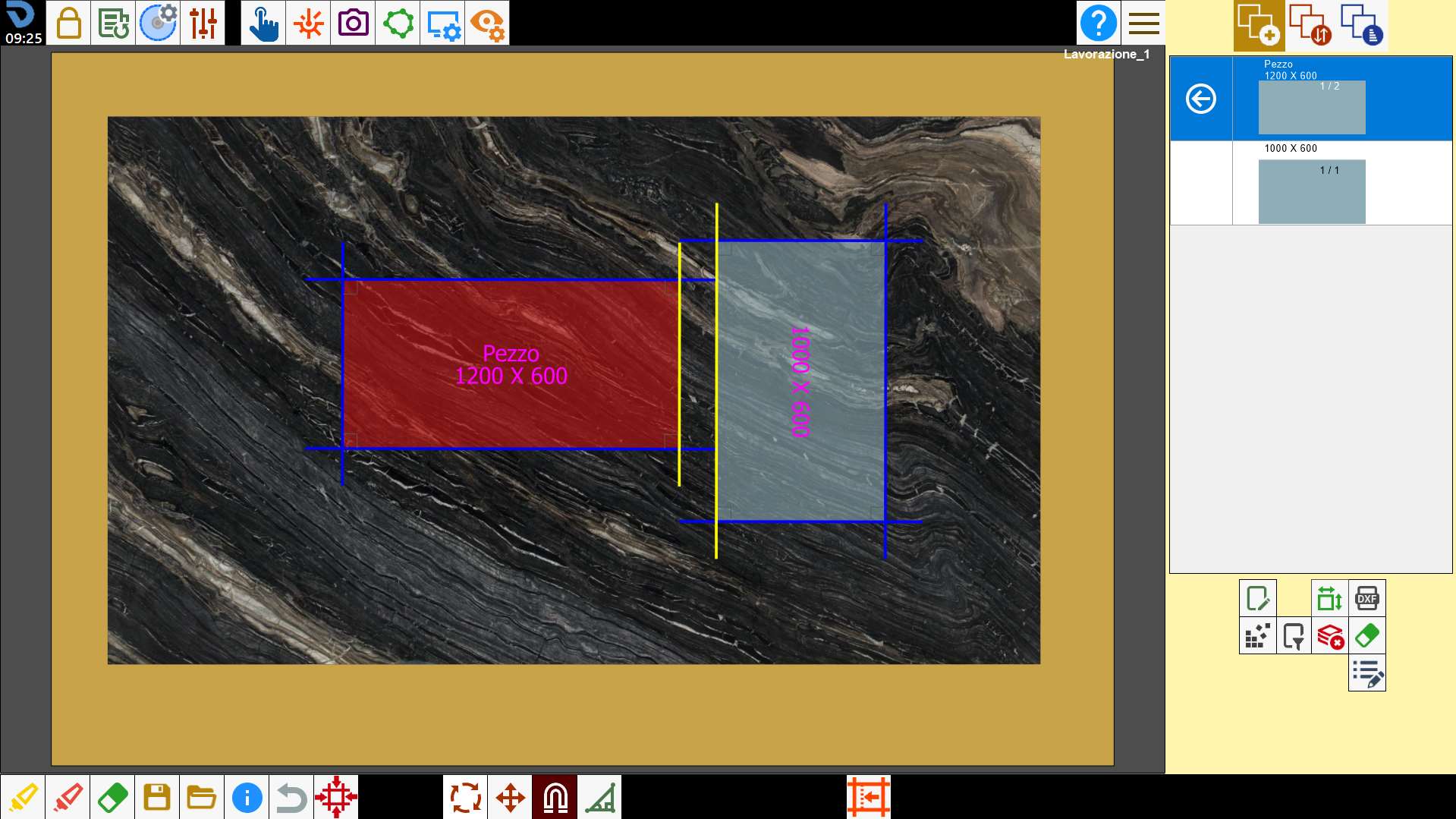
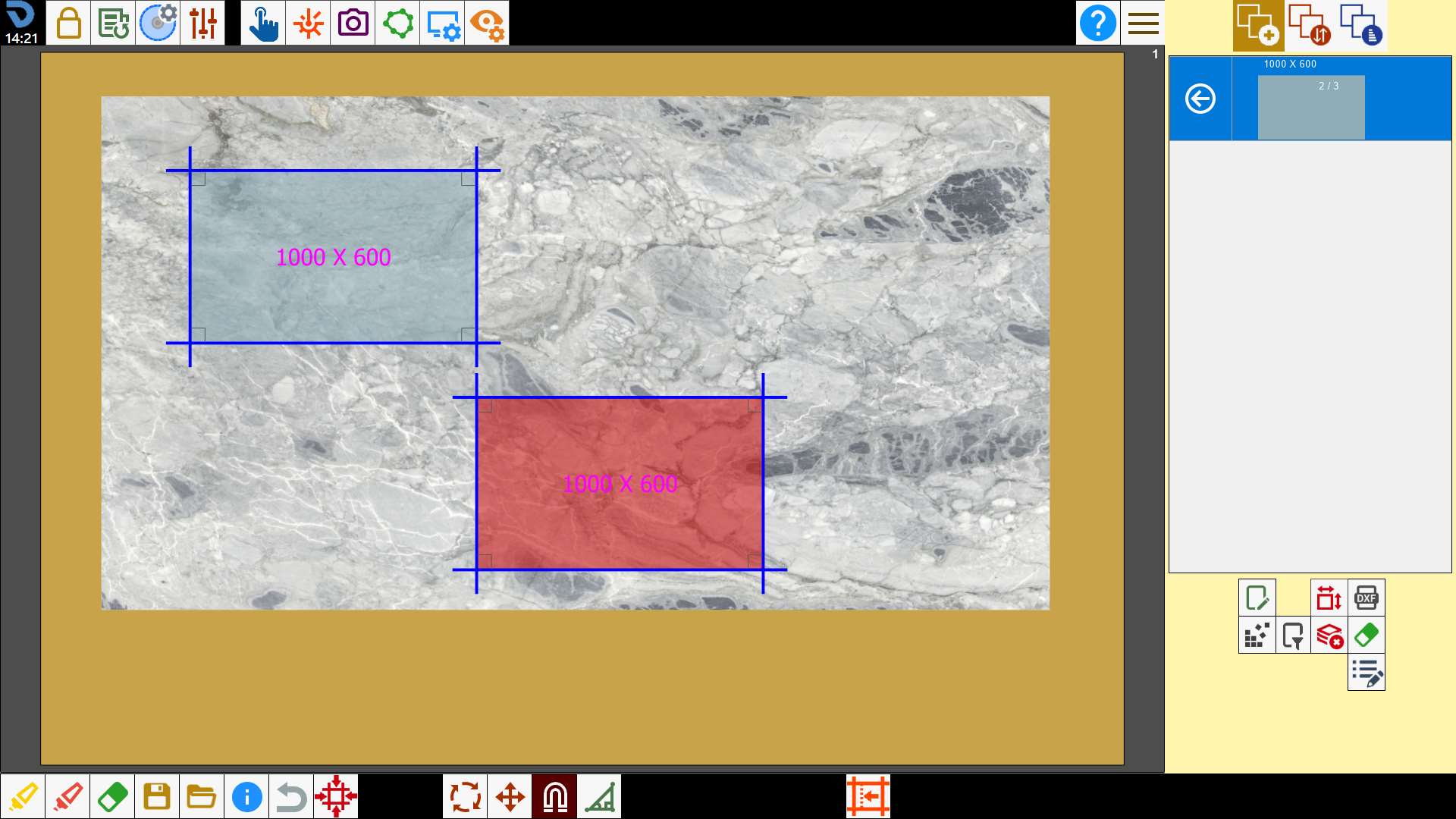
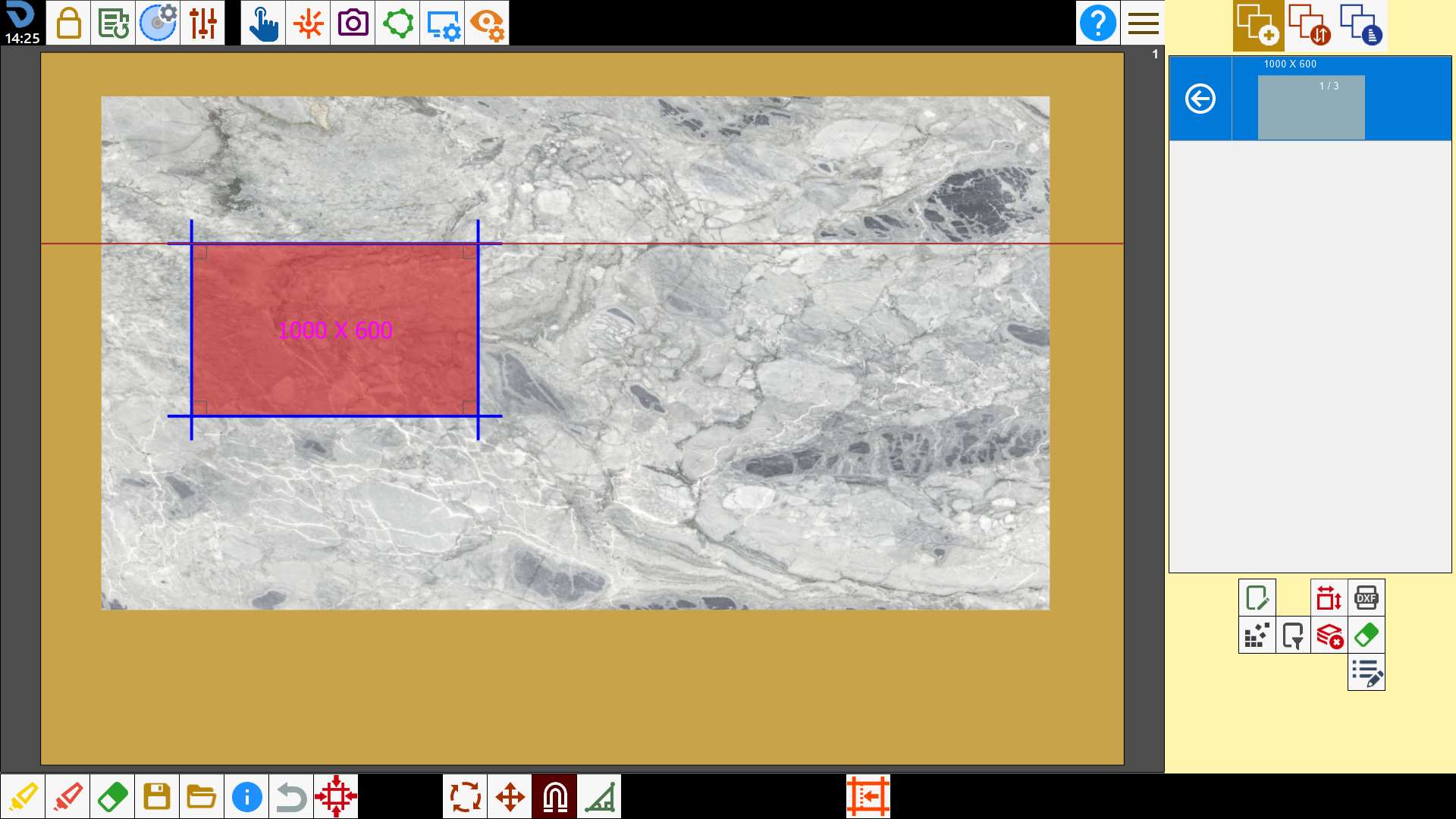
When the piece is released, it attaches perfectly to the side of the other piece:
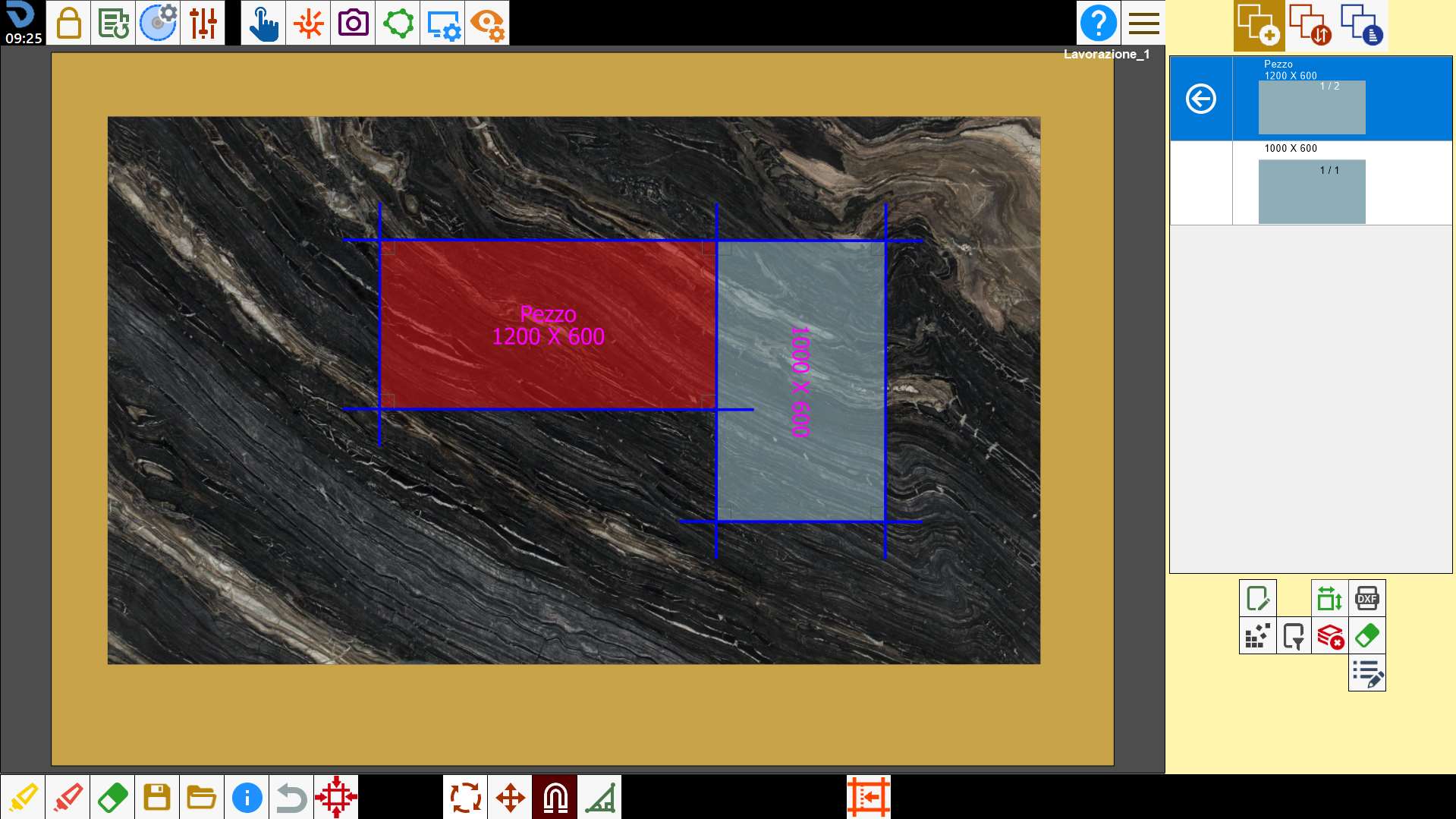
If the cuts are not parallel, the piece is rotated to a position parallel to the cut.
Align two cuts
The magnet can be used to align two cuts.
To do this, first select the cut to be moved and then the cut to which the piece is to be magnetized.
The first cut will move so that it is parallel to the second selected cut.
If the cuts are not parallel, the piece is rotated to a position parallel to the cut.
Alignment with stress-relief cuts
In this mode, the cuts of a piece can be aligned with the stress-relief cuts of a slab.
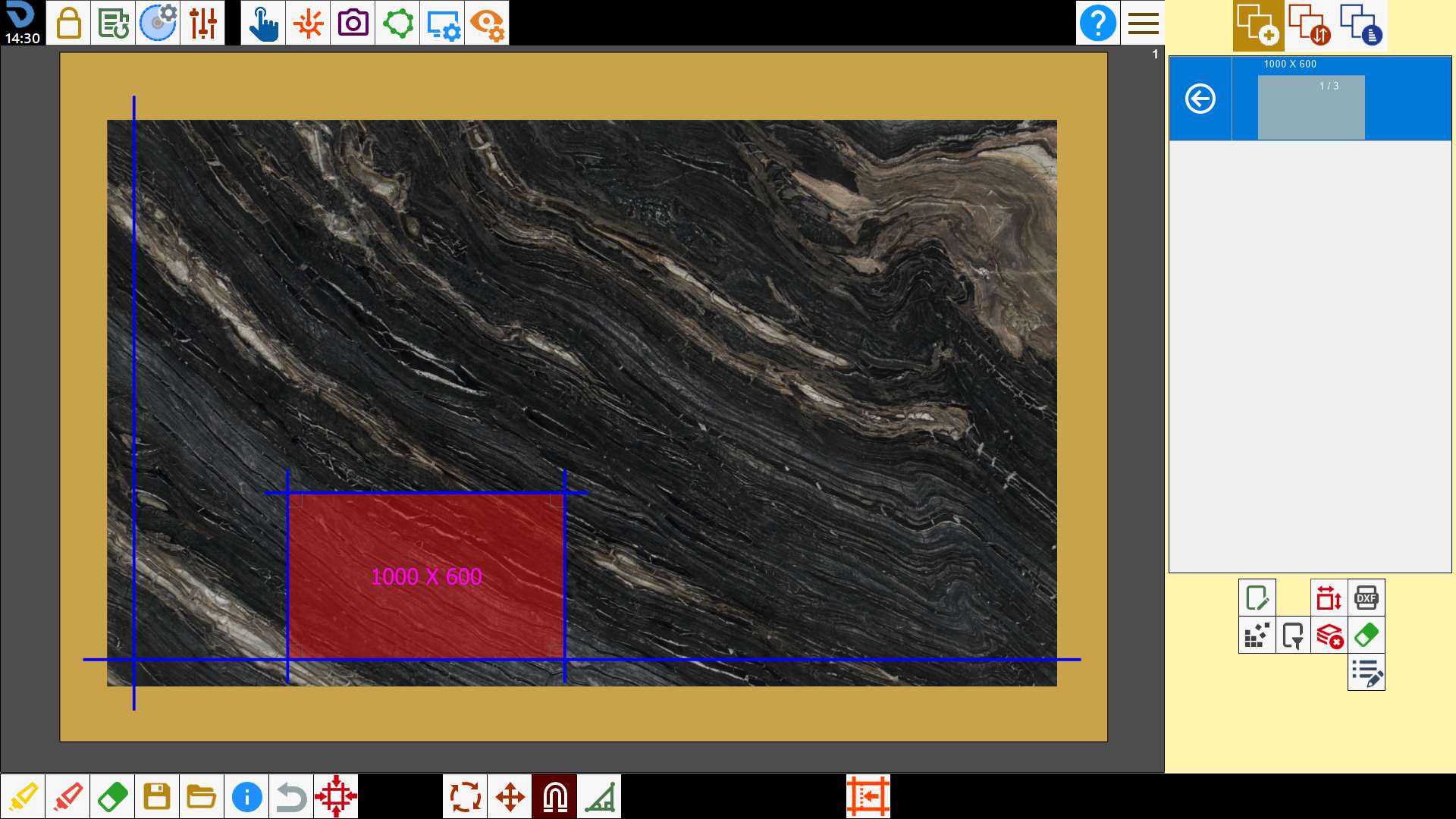
Alignment with laser references
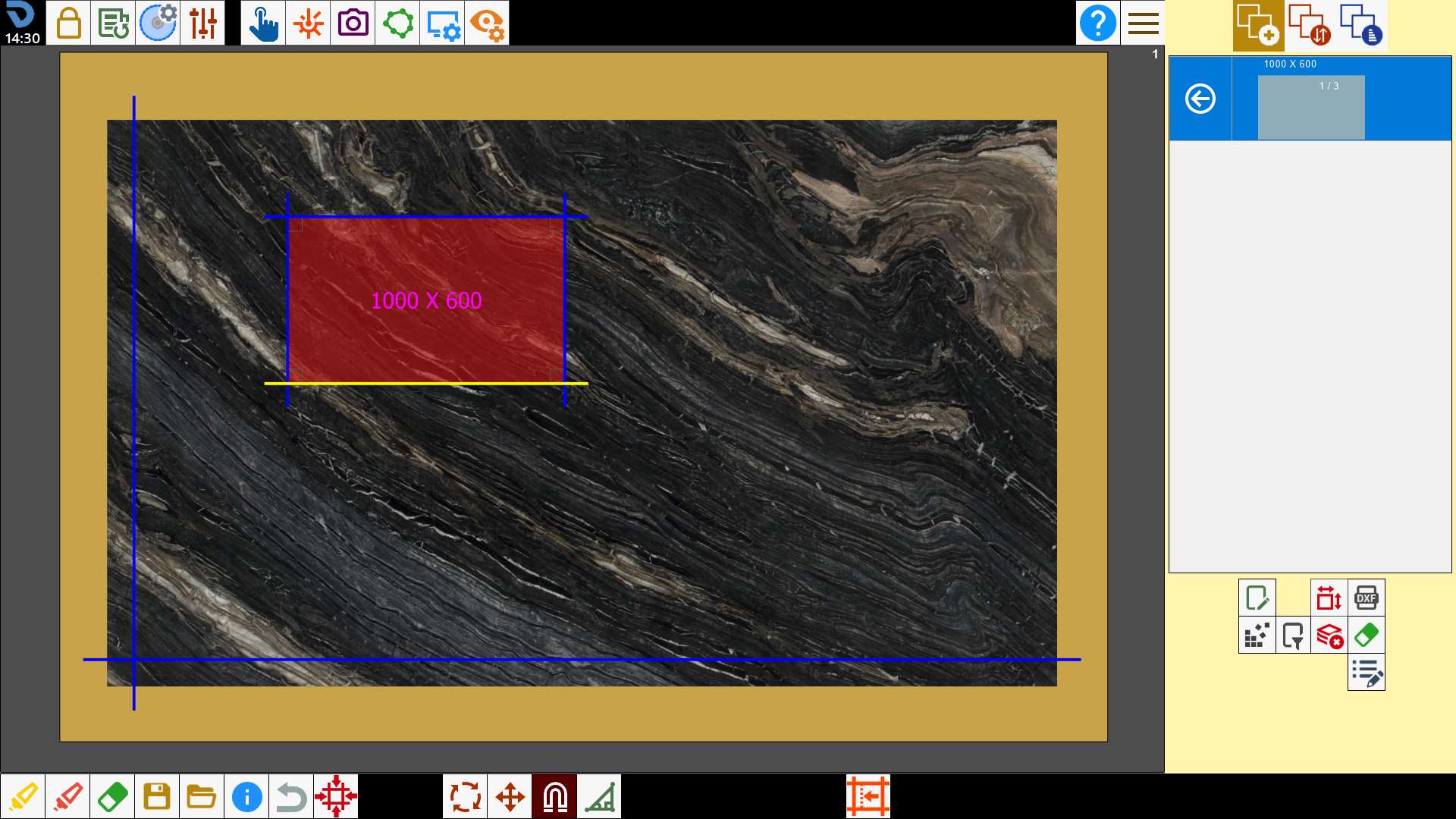
Using the same procedure, cuts can be magnetized to the laser references, both line and cross.
With a line laser, the selected side is aligned with the reference.
With a cross laser, the piece is moved so that the laser reference coincides with the nearest vertex of the selected cut.