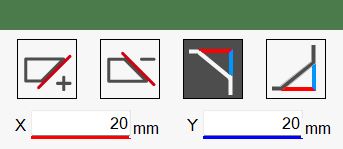
This function allows the operator to apply curbs or incline a side of the selected piece.
Buttons
Positive square direction Allows the operator to create a cut with a positive inclination of the value entered in the text box below.
Negative square direction Allows the operator to create a cut with a negative inclination of the value entered in the text box below.
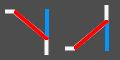
Angle between hypotenuse and Y side - Y side This mode requires the angle between the hypotenuse and the Y side to be entered together with the length of the Y side.
Hypotenuse - Angle between hypotenuse and Y side This mode requires the angle between the hypotenuse and the Y side to be entered together with the length of the hypotenuse.
Hypotenuse - Y side This mode requires the lengths of the hypotenuse and the Y side to be entered.
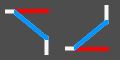
X side - Angle between hypotenuse and Y side This mode requires the angle between the hypotenuse and the Y side to be entered together with the length of the X side.
X and Y are provided by the user This mode requires the lengths of the Y side and the X side to be entered.
X side - Hypotenuse This mode requires the lengths of the hypotenuse and the X side to be entered.
Executing the working
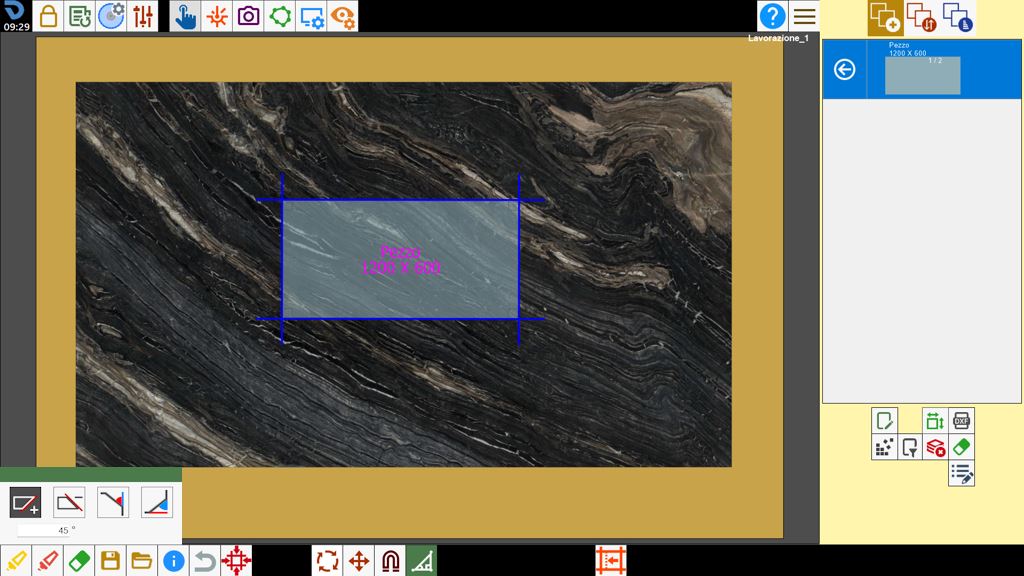
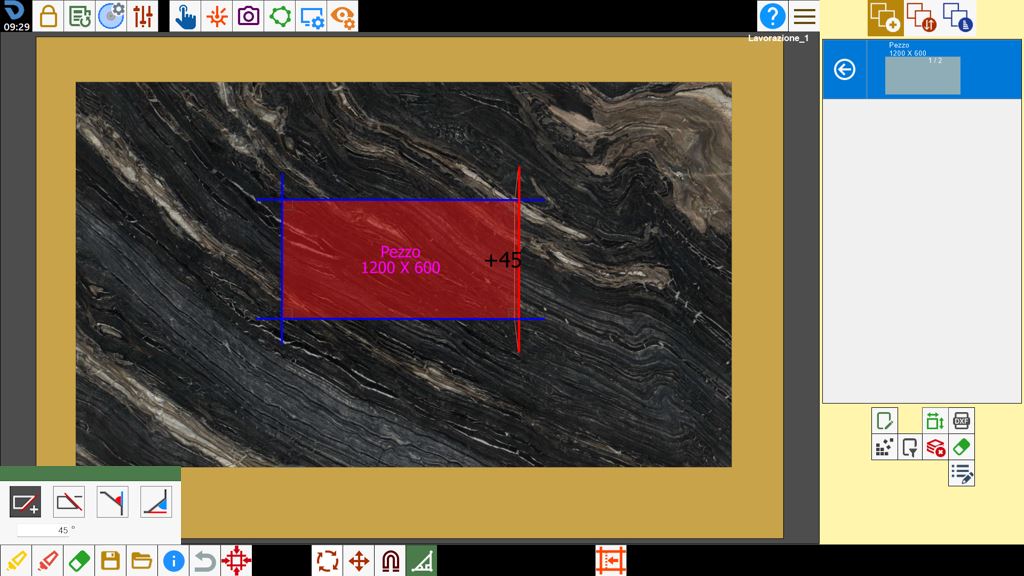
Apply a _45_ miter cut to the selected piece. Select the _ button and enter the number 45 in the box below.
Select the side of the piece to which the miter cut is to be applied. Once selected, the miter cut is created automatically.
WARNING!
This change is not applied to pieces in the list that belong to the same row as the modified piece.
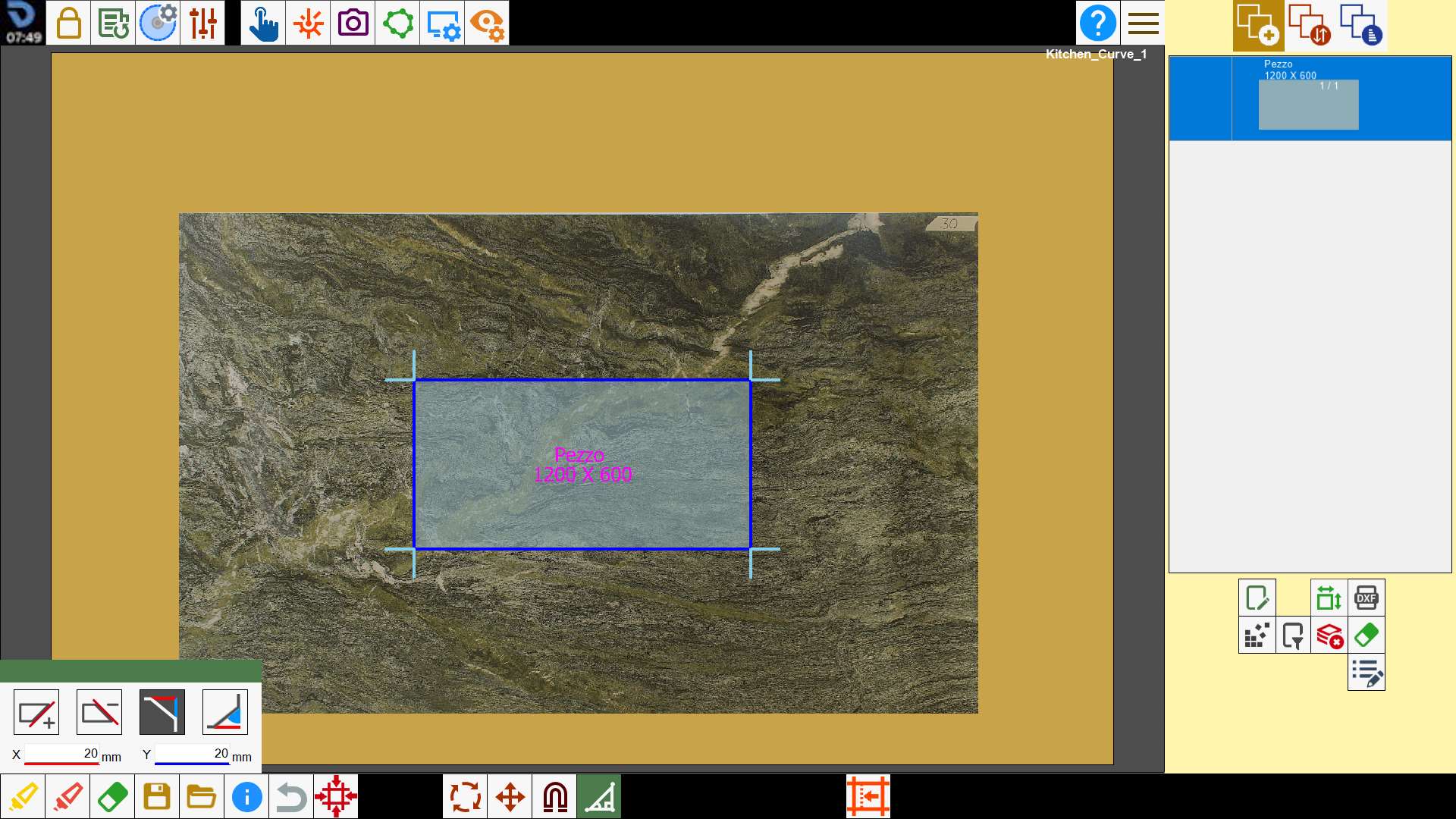
Apply a cut using the side lengths by pressing its button:
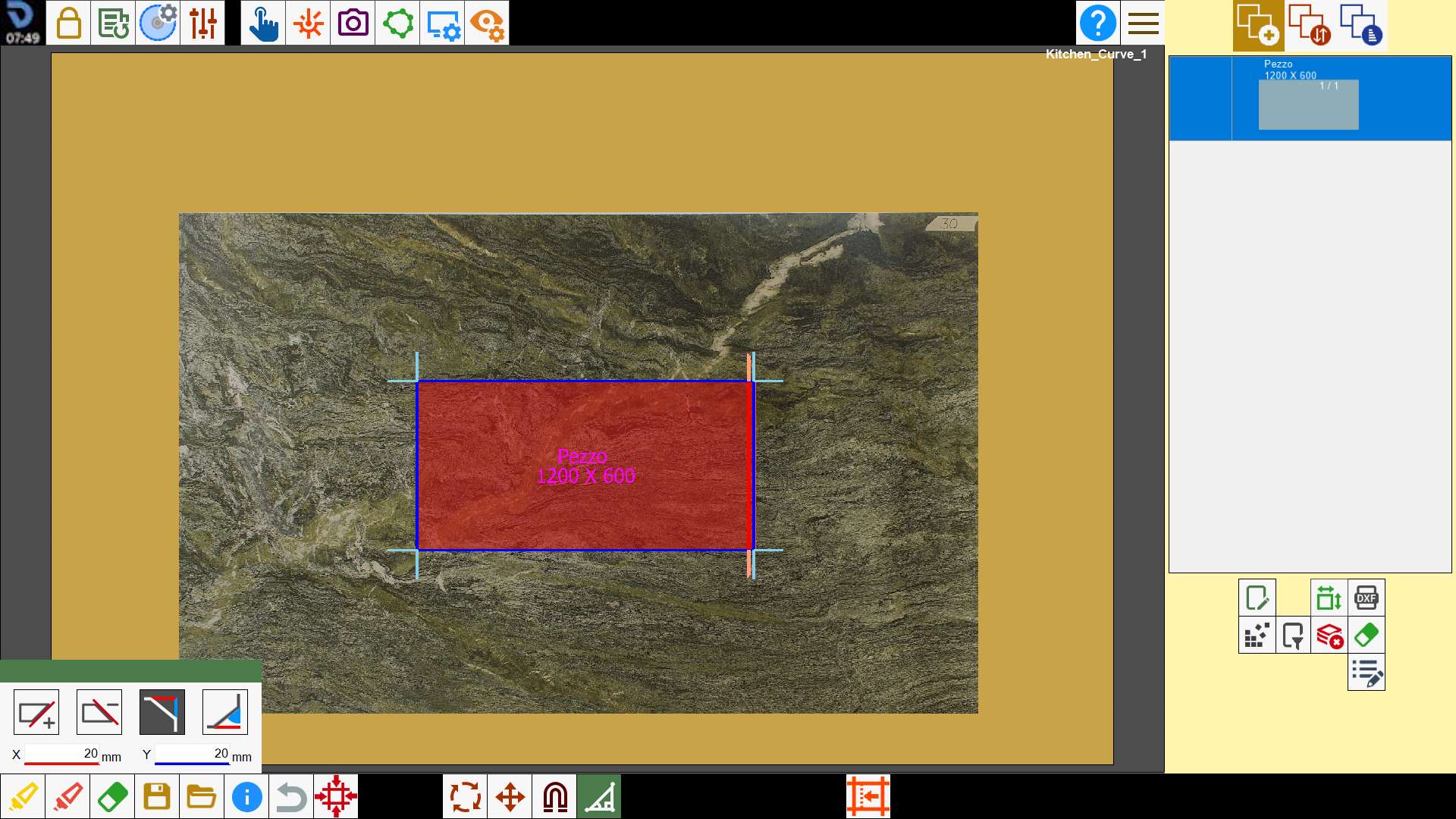
After pressing the button, the result is as follows:
NOTE
To change cutting mode, simply press the selected button and it will cycle through the modes.
Quick commands
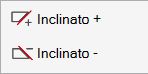
Right-clicking a piece cut in the work area opens a window with commands for changing its inclination.
WARNING!
These buttons only allow the side to be inclined to 45 and -45_, respectively.