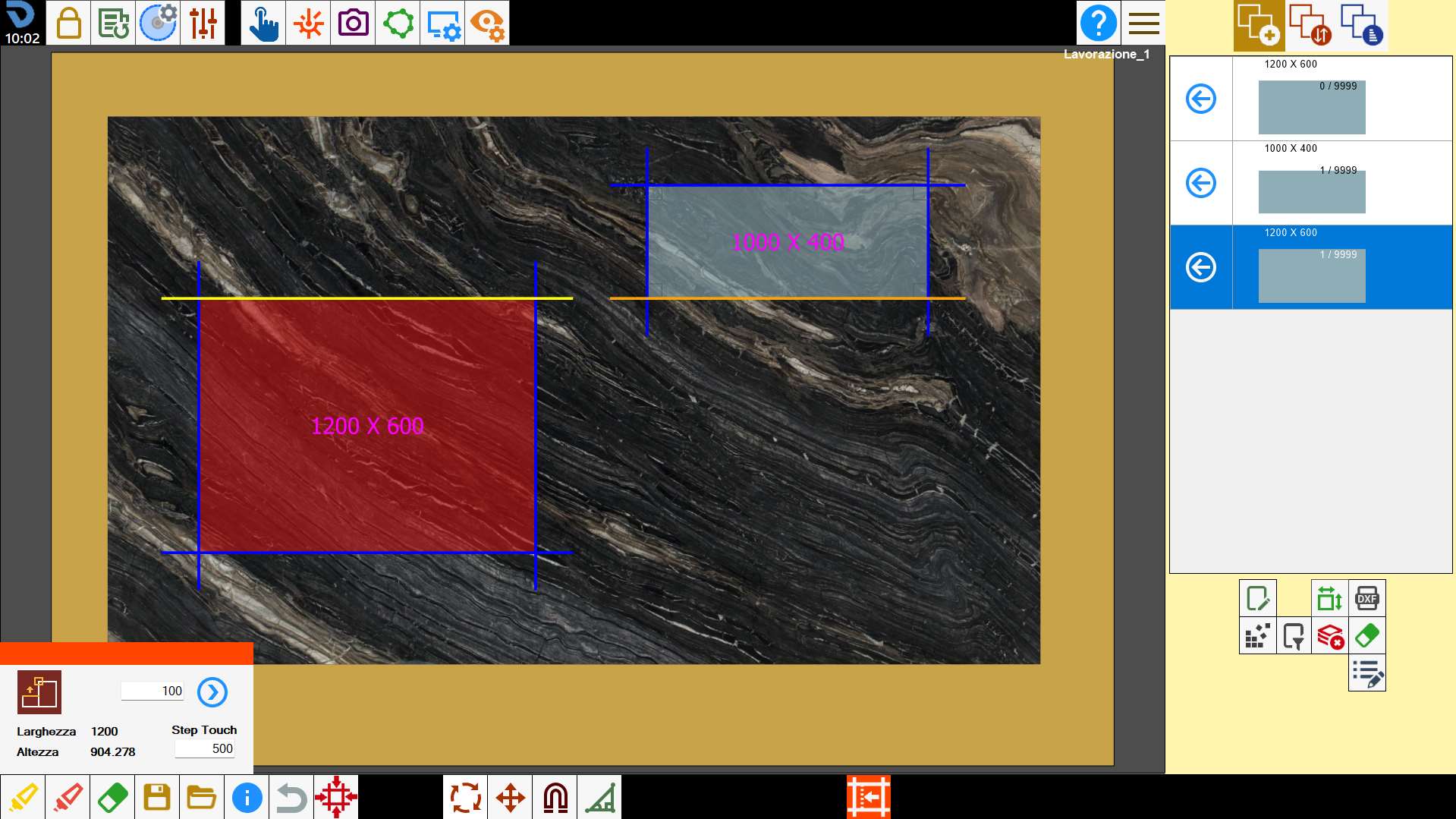
A small panel opens from which the dimensions of a piece can be changed.
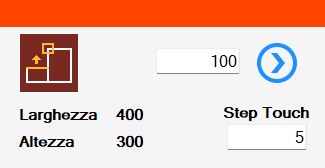
Buttons
 | Magnet dimensions |
 | Width |
 | height |
 | Extension amount |
 | Apply change |
 | Step touch |
Executing workings
Piece extension
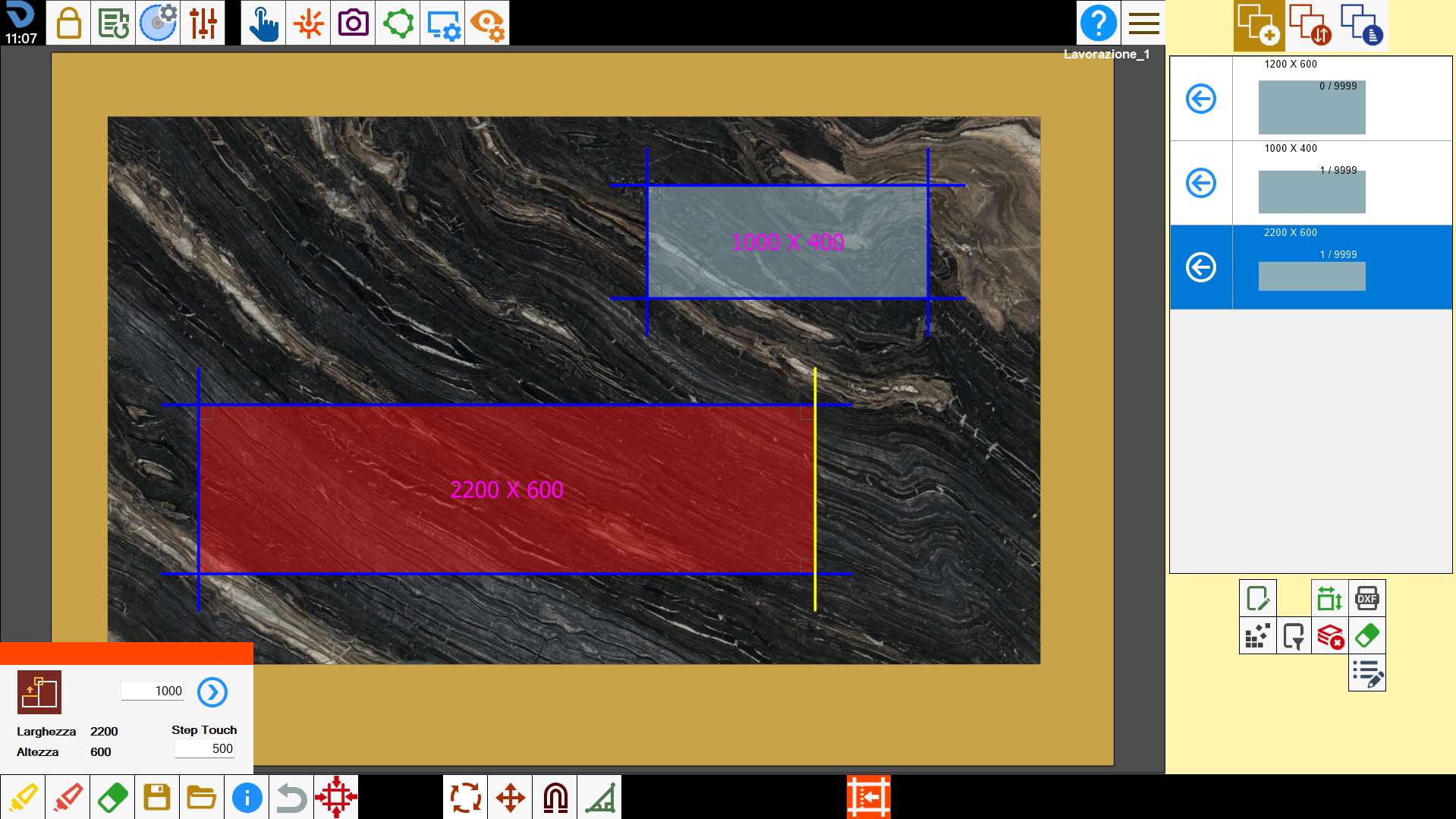
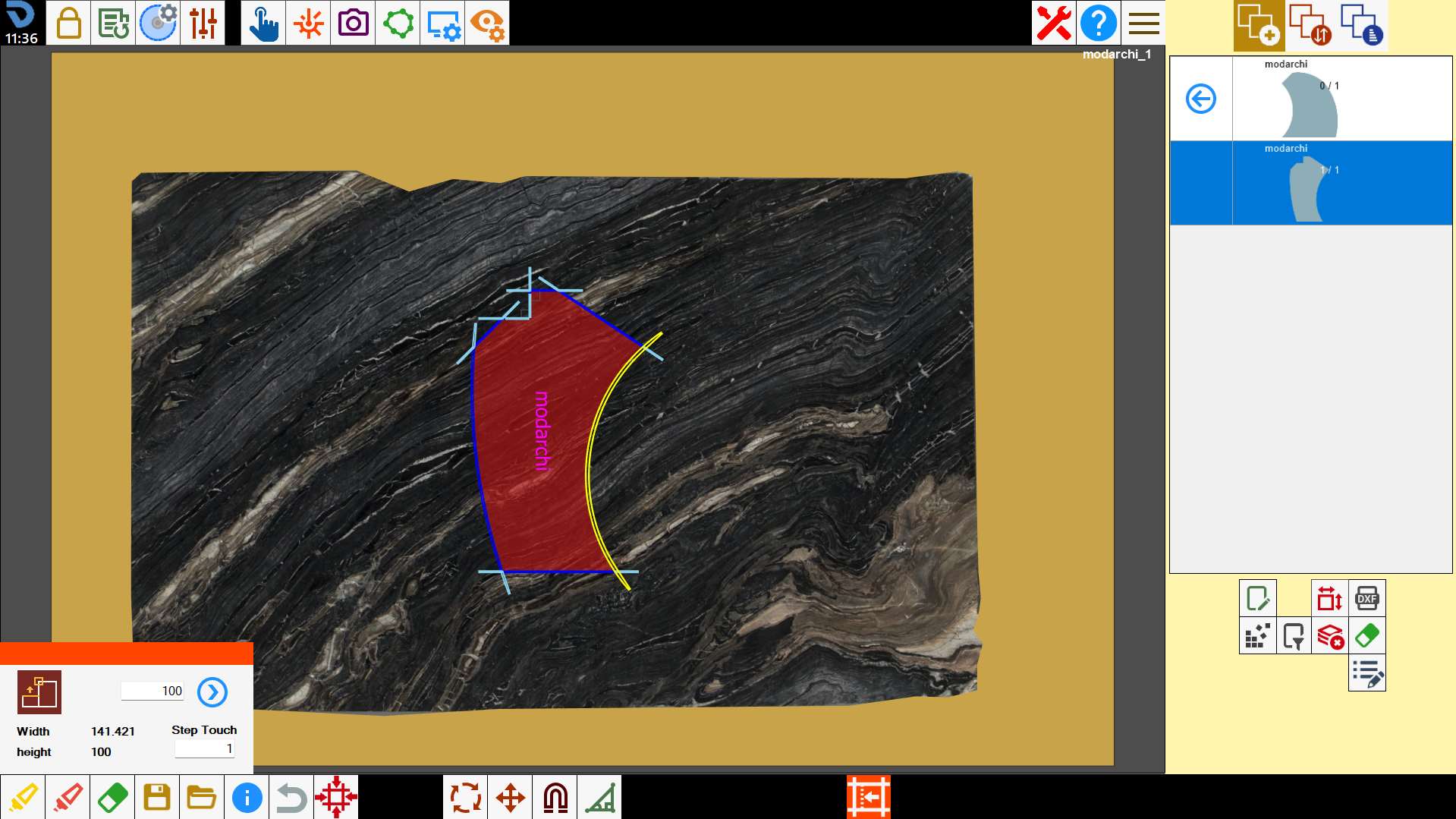
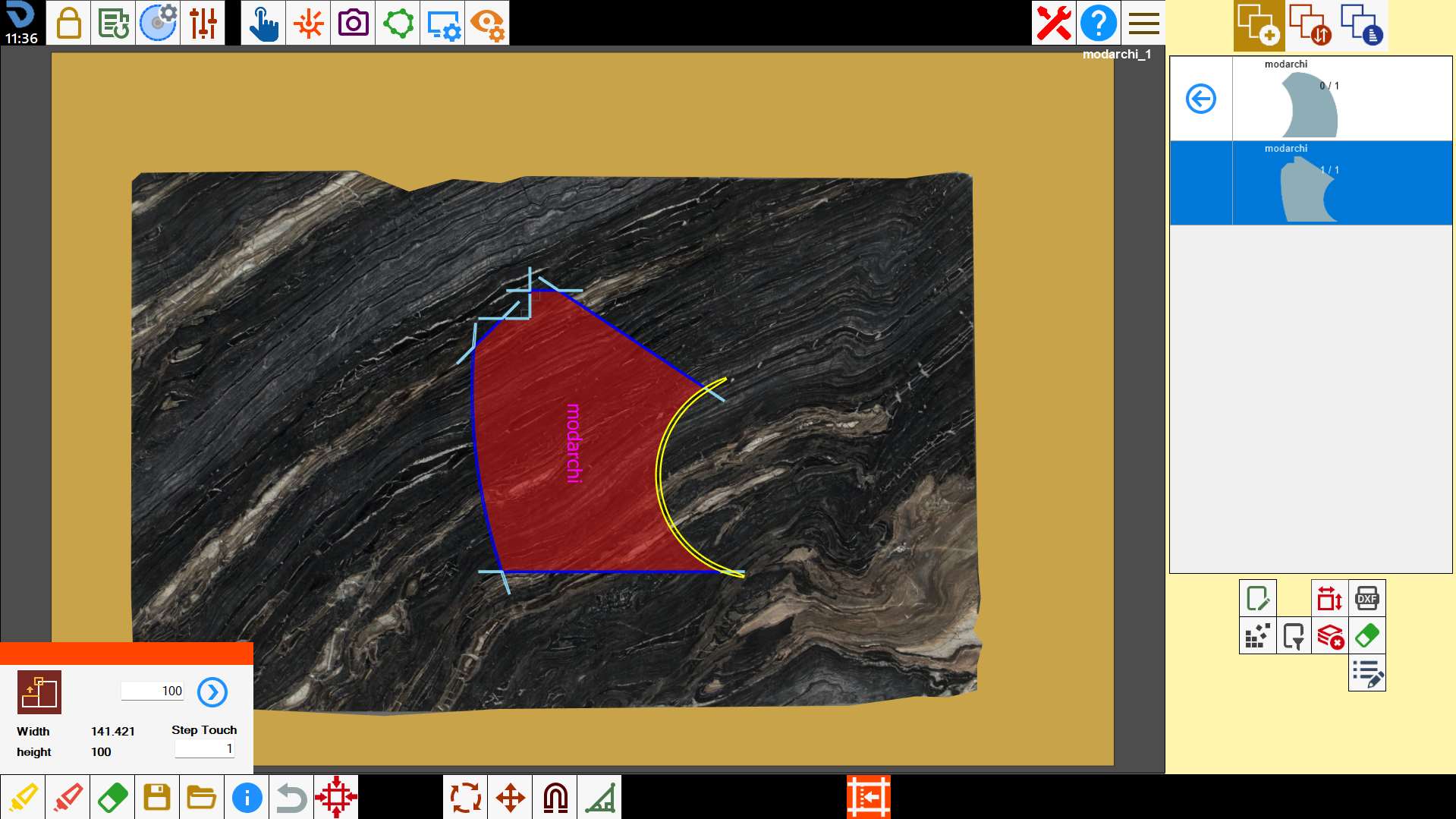
The offset can be changed on one side of the piece by entering a value in the 'extension amount' field.
A positive value increases the area, while a negative value decreases it.
Select the side on which to apply the offset and confirm the operation using the button to the right of the input field.
Rectangular piece example
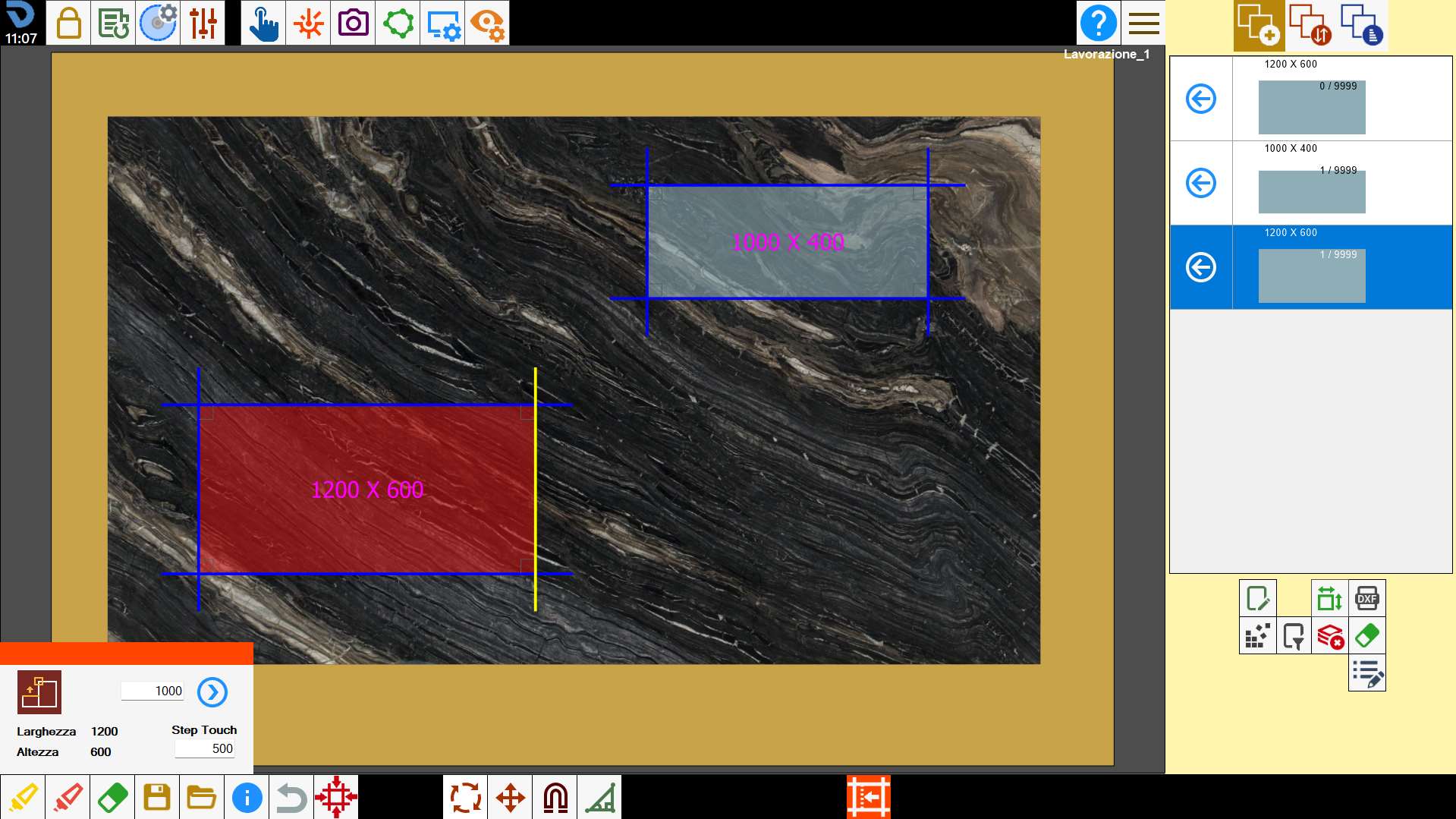
Non-rectangular piece example
Step touch
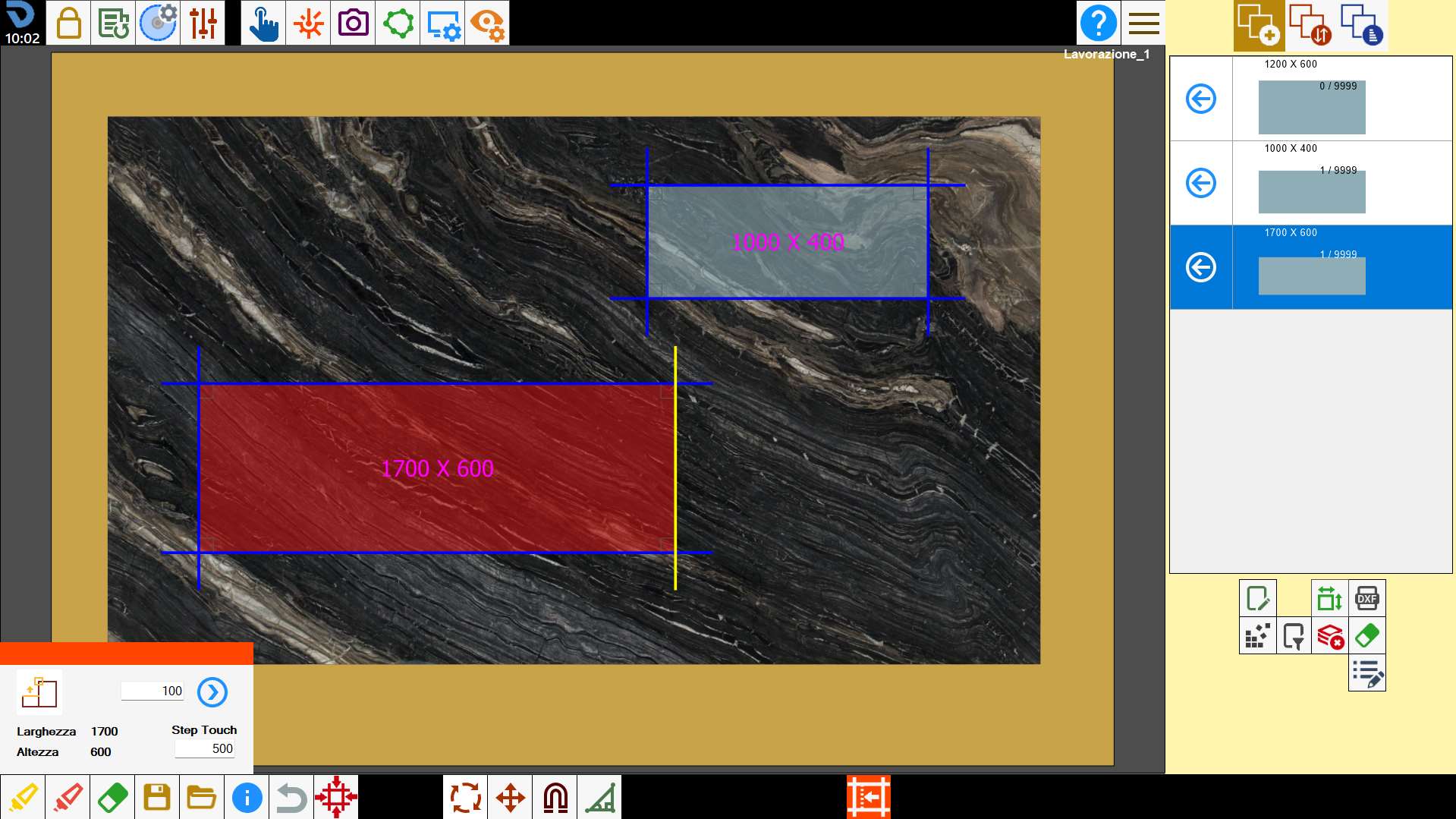
The offset of a side of the selected piece can be changed by setting the “Step touch” value and dragging the side directly in the viewer.
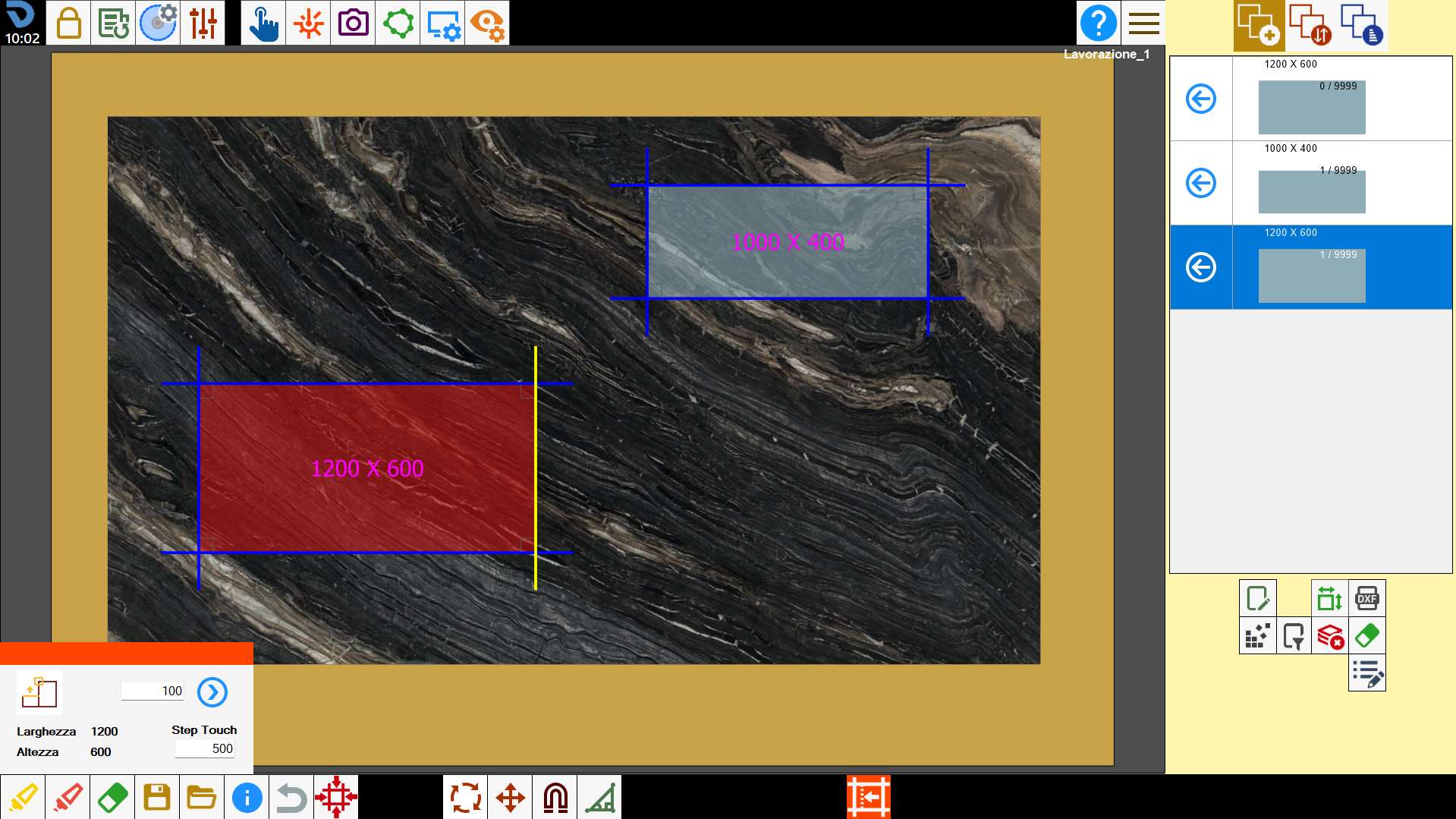
The selected side can be moved by distances determined by the “Step touch” value; the piece is rebuilt each time if the offset change is possible.
Resizing
Resize a piece by dragging its side towards the side of another piece.
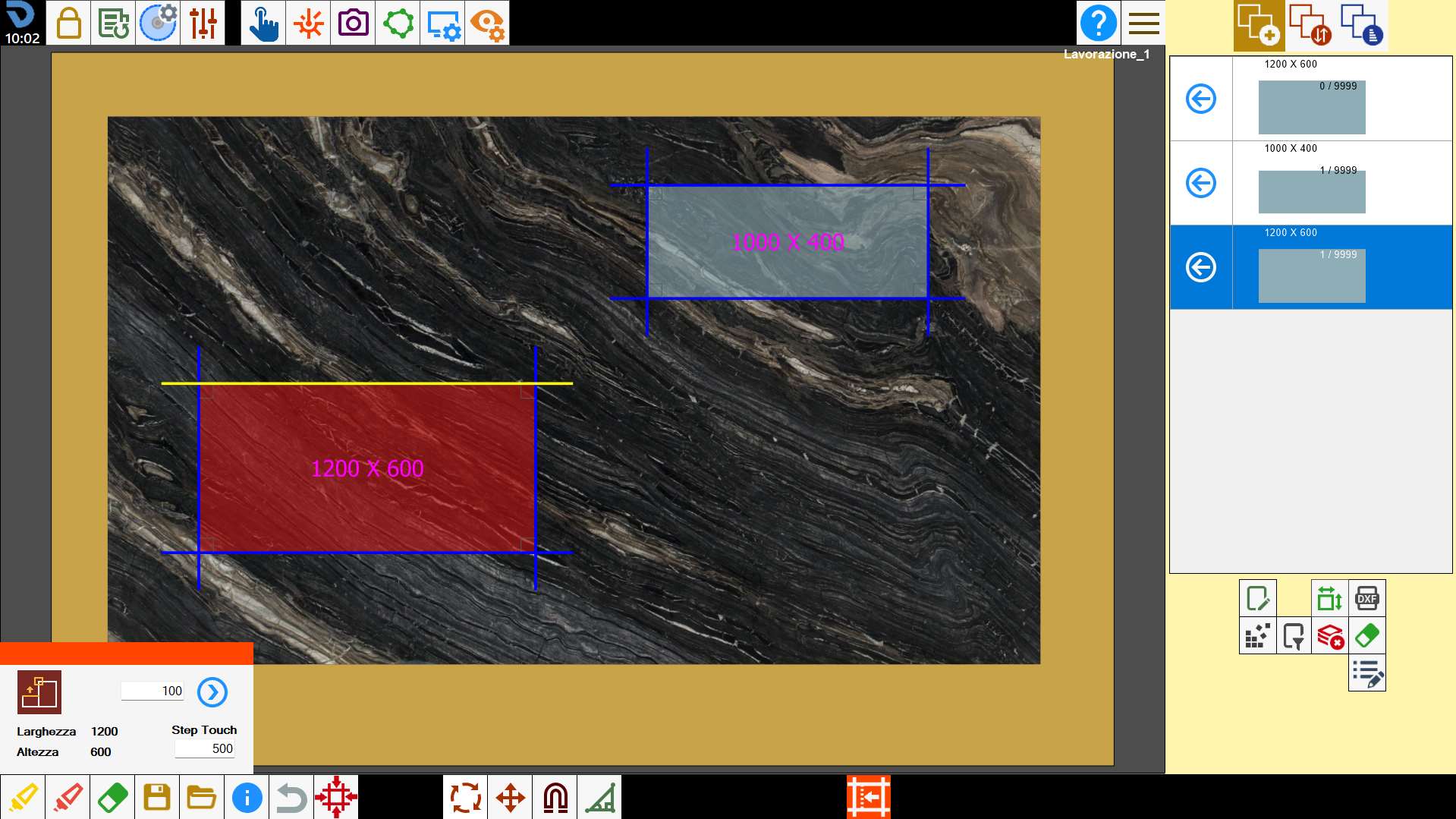
Click the side of the piece to be resized and drag it towards the side of the other reference piece.